



Hotline Order:
+91 9727278672 / +91 8238235003
Email ID:
info@shipautomationparts.com
Free Shipping apply to all orders over $299
Safe & securely shopping
20 Day Returns in case u change your mind.
Mitsubishi E100
₹22,002.00 Original price was: ₹22,002.00.₹20,089.00Current price is: ₹20,089.00.
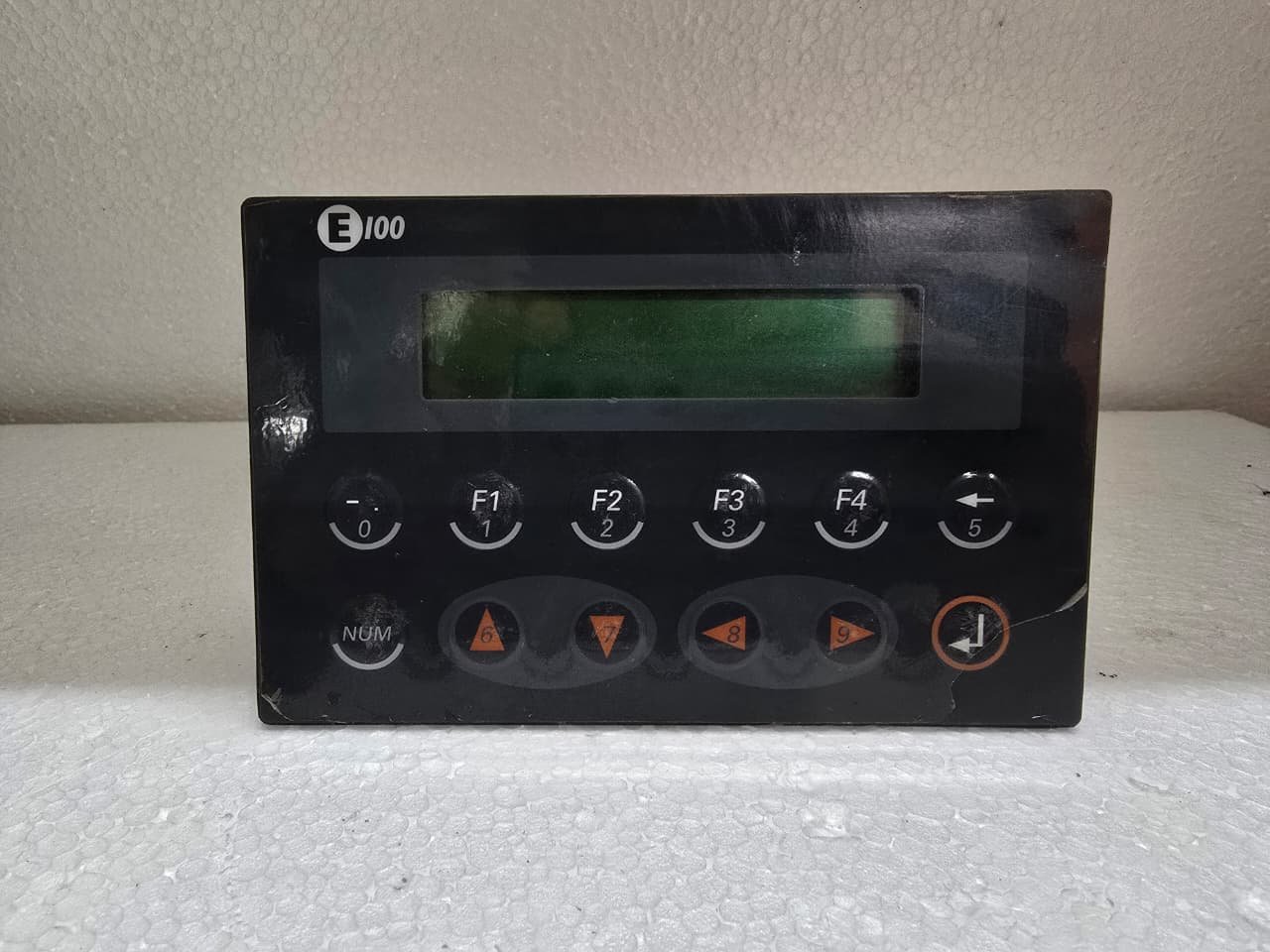
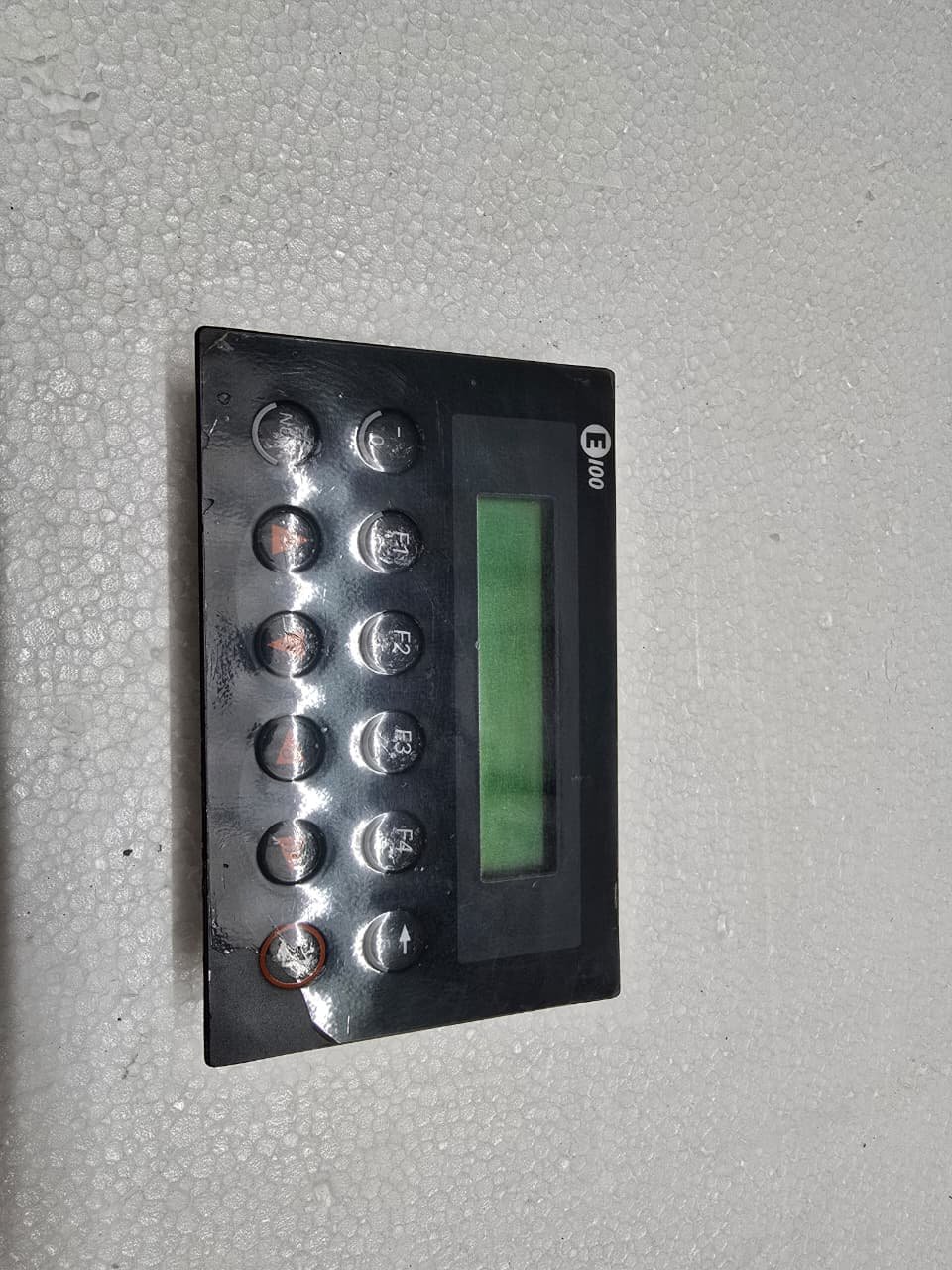
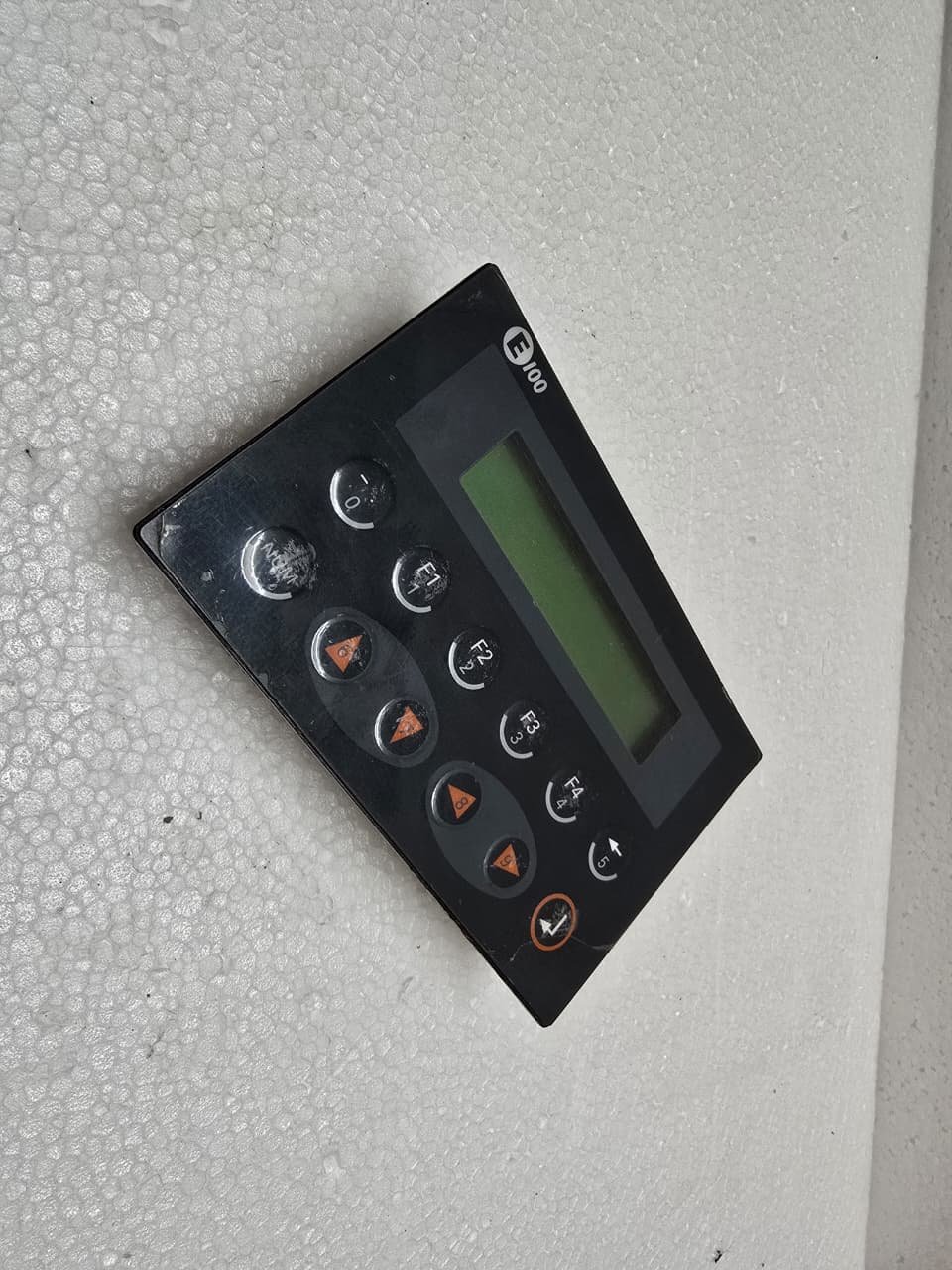
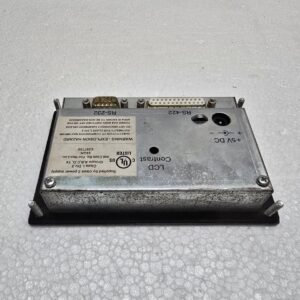
The Mitsubishi E100 is a legacy, compact HMI (Human Machine Interface) from the MAC E-Series. It was developed by Beijer Electronics for Mitsubishi and served as the entry-level operator terminal for the FX, A, and Q-series PLCs.
While it is now technically obsolete, it remains highly valued in simple automation systems for its reliability and tactile keypad.
1. Key Technical Specifications
The E100 was designed for basic data entry and status monitoring where a full-color graphic screen wasn’t necessary.
| Feature | Details |
| Display Type | Backlit Monochrome LCD |
| Resolution | 2 lines x 16 characters (Text Only) |
| Keyboard | 6 Function Keys (F1-F6) + Numeric/Navigation Keys |
| Communication | RS-232 and RS-422 |
| Input Power | 24V DC |
| Memory | Integrated Flash for project storage |
2. Communication and Connections
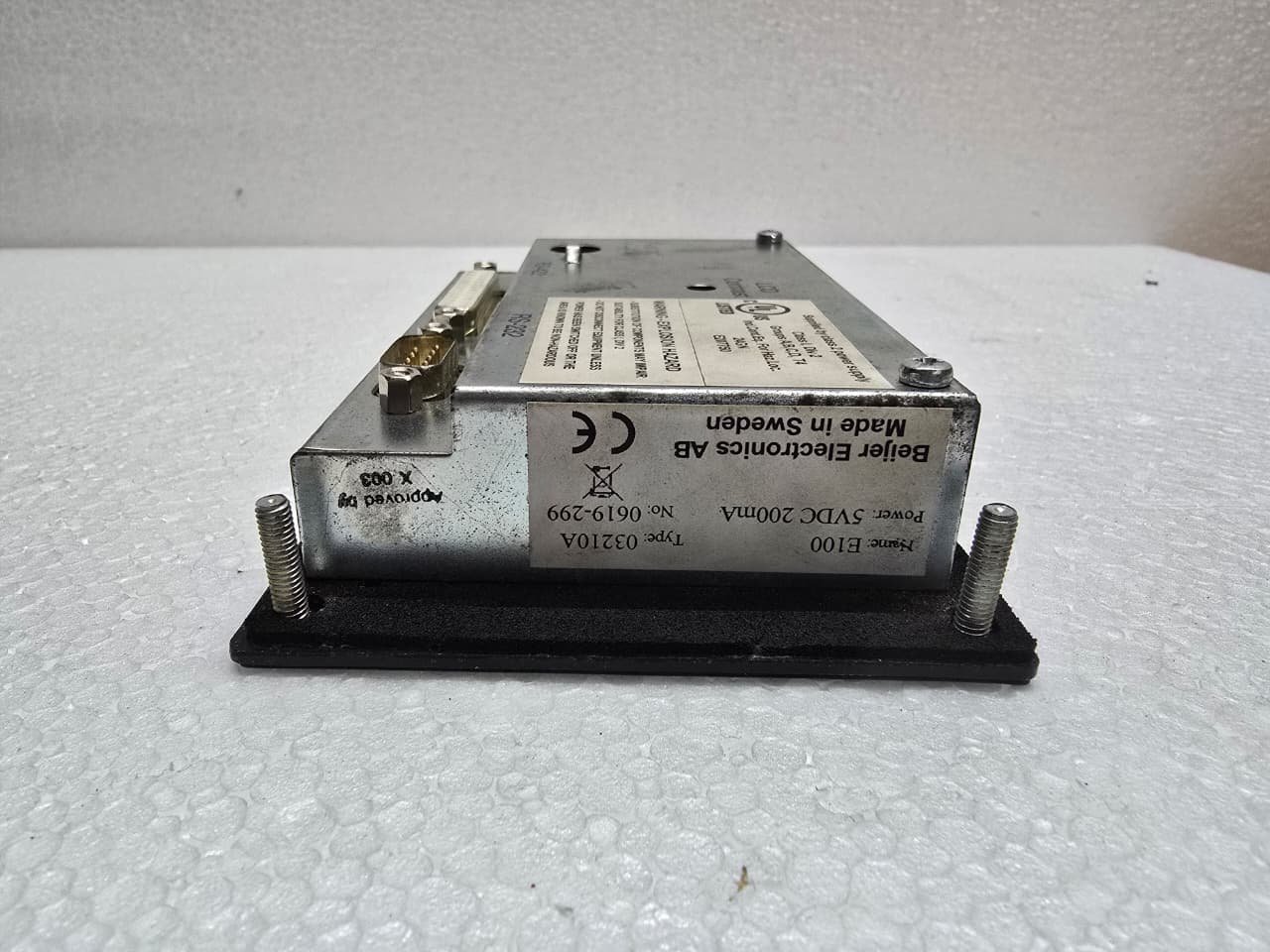
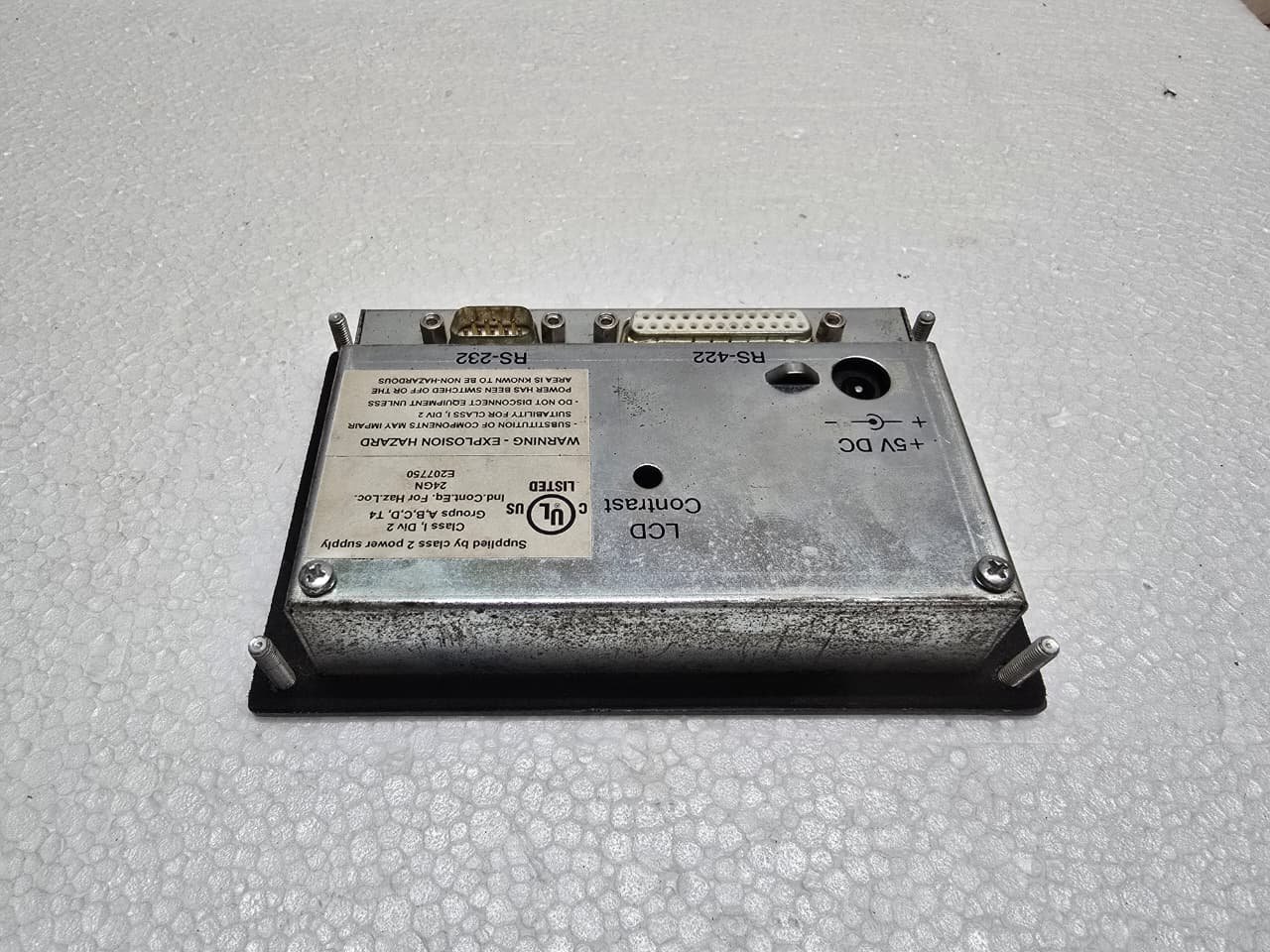
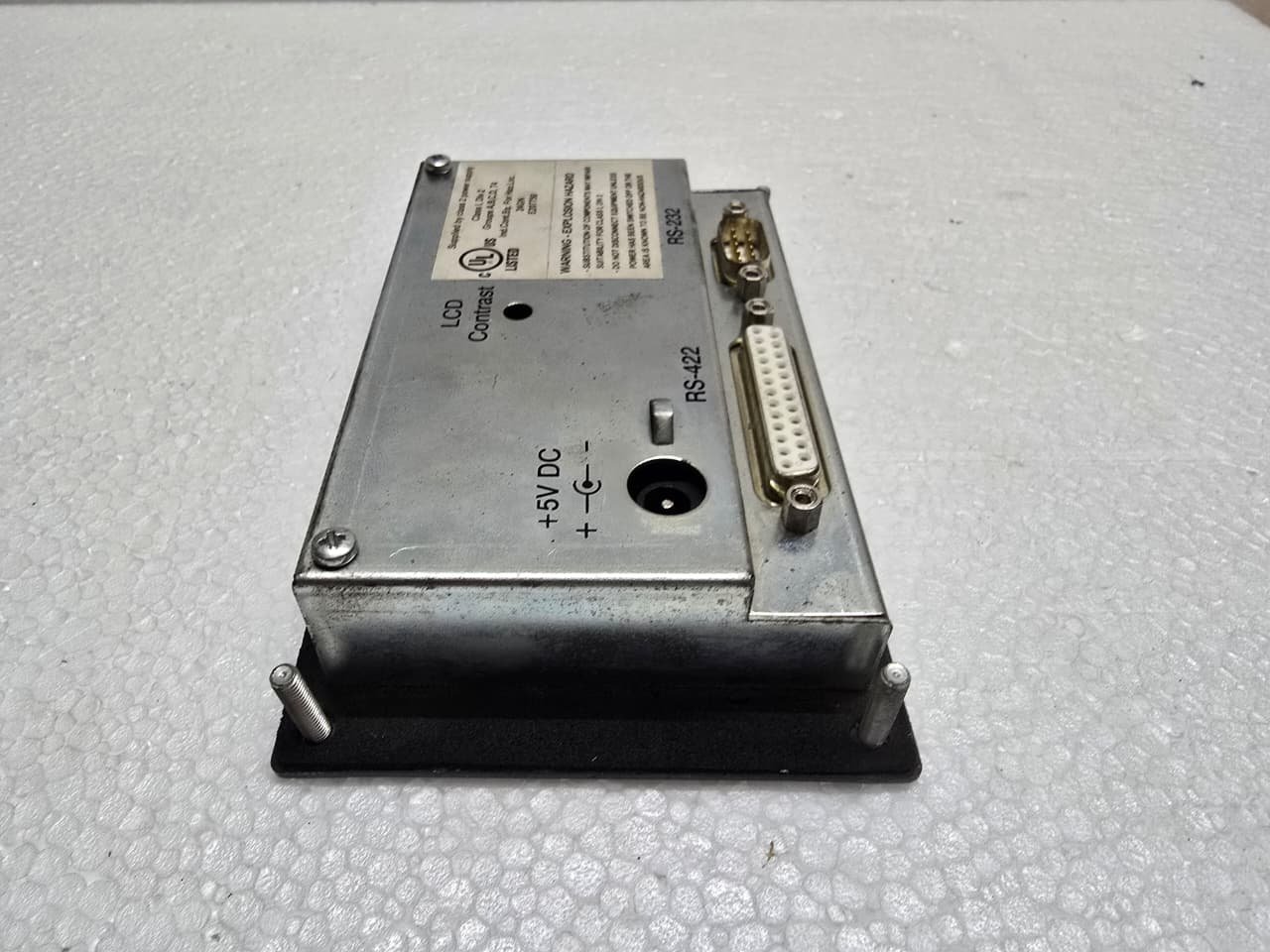
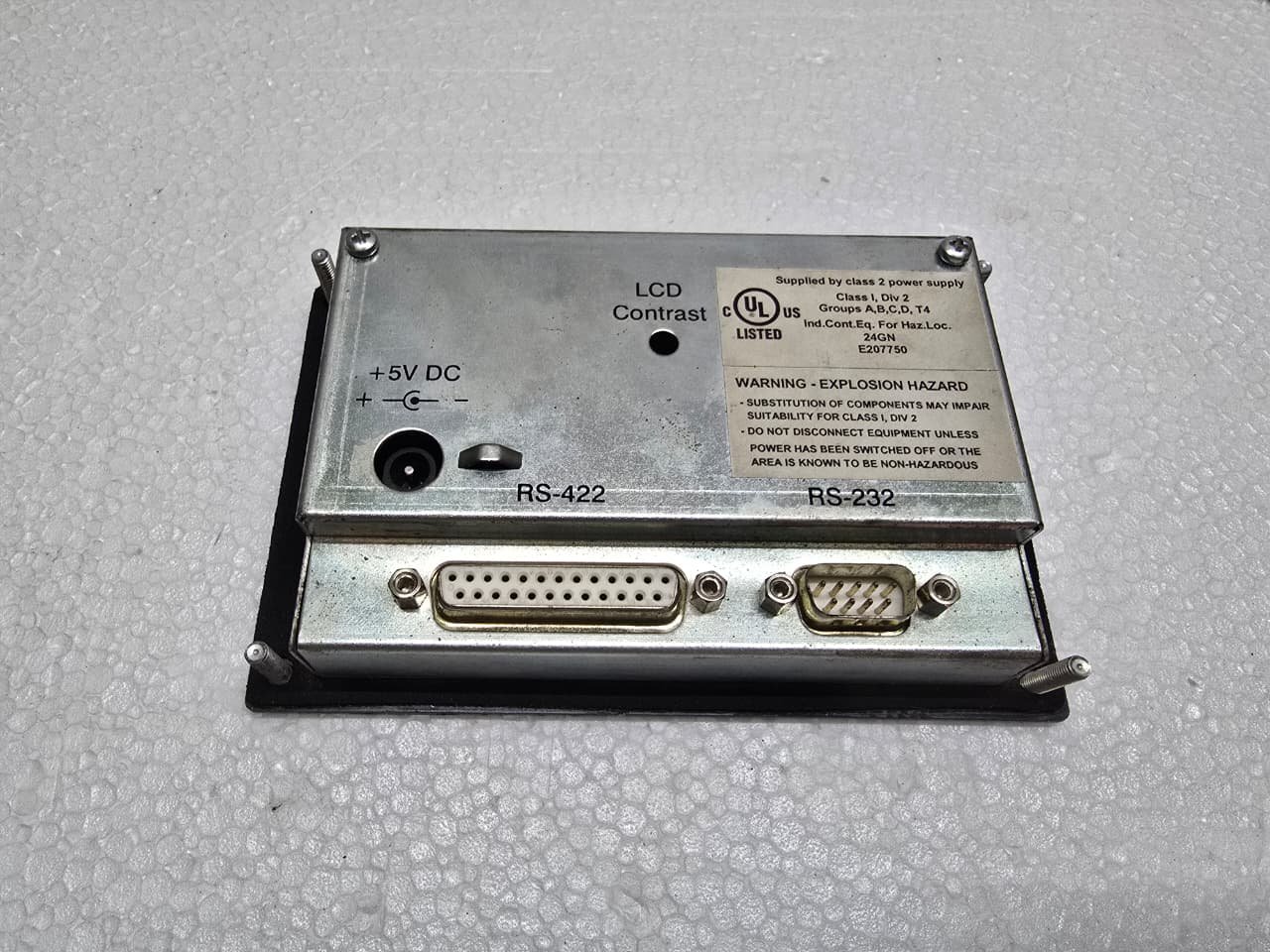
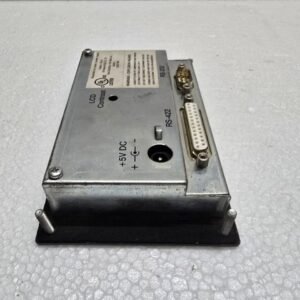
The E100 usually features two primary ports on the rear of the unit:
-
PLC Port (25-pin D-Sub): This is typically an RS-422 port used to connect directly to the Mitsubishi PLC’s programming port (e.g., the round 8-pin port on an FX2N or FX3U).
-
PC/Printer Port (9-pin D-Sub): An RS-232 port used for downloading the project from a computer or for sending data to a serial printer.
3. Programming Software
The E100 is programmed using legacy software tools. Unlike modern Mitsubishi panels that use GT Works3, the E100 requires:
-
E-Designer: The Windows-based configuration tool for all MAC E-Series panels.
-
MAC Programmer+: A much older DOS-based tool used for the very first versions of the hardware.
4. Common Maintenance & Troubleshooting
-
Contrast Adjustment: Over time, the LCD can become dim or “washed out.” You can usually adjust the contrast by entering the System Menu (holding [Back] and [Enter] during power-up).
-
Backlight Failure: The E100 uses a small backlight that has a finite life. If the text is visible only when holding a flashlight to the screen, the backlight has failed.
Share:
 Mitsubishi E100
₹22,002.00 Original price was: ₹22,002.00.₹20,089.00Current price is: ₹20,089.00.
The Mitsubishi E100 is a legacy, compact HMI (Human Machine Interface) from the MAC E-Series. It was developed by Beijer Electronics for Mitsubishi and served as the entry-level operator terminal for the FX, A, and Q-series PLCs.
While it is now technically obsolete, it remains highly valued in simple automation systems for its reliability and tactile keypad.
1. Key Technical Specifications
The E100 was designed for basic data entry and status monitoring where a full-color graphic screen wasn’t necessary.
| Feature | Details |
| Display Type | Backlit Monochrome LCD |
| Resolution | 2 lines x 16 characters (Text Only) |
| Keyboard | 6 Function Keys (F1-F6) + Numeric/Navigation Keys |
| Communication | RS-232 and RS-422 |
| Input Power | 24V DC |
| Memory | Integrated Flash for project storage |
2. Communication and Connections
The E100 usually features two primary ports on the rear of the unit:
-
PLC Port (25-pin D-Sub): This is typically an RS-422 port used to connect directly to the Mitsubishi PLC’s programming port (e.g., the round 8-pin port on an FX2N or FX3U).
-
PC/Printer Port (9-pin D-Sub): An RS-232 port used for downloading the project from a computer or for sending data to a serial printer.
3. Programming Software
The E100 is programmed using legacy software tools. Unlike modern Mitsubishi panels that use GT Works3, the E100 requires:
-
E-Designer: The Windows-based configuration tool for all MAC E-Series panels.
-
MAC Programmer+: A much older DOS-based tool used for the very first versions of the hardware.
4. Common Maintenance & Troubleshooting
-
Contrast Adjustment: Over time, the LCD can become dim or “washed out.” You can usually adjust the contrast by entering the System Menu (holding [Back] and [Enter] during power-up).
-
Backlight Failure: The E100 uses a small backlight that has a finite life. If the text is visible only when holding a flashlight to the screen, the backlight has failed.


Reviews
There are no reviews yet.