



Hotline Order:
+91 9727278672 / +91 8238235003
Email ID:
info@shipautomationparts.com
Free Shipping apply to all orders over $299
Safe & securely shopping
20 Day Returns in case u change your mind.
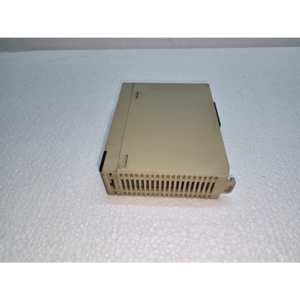
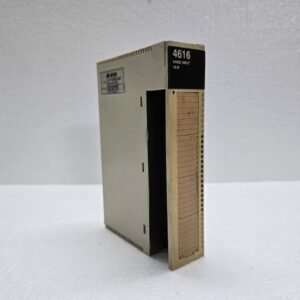
Omron CS1W-ID231
$230.00 Original price was: $230.00.$105.00Current price is: $105.00.
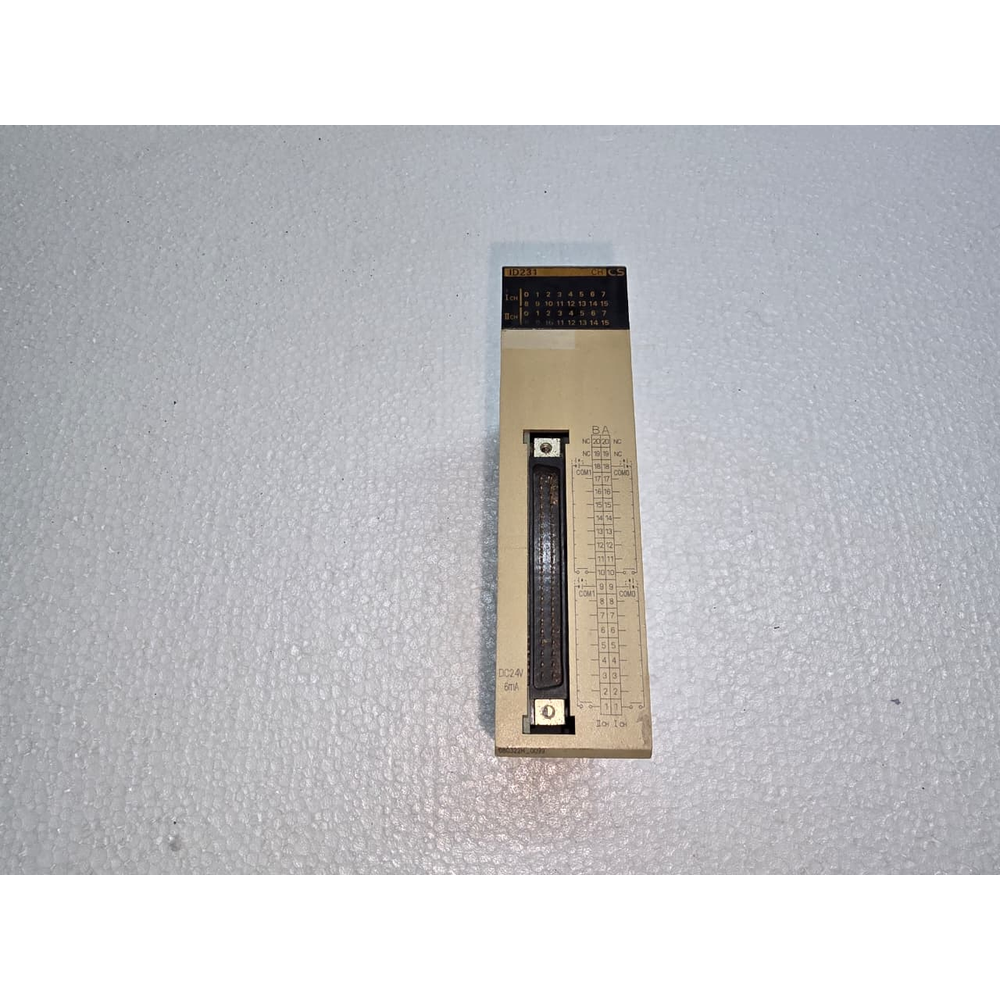
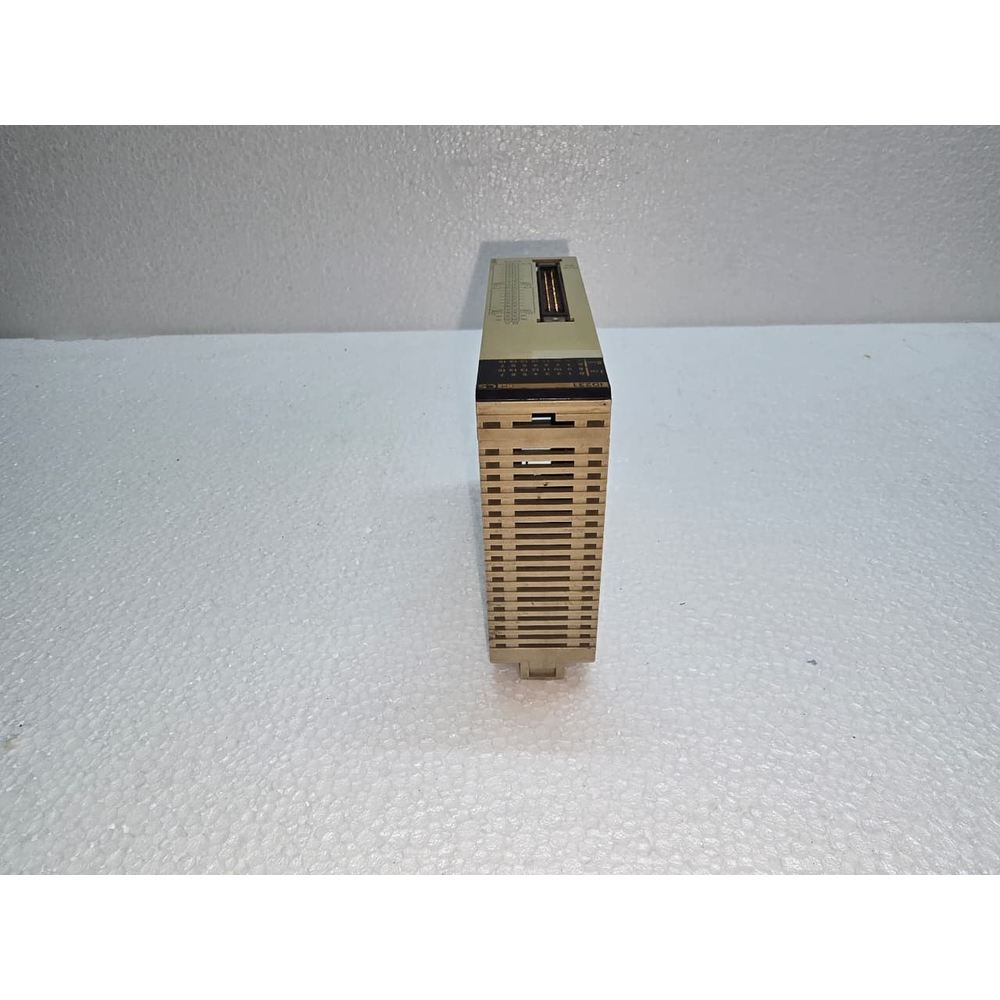
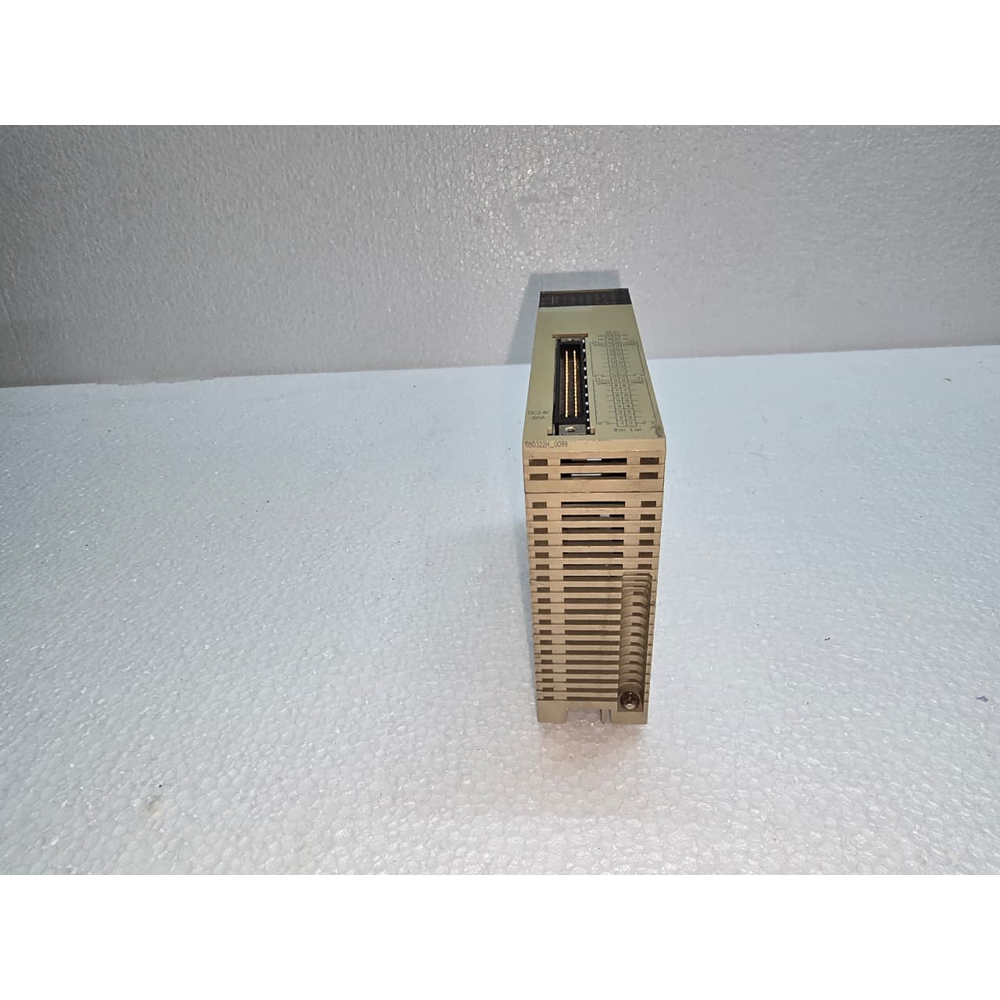
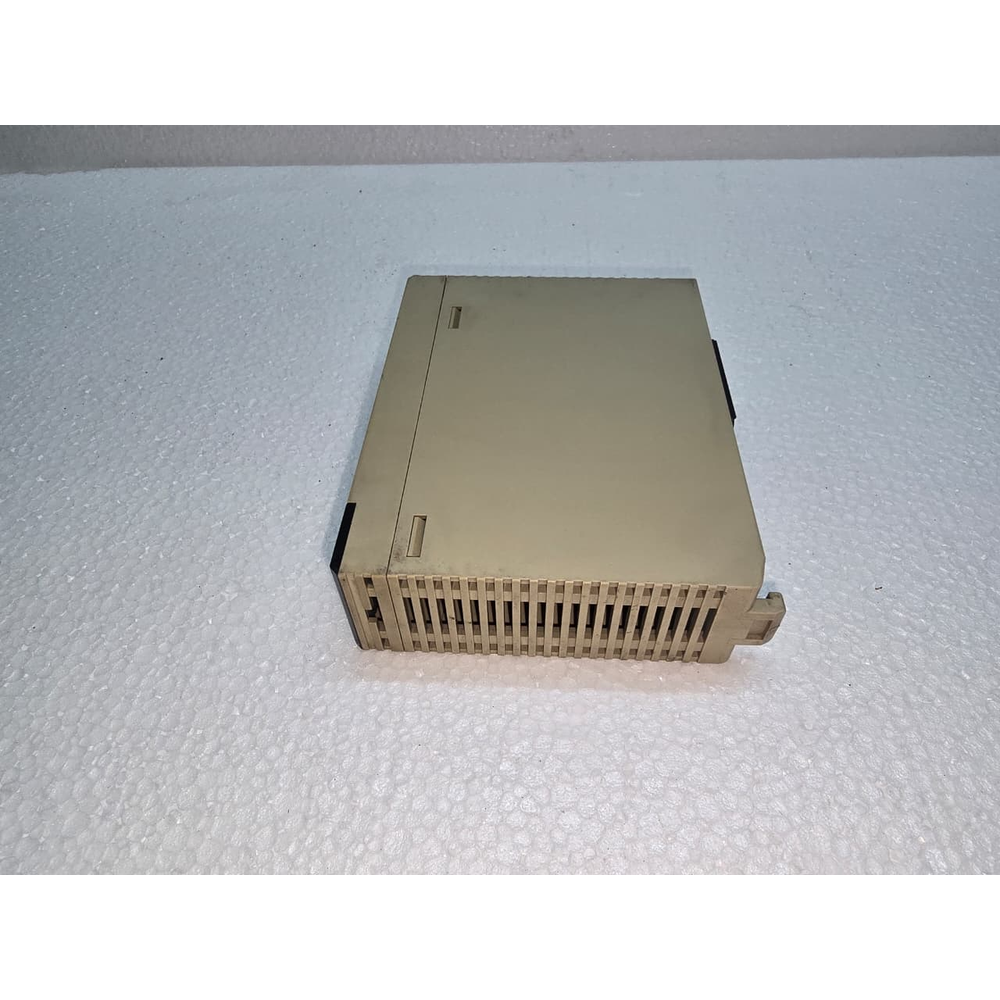
the Omron CS1W-ID231 is a high-density DC Input Unit for the Omron CS1 Series PLC.1 It is a workhorse module designed for large-scale automation systems where a high concentration of digital signals (like limit switches, sensors, or pushbuttons) must be processed in a small amount of cabinet space.
1. Key Specifications
This module is known for its high point density and specialized connection type.2
-
Input Points: 32 Points.3
-
Input Voltage: 24V DC.4
-
Input Current: 6.0 mA typical (at 24V DC).
-
Input Type: Sink/Source (determined by your wiring to the COM terminals).
-
Connection Type: Fujitsu Connector (requires a specialized 40-pin cable or a terminal block conversion unit).
2. Technical Performance
| Feature | Details |
| ON Voltage | 14.4V DC min. |
| OFF Voltage | 5.0V DC max. |
| ON Delay Time | 0.1 ms max. (High-speed response) |
| OFF Delay Time | 0.1 ms max. |
| Internal Consumption | 150 mA max. (at 5V DC from the backplane) |
| Isolation Method | Photocoupler isolation |
3. Wiring and Connection
Because this module has 32 points packed into a single slot, it does not use traditional screw terminals on the front.
-
Fujitsu 40-pin Connector: To use this module, you typically buy a pre-made cable (like the Omron XW2Z series) that connects the module to a remote terminal block (like the XW2D or XW2B).
-
Grouping: The 32 points are usually split into two groups of 16, each with its own Common (COM) terminal.
4. Status Indicators
The front of the module features a grid of LEDs to help with maintenance:
-
Individual I/O LEDs: Indicate the ON/OFF status of each of the 32 input points.
-
Switchable Display: Since there isn’t room for 32 LEDs in a single row, there is often a switch to toggle the display between the first 16 points (0–15) and the second 16 points (16–31).
5. Application & Compatibility
-
PLC Rack: Can be installed in a CS1 CPU Rack or a CS1 Expansion Rack.5
-
High Speed: With a 0.1 ms response time, this module is suitable for high-speed counting or capturing fast pulses that a standard input module (usually 8ms) might miss.
Maintenance Tip
If an entire group of 16 inputs fails to register in the PLC (but the sensors are clearly powered), check the Common (COM) wire for that group on the 40-pin connector. A loose COM wire is the most frequent cause of “dead groups” on high-density modules.
Would you like me to find the “Pinout Mapping” for the Fujitsu connector so you can build your own cable, or do you need the “Terminal Block” part numbers for this module?
Share:
 Omron CS1W-ID231
$230.00 Original price was: $230.00.$105.00Current price is: $105.00.
the Omron CS1W-ID231 is a high-density DC Input Unit for the Omron CS1 Series PLC.1 It is a workhorse module designed for large-scale automation systems where a high concentration of digital signals (like limit switches, sensors, or pushbuttons) must be processed in a small amount of cabinet space.
1. Key Specifications
This module is known for its high point density and specialized connection type.2
-
Input Points: 32 Points.3
-
Input Voltage: 24V DC.4
-
Input Current: 6.0 mA typical (at 24V DC).
-
Input Type: Sink/Source (determined by your wiring to the COM terminals).
-
Connection Type: Fujitsu Connector (requires a specialized 40-pin cable or a terminal block conversion unit).
2. Technical Performance
| Feature | Details |
| ON Voltage | 14.4V DC min. |
| OFF Voltage | 5.0V DC max. |
| ON Delay Time | 0.1 ms max. (High-speed response) |
| OFF Delay Time | 0.1 ms max. |
| Internal Consumption | 150 mA max. (at 5V DC from the backplane) |
| Isolation Method | Photocoupler isolation |
3. Wiring and Connection
Because this module has 32 points packed into a single slot, it does not use traditional screw terminals on the front.
-
Fujitsu 40-pin Connector: To use this module, you typically buy a pre-made cable (like the Omron XW2Z series) that connects the module to a remote terminal block (like the XW2D or XW2B).
-
Grouping: The 32 points are usually split into two groups of 16, each with its own Common (COM) terminal.
4. Status Indicators
The front of the module features a grid of LEDs to help with maintenance:
-
Individual I/O LEDs: Indicate the ON/OFF status of each of the 32 input points.
-
Switchable Display: Since there isn’t room for 32 LEDs in a single row, there is often a switch to toggle the display between the first 16 points (0–15) and the second 16 points (16–31).
5. Application & Compatibility
-
PLC Rack: Can be installed in a CS1 CPU Rack or a CS1 Expansion Rack.5
-
High Speed: With a 0.1 ms response time, this module is suitable for high-speed counting or capturing fast pulses that a standard input module (usually 8ms) might miss.
Maintenance Tip
If an entire group of 16 inputs fails to register in the PLC (but the sensors are clearly powered), check the Common (COM) wire for that group on the 40-pin connector. A loose COM wire is the most frequent cause of “dead groups” on high-density modules.
Would you like me to find the “Pinout Mapping” for the Fujitsu connector so you can build your own cable, or do you need the “Terminal Block” part numbers for this module?
Reviews
There are no reviews yet.