

Hotline Order:
+91 9727278672 / +91 8238235003
Email ID:
info@shipautomationparts.com
Free Shipping apply to all orders over $299
Safe & securely shopping
20 Day Returns in case u change your mind.
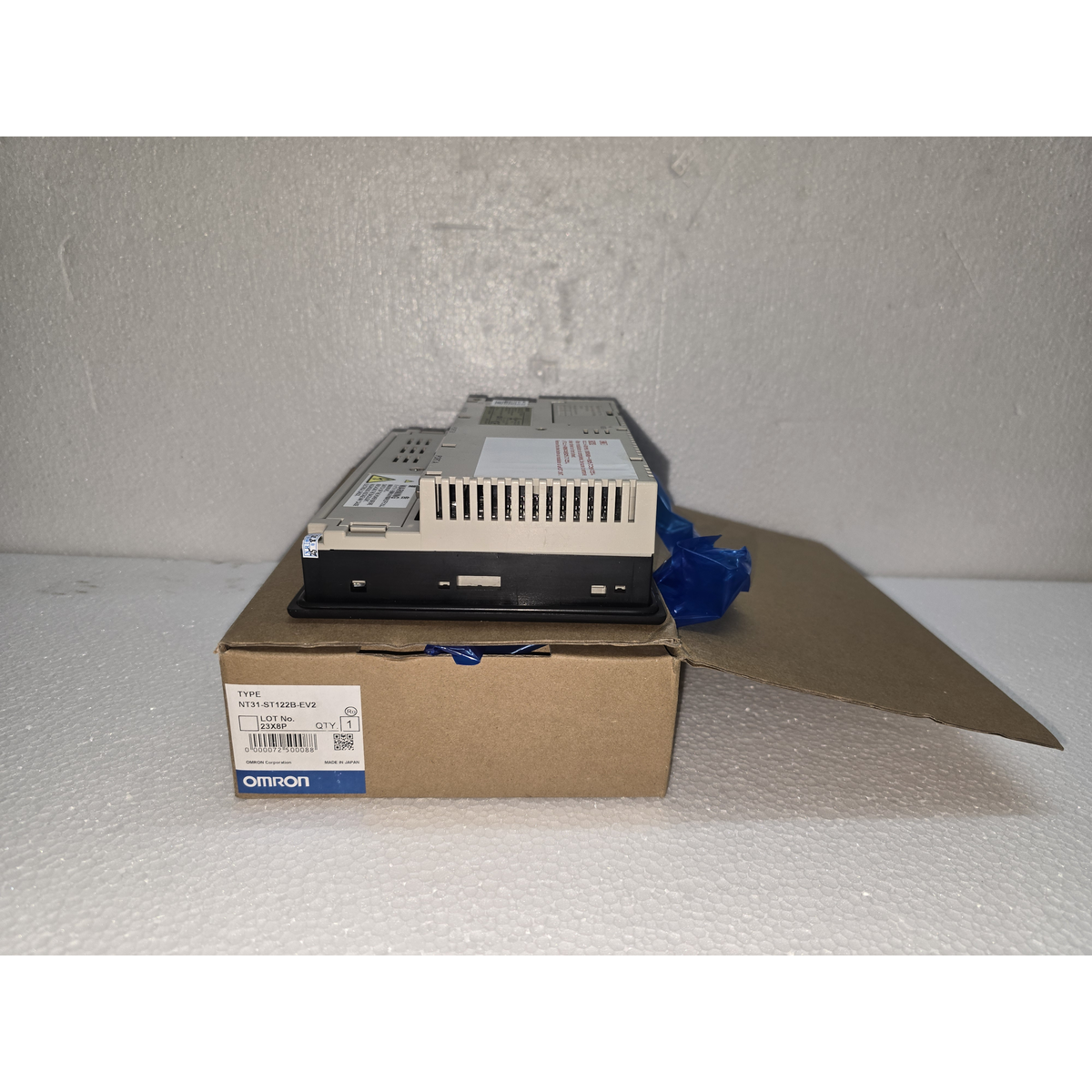
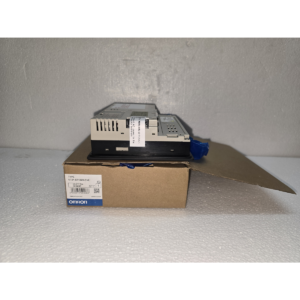
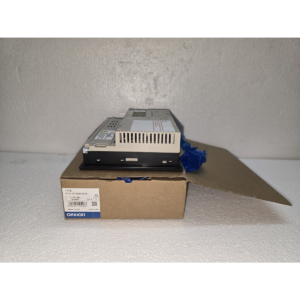
Omron NT31-ST122B-EV2
$980.00 Original price was: $980.00.$763.00Current price is: $763.00.
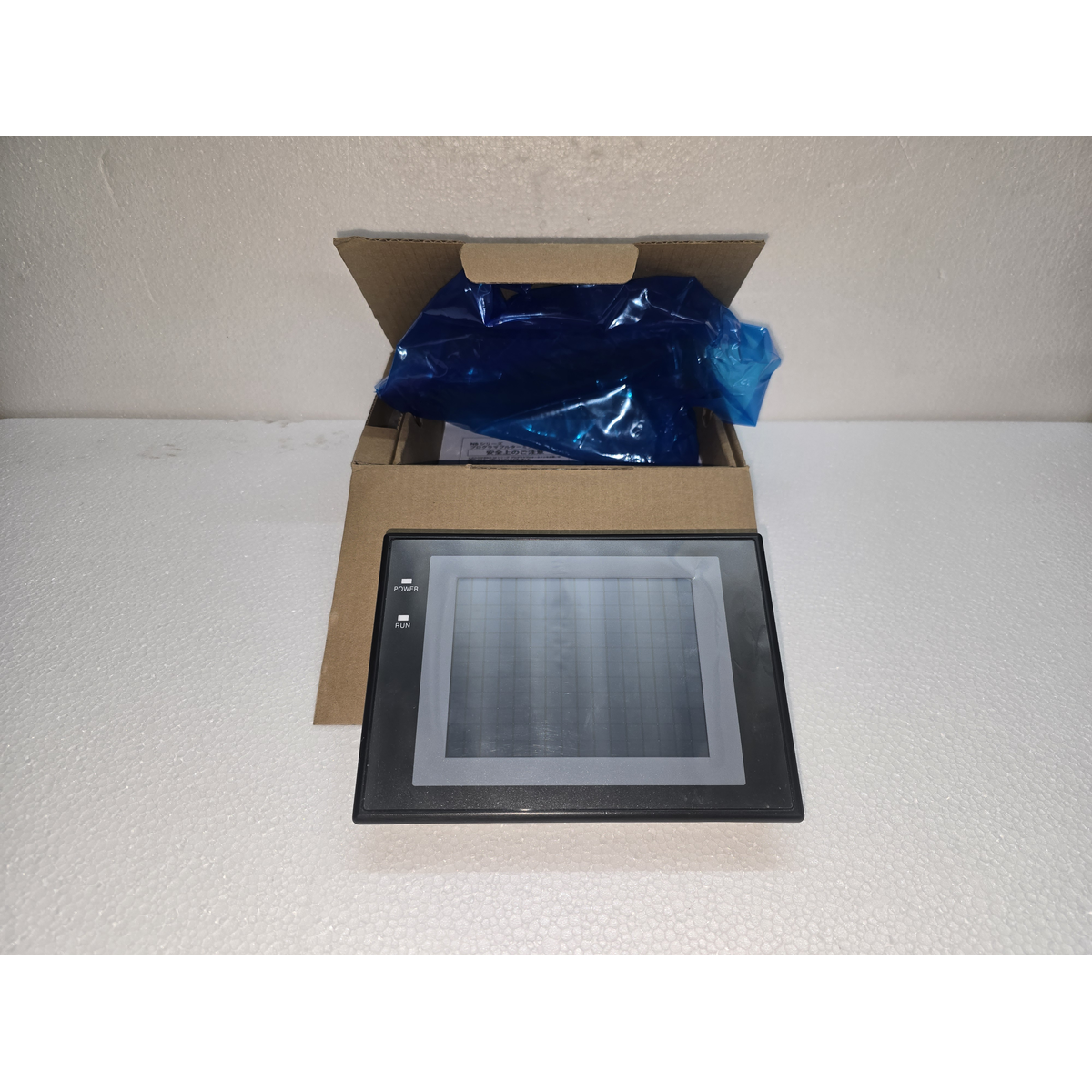
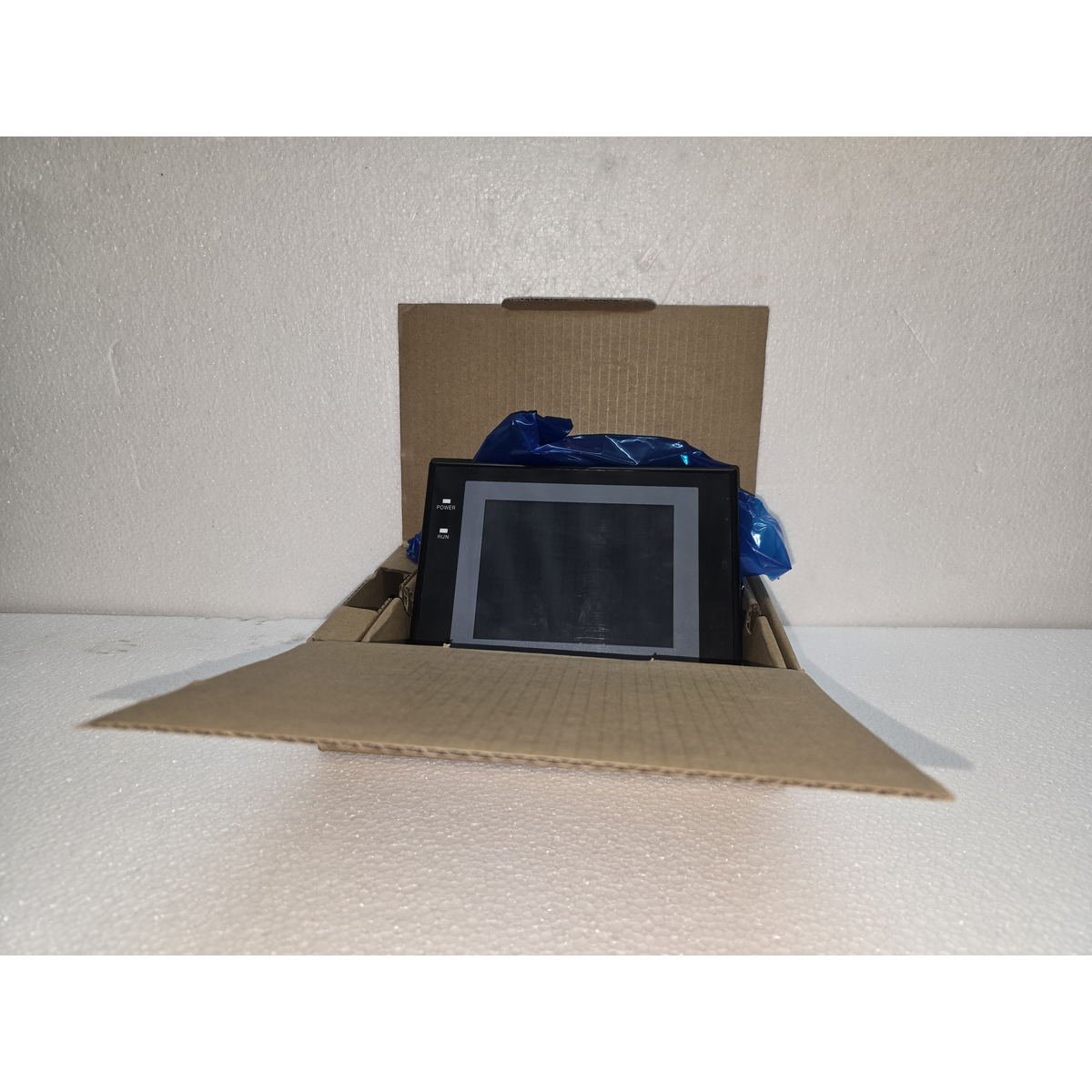
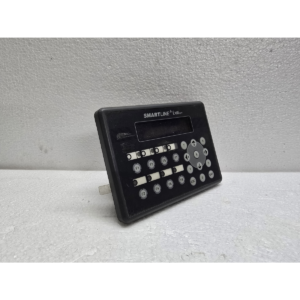
The Omron NT31-ST122B-EV2 is a high-performance Programmable Terminal (HMI) from the NT31 series.1 It is a robust, semi-graphical interface designed for industrial environments, featuring a high-contrast monochrome (black and white) display.
The “V2” suffix indicates the “Version 2” hardware, which includes increased memory and improved communication speeds compared to the original NT31 models.
1. Display and Visuals
-
Screen Type: STN Monochrome LCD (Blue/White).
-
Resolution: $320 \times 240$ pixels (QVGA).
-
Touch Panel: Matrix resistive touch screen.
-
Backlight: Cold cathode fluorescent lamp (CCFL) with an expected life of 50,000 hours.2
-
Visual Elements: Supports bitmapped images, bar graphs, and trending.
2.
Share:
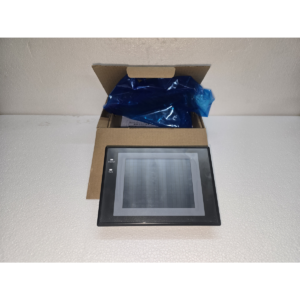 Omron NT31-ST122B-EV2
$980.00 Original price was: $980.00.$763.00Current price is: $763.00.
The Omron NT31-ST122B-EV2 is a high-performance Programmable Terminal (HMI) from the NT31 series.1 It is a robust, semi-graphical interface designed for industrial environments, featuring a high-contrast monochrome (black and white) display.
The “V2” suffix indicates the “Version 2” hardware, which includes increased memory and improved communication speeds compared to the original NT31 models.
1. Display and Visuals
-
Screen Type: STN Monochrome LCD (Blue/White).
-
Resolution: $320 \times 240$ pixels (QVGA).
-
Touch Panel: Matrix resistive touch screen.
-
Backlight: Cold cathode fluorescent lamp (CCFL) with an expected life of 50,000 hours.2
-
Visual Elements: Supports bitmapped images, bar graphs, and trending.
2. Connectivity and Communication
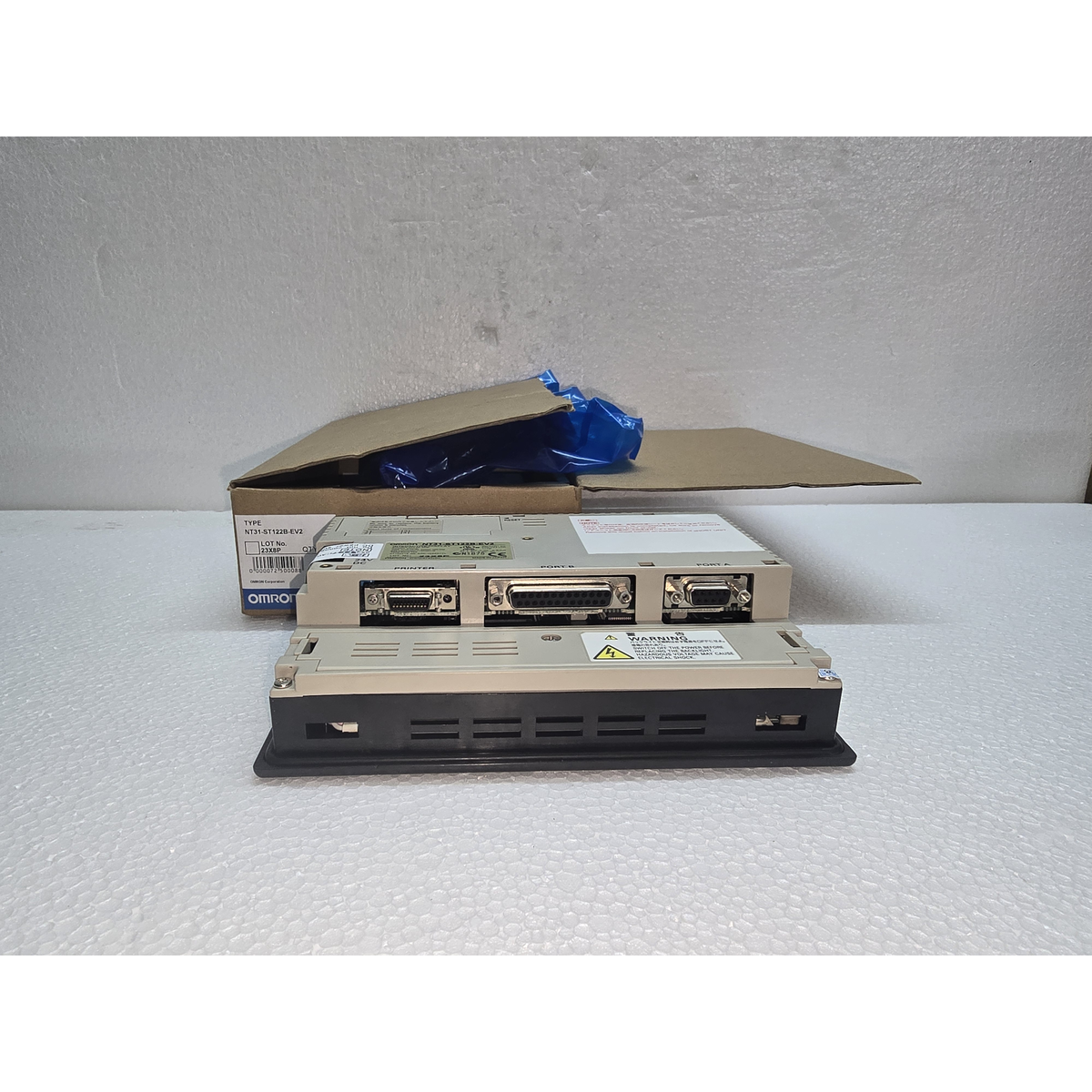
The NT31 is known for its “Dual Port” capability, allowing it to communicate with multiple devices simultaneously.
-
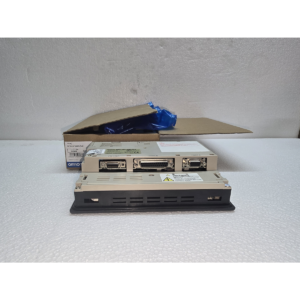
Serial Port A (9-pin D-sub): Supports RS-232C for programming or PLC connection.3
-
Serial Port B (9-pin D-sub): Supports RS-232C or RS-422A/485.4 This is highly versatile for networking multiple PLCs or connecting to long-distance peripherals.
-
Printer Port: Dedicated 15-pin D-sub for hardcopy reporting of alarms or screen captures.
3. Technical Specifications
| Feature | Details |
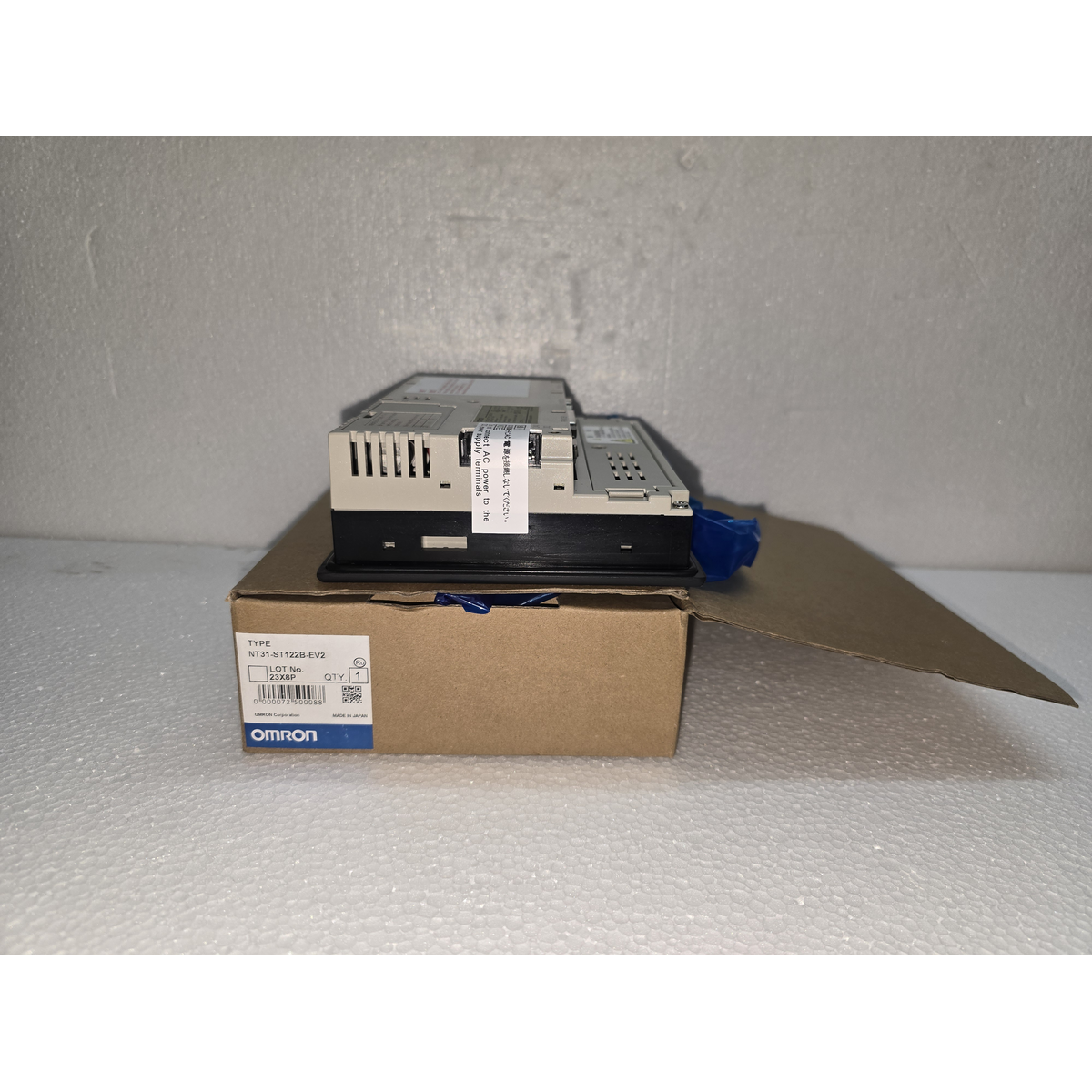
| Model | NT31-ST122B-EV2 |
| Input Voltage | 24V DC (Required range 20.4V to 26.4V) |
| Image Memory | 1 MB (Flash Memory) |
| Programming Software | NT-Series Support Tool or CX-Designer |
| Screen Protection | IP65 (Front panel only, when mounted with gasket) |
| External Dimensions | $195 \times 142 \times 54$ mm |
4. Key Features
-
Multi-Vendor Support: While designed for Omron PLCs (CS/CJ/CP series), it also includes drivers for Mitsubishi, Allen-Bradley, and Siemens.
-
Device Monitor Function: Allows maintenance personnel to monitor and force PLC I/O bits directly from the HMI without needing a laptop.
-
Alarm Management: Features a built-in alarm history log that can store and display time-stamped system faults.
-
Language Support: Can store multiple language strings (English, Spanish, German, etc.) which can be toggled via a system bit.
5. Maintenance and Troubleshooting
-
Battery Replacement: The unit uses a 3V Lithium battery (CJ1W-BAT01) to retain the internal clock and log data. If the “Low Battery” message appears, you generally have about one week to replace it.
-
Backlight Fail: If the screen is black but the “Run” LED is green, the CCFL backlight has likely failed. These are replaceable, though modern technicians often choose to upgrade to an LED-based HMI like the NB or NA series.
-
System Menu: You can access the system maintenance menu by pressing two corners of the touch screen simultaneously during power-up. This allows you to calibrate the touch screen or change communication settings.

Reviews
There are no reviews yet.