
Hotline Order:
+91 9727278672 / +91 8238235003
Email ID:
info@shipautomationparts.com
Free Shipping apply to all orders over $299
Safe & securely shopping
20 Day Returns in case u change your mind.
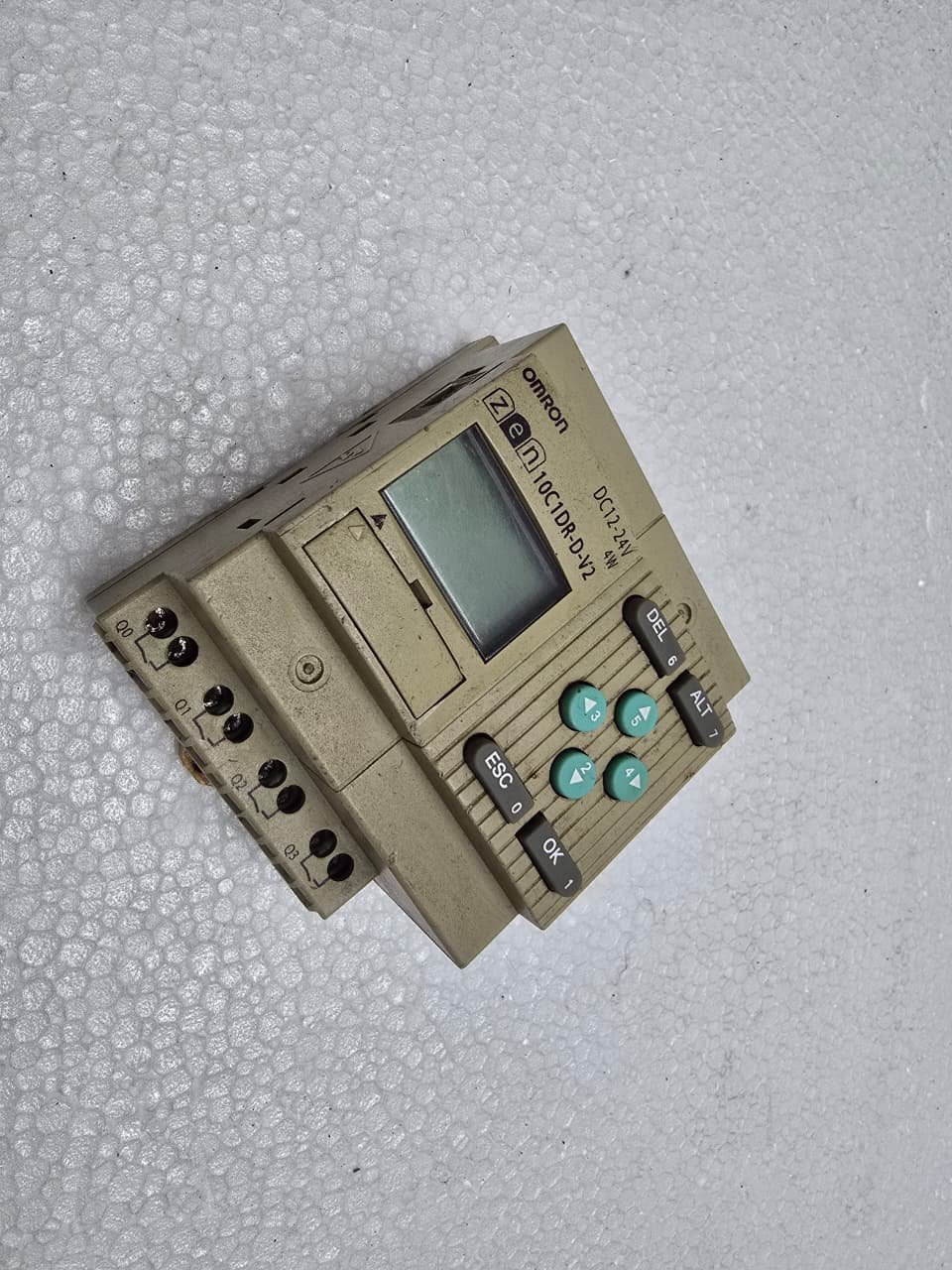
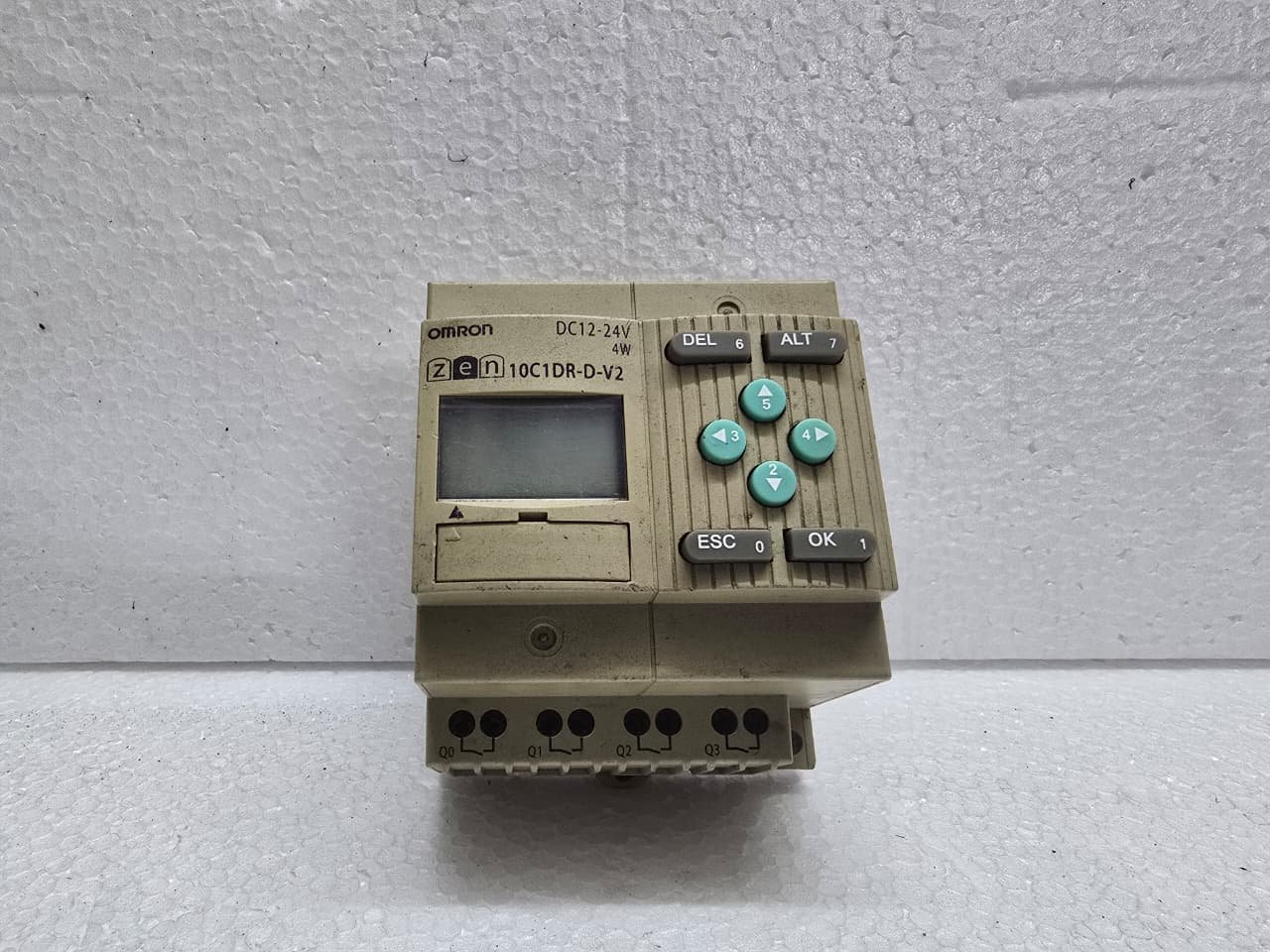
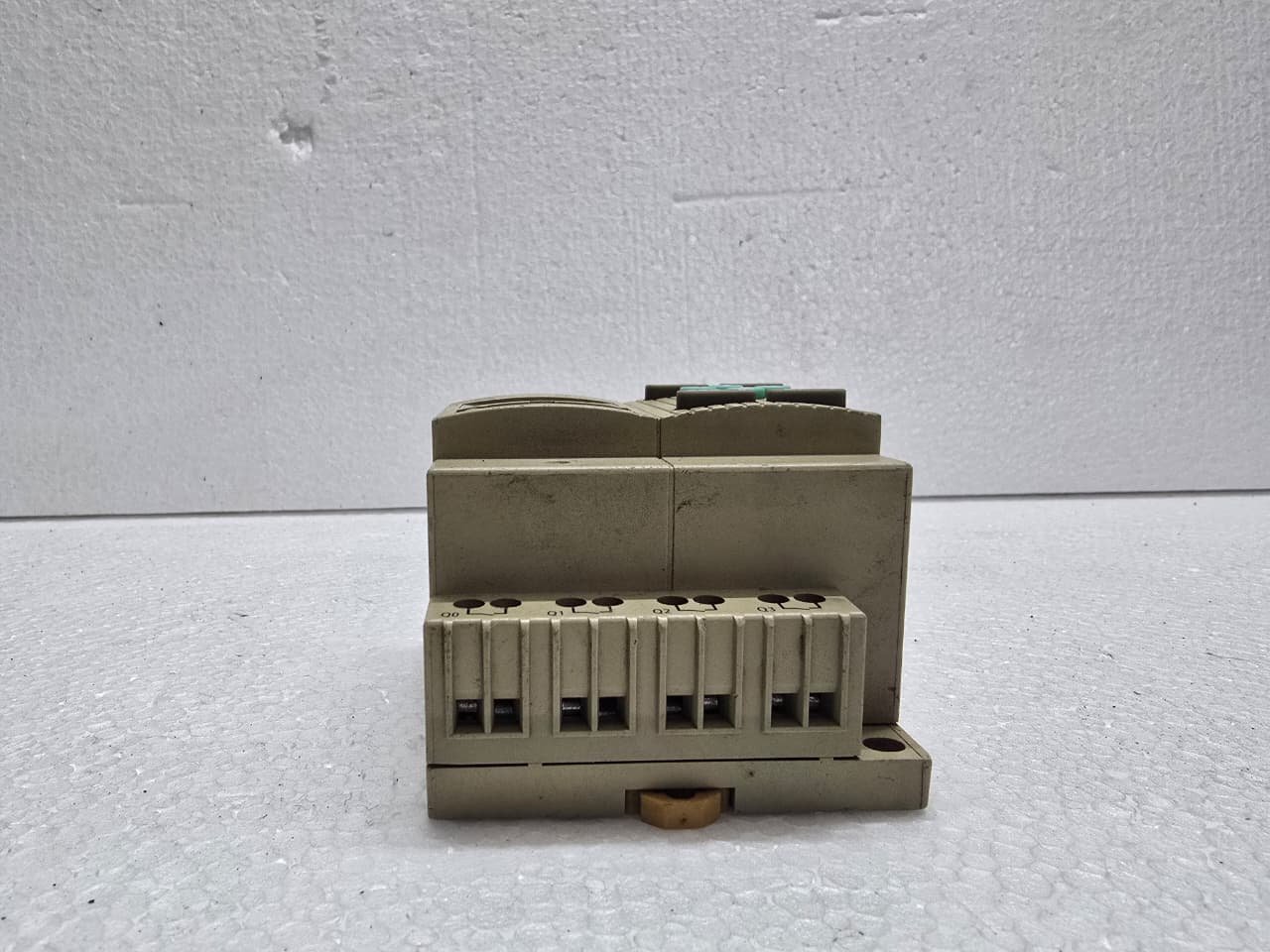
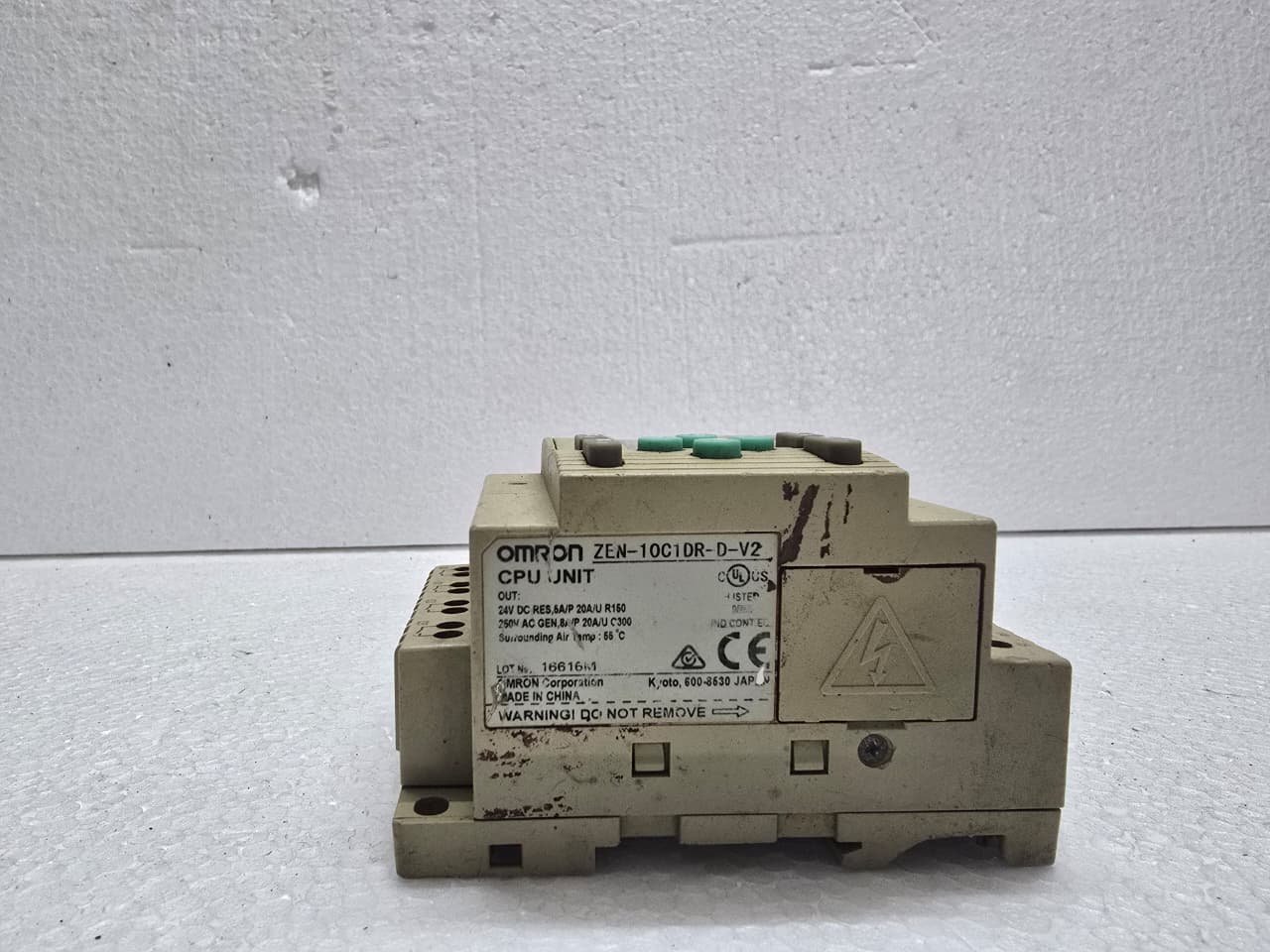
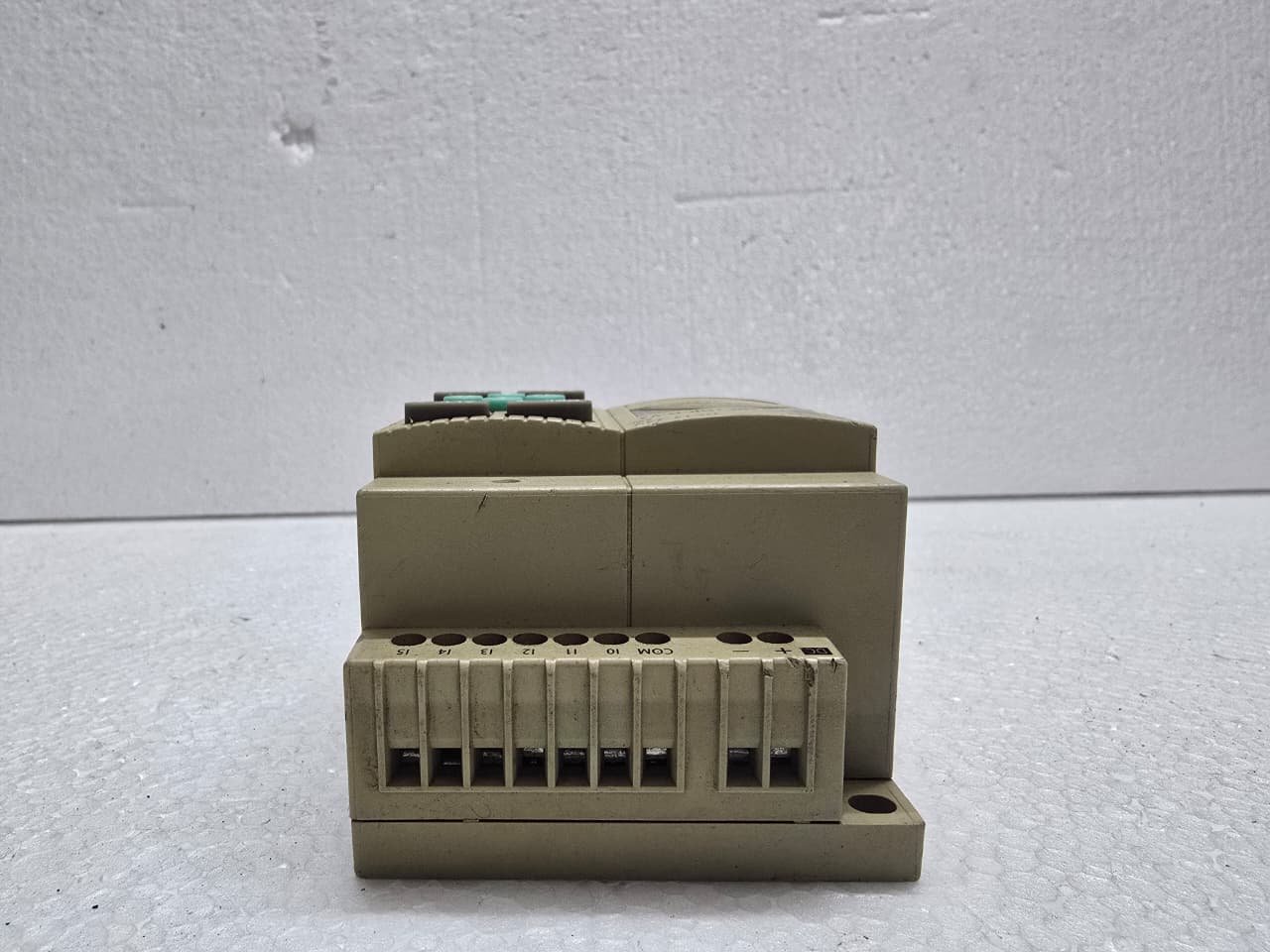
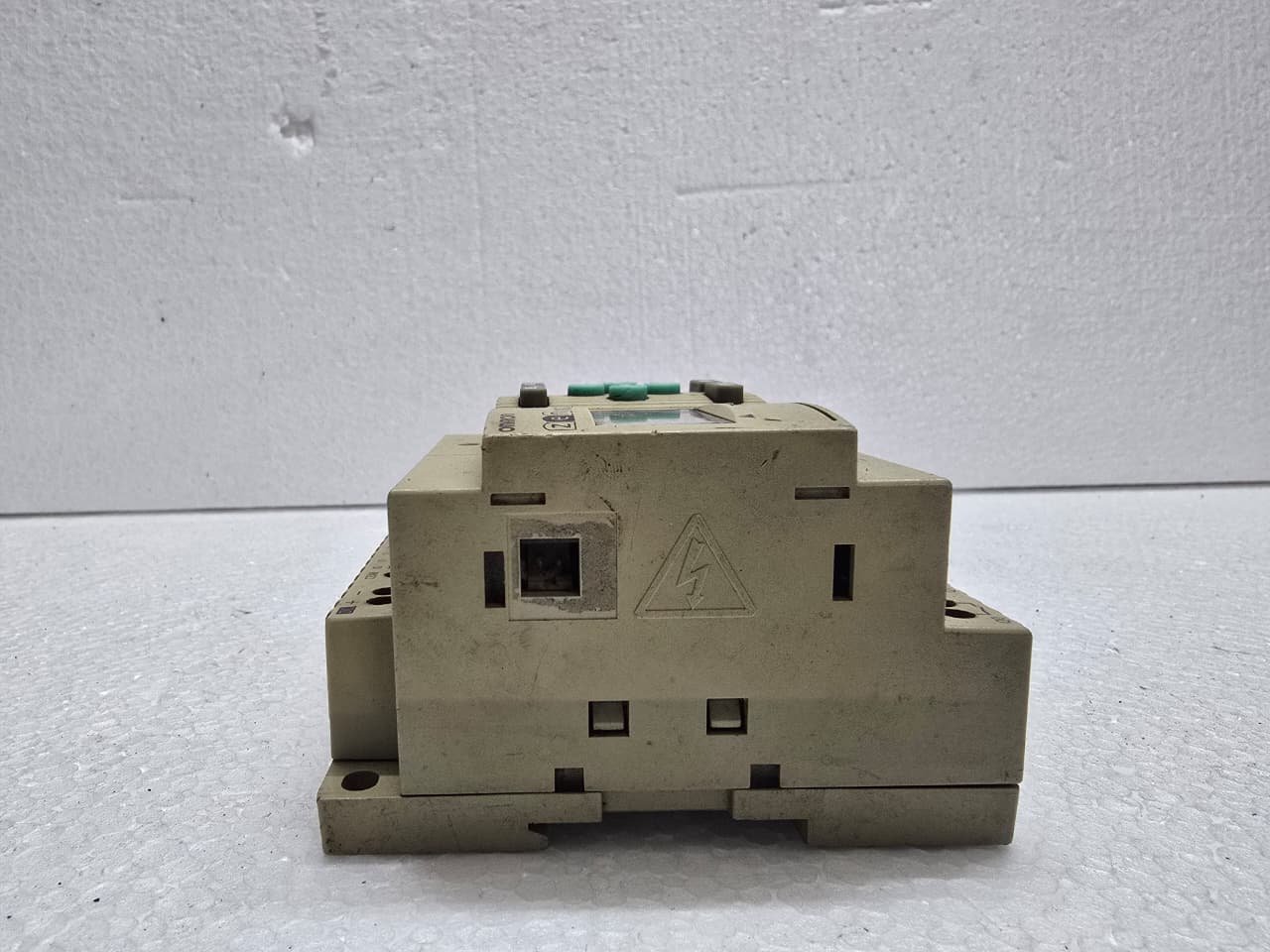
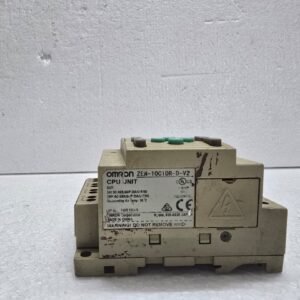
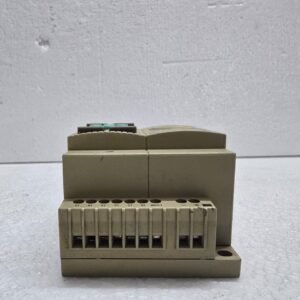
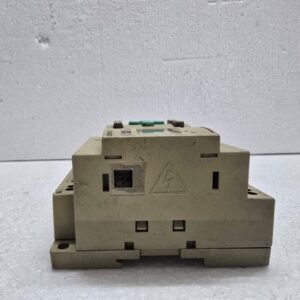
Omron ZEN-10C1DR-D-V2
$230.00 Original price was: $230.00.$105.00Current price is: $105.00.
The Omron ZEN-10C1DR-D-V2 is a compact “Logic Relay” or “Programmable Relay.” It sits in the space between a traditional hard-wired relay circuit and a full-scale PLC. It is designed for small-scale automation like lighting control, pump sequencing, or basic HVAC systems.
Share:
 Omron ZEN-10C1DR-D-V2
$230.00 Original price was: $230.00.$105.00Current price is: $105.00.
The Omron ZEN-10C1DR-D-V2 is a compact “Logic Relay” or “Programmable Relay.” It sits in the space between a traditional hard-wired relay circuit and a full-scale PLC. It is designed for small-scale automation like lighting control, pump sequencing, or basic HVAC systems.
The “V2” version is the enhanced model, offering expanded software features and improved internal memory handling over the original ZEN series.
1. Catalog Number Breakdown
-
10C: Indicates 10 I/O points (6 Inputs / 4 Outputs).
-
1: Standard CPU type.
-
D: 24V DC Supply Power.
-
R: Relay Outputs.
-
D: DC Inputs.
-
V2: Version 2 hardware (Current standard).
2. Technical Specifications
| Feature | Details |
| Supply Voltage | 24V DC (Allowable range: 20.4 to 26.4V DC) |
| Inputs | 6 Inputs (24V DC). Inputs I4 and I5 can be used as Analog Inputs (0-10V). |
| Outputs | 4 Relay Outputs (250V AC / 8A per point) |
| Display | Backlit LCD (4 lines x 12 characters) |
| Programming | Front-panel buttons (Ladder Logic) or PC Software |
3. Key Features
-
Built-in LCD & Keypad: You can write, edit, and debug your entire ladder program directly on the face of the unit without needing a laptop.
-
Analog Capability: Even though it is a digital relay, the inclusion of two 0-10V analog inputs allows you to monitor sensors (like pressure or temperature) without buying expensive expansion modules.
-
Real-Time Clock (RTC): Includes built-in weekly and calendar timers, making it perfect for building automation (e.g., “Turn on lights at 8:00 AM Monday-Friday”).
-
Expandability: If 10 I/O points aren’t enough, you can add up to 3 expansion I/O units to reach a maximum of 34 I/O points.
4. Programming Options
-
Manual Entry: Use the circular “directional” pad on the front to place contacts, coils, and timers.
-
ZEN Support Software (ZEN-SOFT01-V4): A much faster way to program. It uses a drag-and-drop ladder interface.
-
Note: Connecting to a PC requires the specialized ZEN-CIF01 serial interface cable.
-
5. Maintenance and Troubleshooting
-
Battery: The internal program is saved in EEPROM (permanent), but the RTC (Clock) requires a battery to keep time during power outages. It uses a ZEN-BAT01 battery.
-
Status Indicators:
-
RUN: The program is executing.
-
ERR: Indicates a memory error or hardware fault.
-
-
Password Protection: You can set a password to prevent unauthorized changes to the logic via the front keypad.
Reviews
There are no reviews yet.