

Hotline Order:
+91 9727278672 / +91 8238235003
Email ID:
info@shipautomationparts.com
Free Shipping apply to all orders over $299
Safe & securely shopping
20 Day Returns in case u change your mind.
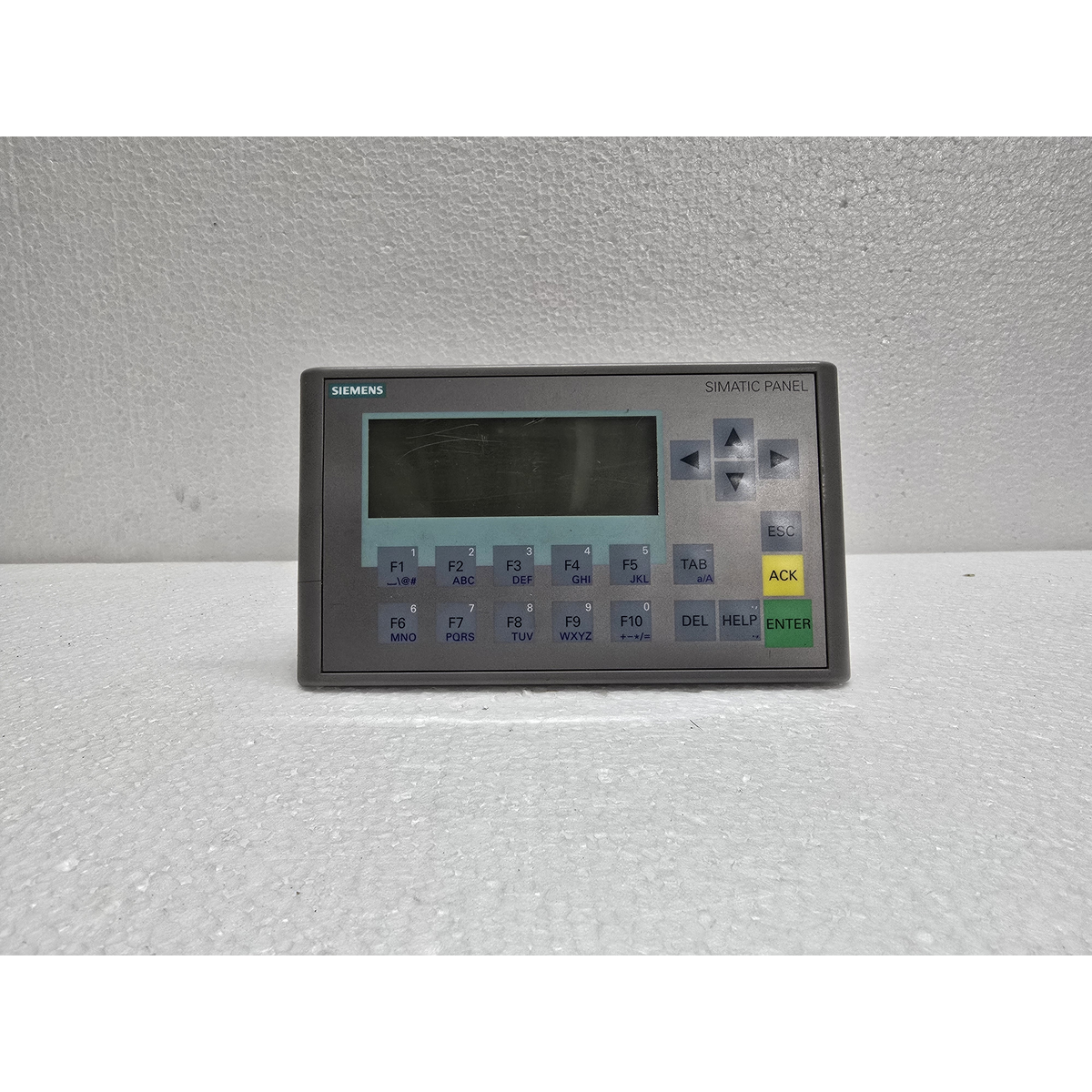
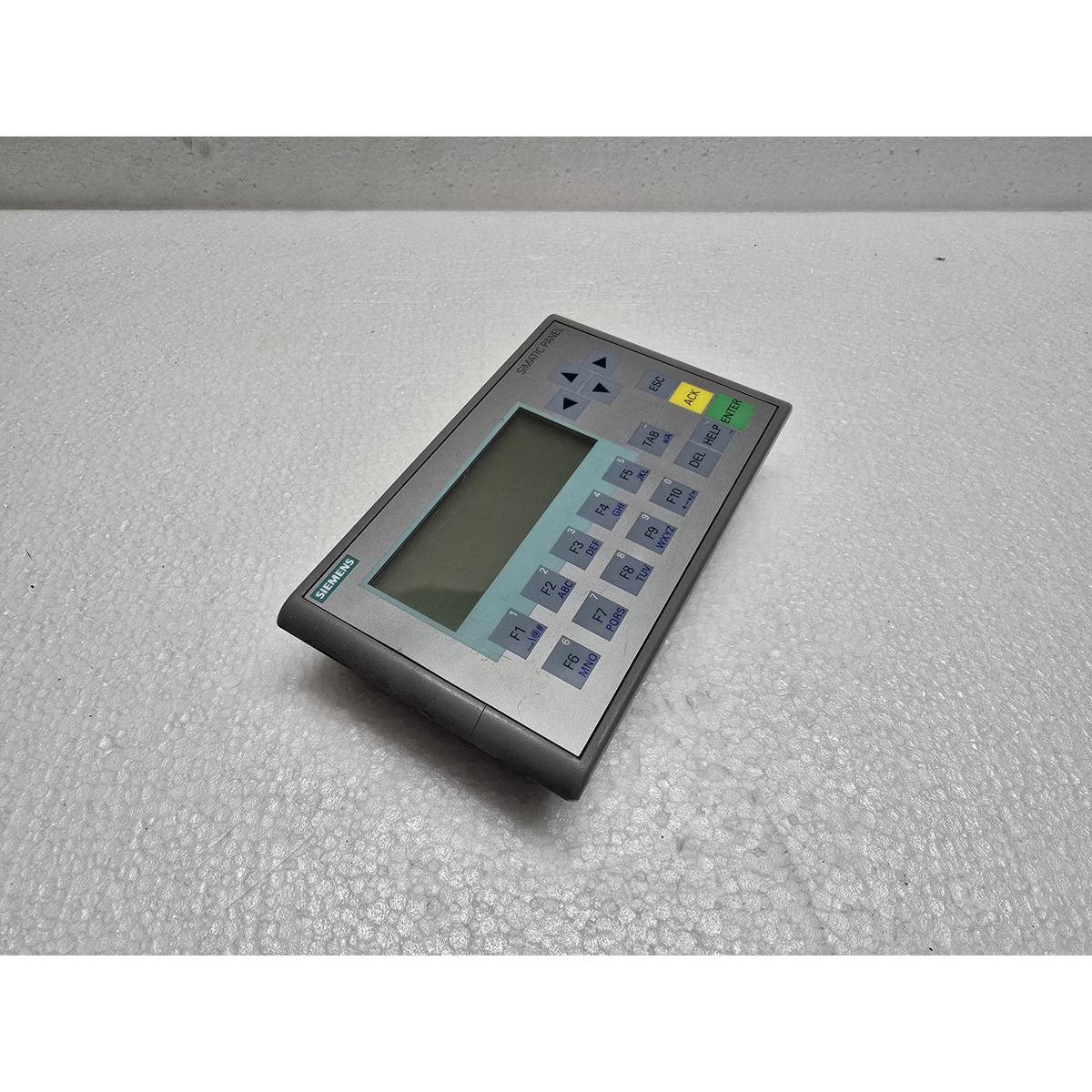
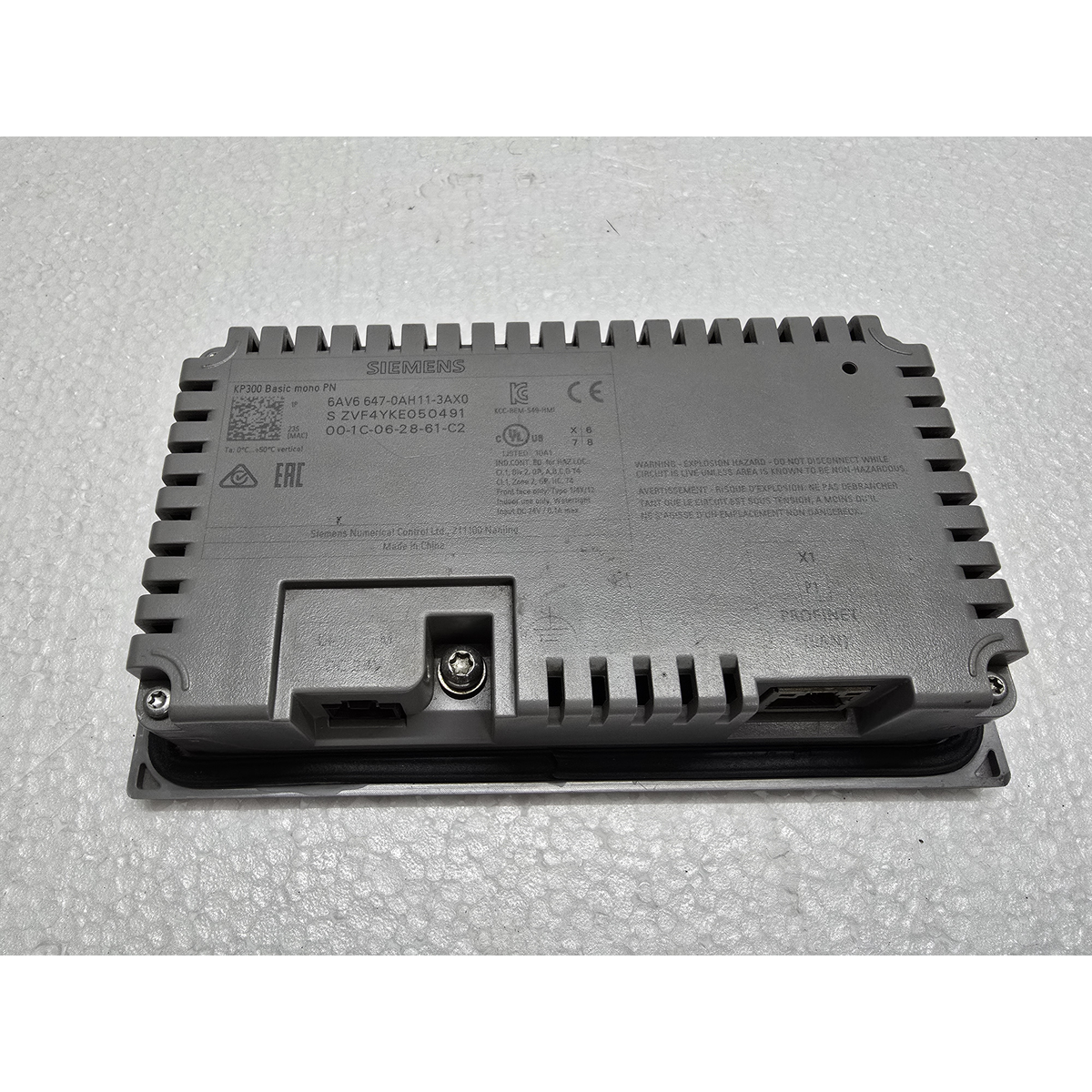
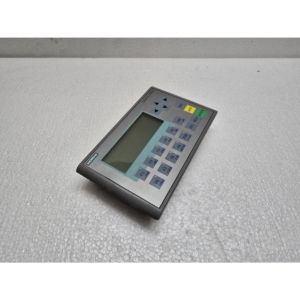
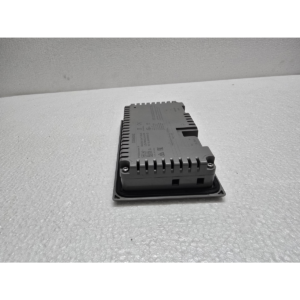
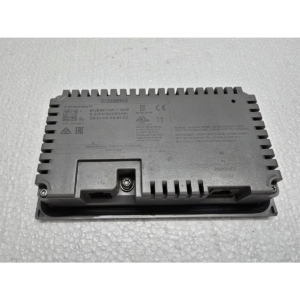
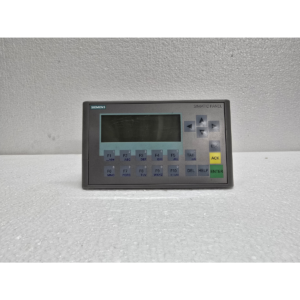
Siemens SIMATIC HMI KP300 Basic Mono PN
$350.00 Original price was: $350.00.$155.00Current price is: $155.00.
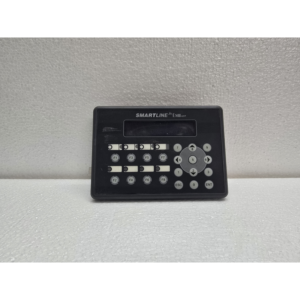
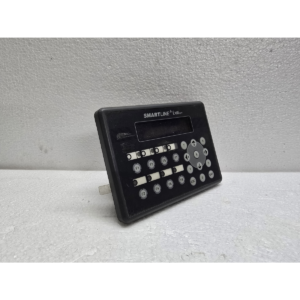
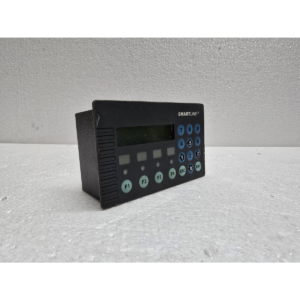
The Siemens SIMATIC HMI KP300 Basic Mono PN is an entry-level, keypad-operated panel designed for simple HMI tasks.1 It is part of the Siemens Basic Panel line and is specifically engineered for use with PROFINET networks, making it a perfect companion for the S7-1200 or S7-1500 PLC series.2
The “KP” stands for Keypad, and the “PN” stands for PROFINET.
1. Display and Visuals
Despite being a monochrome display, the KP300 features a unique multi-color backlighting system that allows for visual status signaling.3
-
Screen Size: 3.6-inch.4
-
Display Type: FSTN LCD (Monochrome).5
-
Resolution: 6$240 \times 80$ pixels.7
-
Backlight Colors: You can program the backlight to turn White, Green, Red, or Yellow. This is highly effective for alerting operators to alarms (Red) or warnings (Yellow) from a distance.
2. Interface and Operation
This is a non-touch unit. All interactions are handled through high-quality tactile buttons:
-
Function Keys: 10 freely configurable function keys (F1–F10) with tactile feedback.8
-
Alphanumeric Entry: Numeric keypad layout similar to a mobile phone for entering setpoints and text.9
-
Durability: Physical keys are often preferred in environments where operators wear heavy gloves or where the screen might be subject to splashes.
3. Connectivity and Communication
-
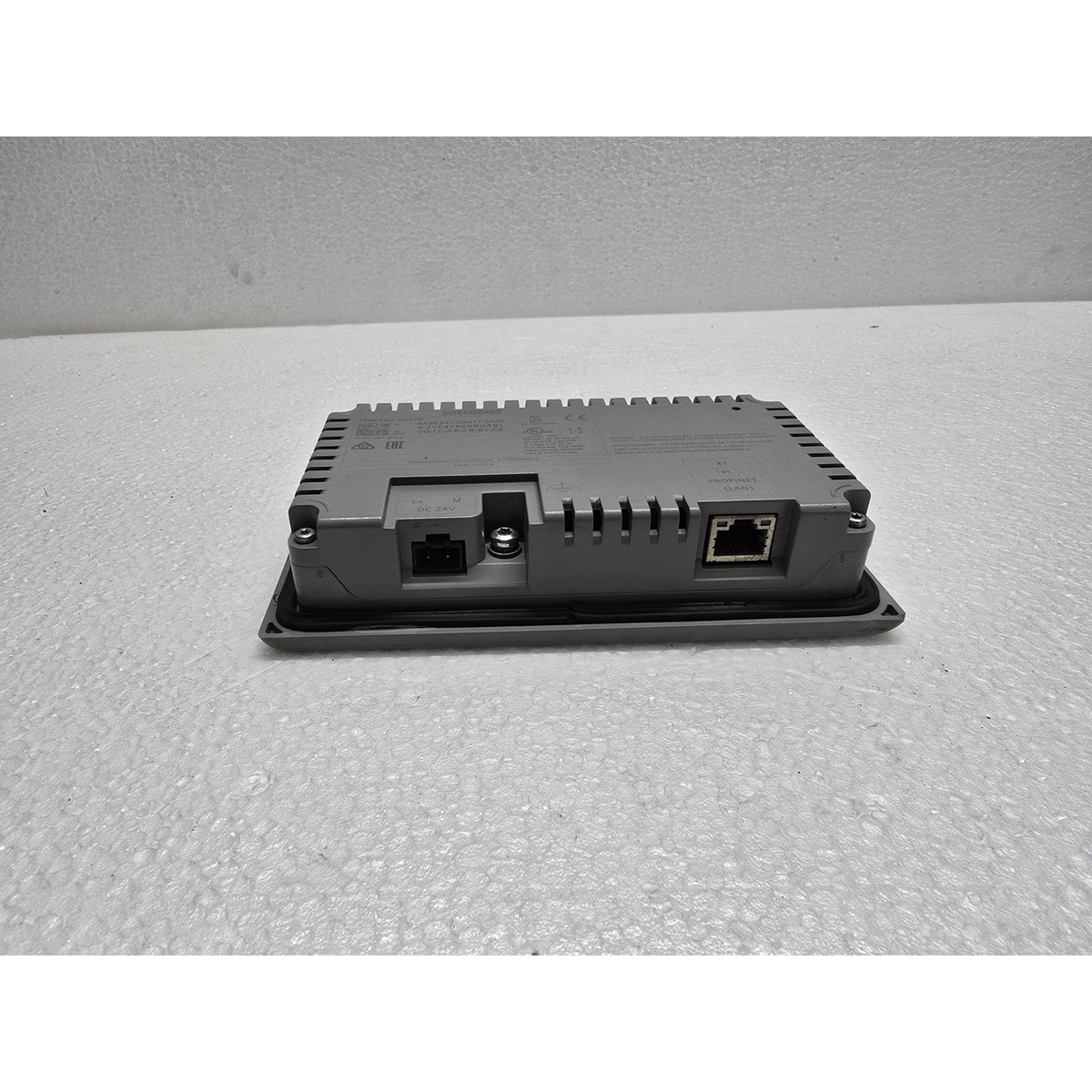
PROFINET (PN): Features 1x RJ45 port (10/100 Mbps). It uses the industrial Ethernet standard, allowing for easy integration into existing office or plant networks.
-
Software: Programmed exclusively via WinCC (TIA Portal). It is supported in the “Basic” edition of WinCC, which is the most affordable version.
4. Technical Specifications
| Feature | Details |
| Article Number | 6AV6647-0AA11-3AX0 |
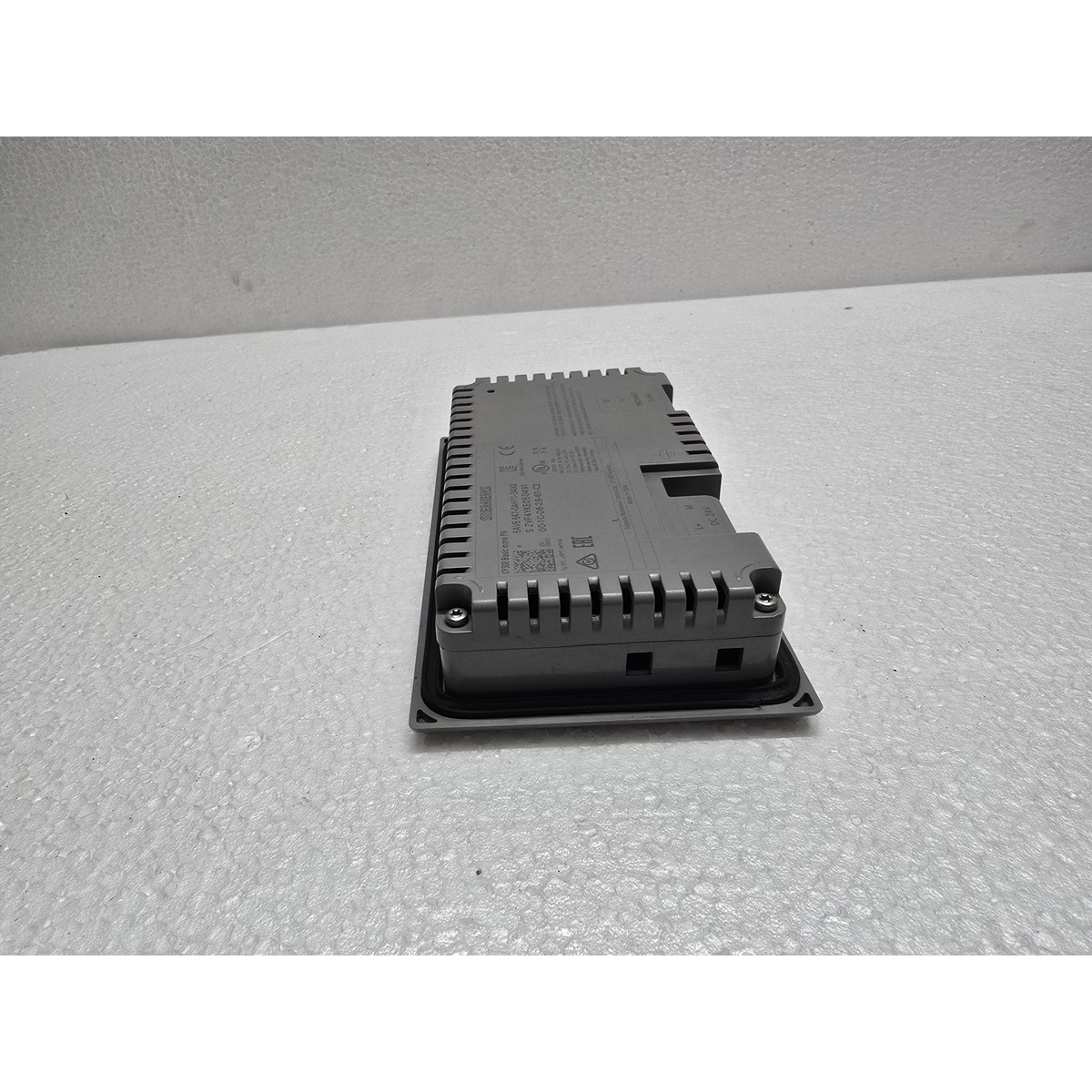
| Input Voltage | 24V DC |
| Power Consumption | Very low (approx. 3W) |
| Memory | 1 MB (User memory for projects) |
| Protection Rating10 | IP65 (Front) / IP20 (Rear)11 |
| Operating Temp | 0°C to 50°C |
5. Key Advantages
-
Cost Efficiency: One of the most affordable HMI solutions in the Siemens lineup.
-
Compact Footprint: Ideal for small control boxes or “local” control stations on large machines.
-
Global Compatibility: Supports a wide range of languages, including Asian and Cyrillic character sets.
-
TIA Portal Integration: Being part of the TIA Portal ecosystem means you can share tags directly between the PLC and HMI, significantly reducing programming time.12
Maintenance Tip:
If the HMI is not appearing in your TIA Portal “Accessible Devices” list, ensure that you have set a compatible IP Address and Profinet Name on the device itself. You can do this by entering the “Control Panel” on the HMI screen during the boot-up phase.
Share:
 Siemens SIMATIC HMI KP300 Basi...
$350.00 Original price was: $350.00.$155.00Current price is: $155.00.
The Siemens SIMATIC HMI KP300 Basic Mono PN is an entry-level, keypad-operated panel designed for simple HMI tasks.1 It is part of the Siemens Basic Panel line and is specifically engineered for use with PROFINET networks, making it a perfect companion for the S7-1200 or S7-1500 PLC series.2
The “KP” stands for Keypad, and the “PN” stands for PROFINET.
1. Display and Visuals
Despite being a monochrome display, the KP300 features a unique multi-color backlighting system that allows for visual status signaling.3
-
Screen Size: 3.6-inch.4
-
Display Type: FSTN LCD (Monochrome).5
-
Resolution: 6$240 \times 80$ pixels.7
-
Backlight Colors: You can program the backlight to turn White, Green, Red, or Yellow. This is highly effective for alerting operators to alarms (Red) or warnings (Yellow) from a distance.
2. Interface and Operation
This is a non-touch unit. All interactions are handled through high-quality tactile buttons:
-
Function Keys: 10 freely configurable function keys (F1–F10) with tactile feedback.8
-
Alphanumeric Entry: Numeric keypad layout similar to a mobile phone for entering setpoints and text.9
-
Durability: Physical keys are often preferred in environments where operators wear heavy gloves or where the screen might be subject to splashes.
3. Connectivity and Communication
-
PROFINET (PN): Features 1x RJ45 port (10/100 Mbps). It uses the industrial Ethernet standard, allowing for easy integration into existing office or plant networks.
-
Software: Programmed exclusively via WinCC (TIA Portal). It is supported in the “Basic” edition of WinCC, which is the most affordable version.
4. Technical Specifications
| Feature | Details |
| Article Number | 6AV6647-0AA11-3AX0 |
| Input Voltage | 24V DC |
| Power Consumption | Very low (approx. 3W) |
| Memory | 1 MB (User memory for projects) |
| Protection Rating10 | IP65 (Front) / IP20 (Rear)11 |
| Operating Temp | 0°C to 50°C |
5. Key Advantages
-
Cost Efficiency: One of the most affordable HMI solutions in the Siemens lineup.
-
Compact Footprint: Ideal for small control boxes or “local” control stations on large machines.
-
Global Compatibility: Supports a wide range of languages, including Asian and Cyrillic character sets.
-
TIA Portal Integration: Being part of the TIA Portal ecosystem means you can share tags directly between the PLC and HMI, significantly reducing programming time.12
Maintenance Tip:
If the HMI is not appearing in your TIA Portal “Accessible Devices” list, ensure that you have set a compatible IP Address and Profinet Name on the device itself. You can do this by entering the “Control Panel” on the HMI screen during the boot-up phase.
Reviews
There are no reviews yet.