
Hotline Order:
+91 9727278672 / +91 8238235003
Email ID:
info@shipautomationparts.com
Free Shipping apply to all orders over $299
Safe & securely shopping
20 Day Returns in case u change your mind.
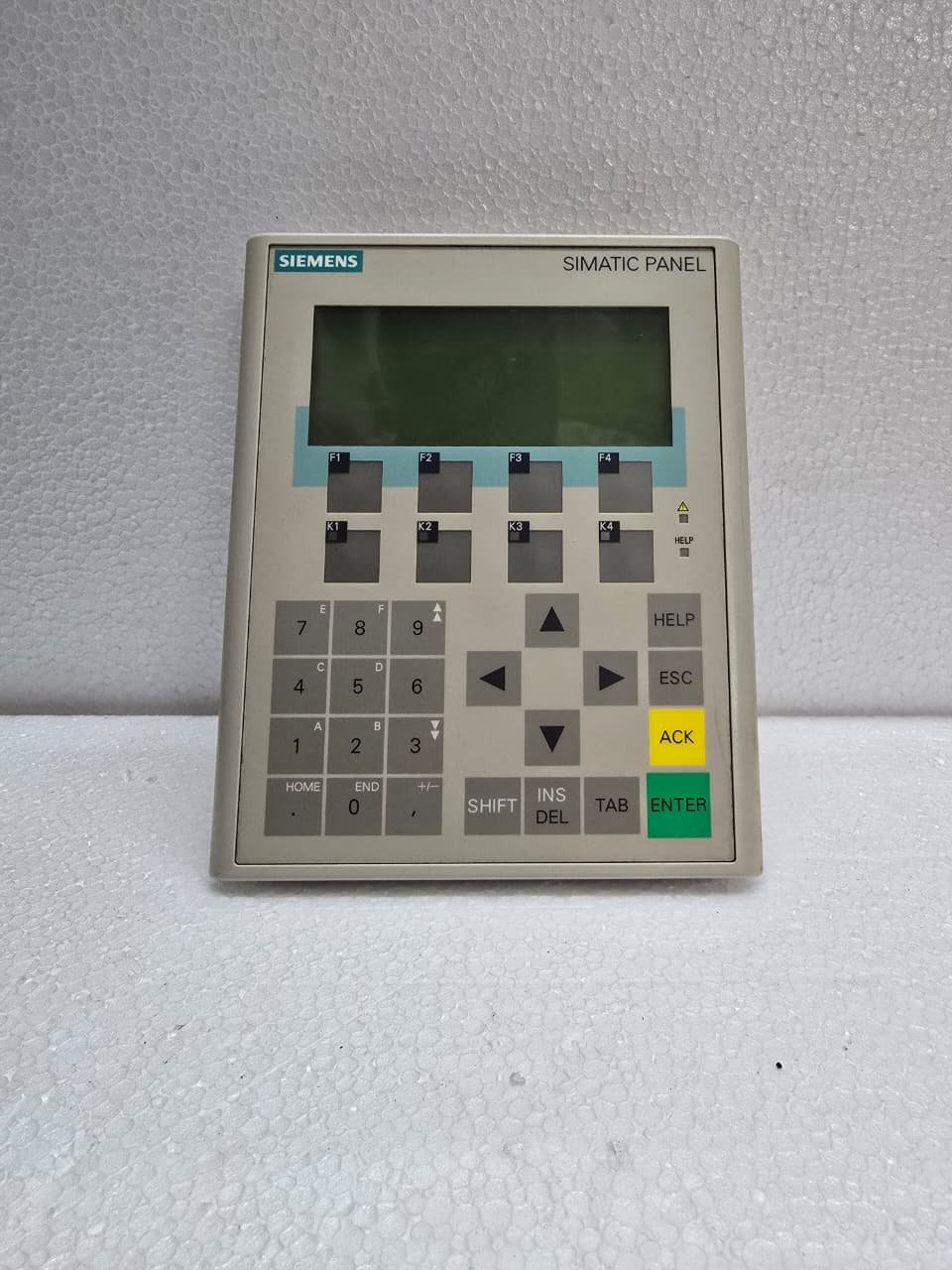
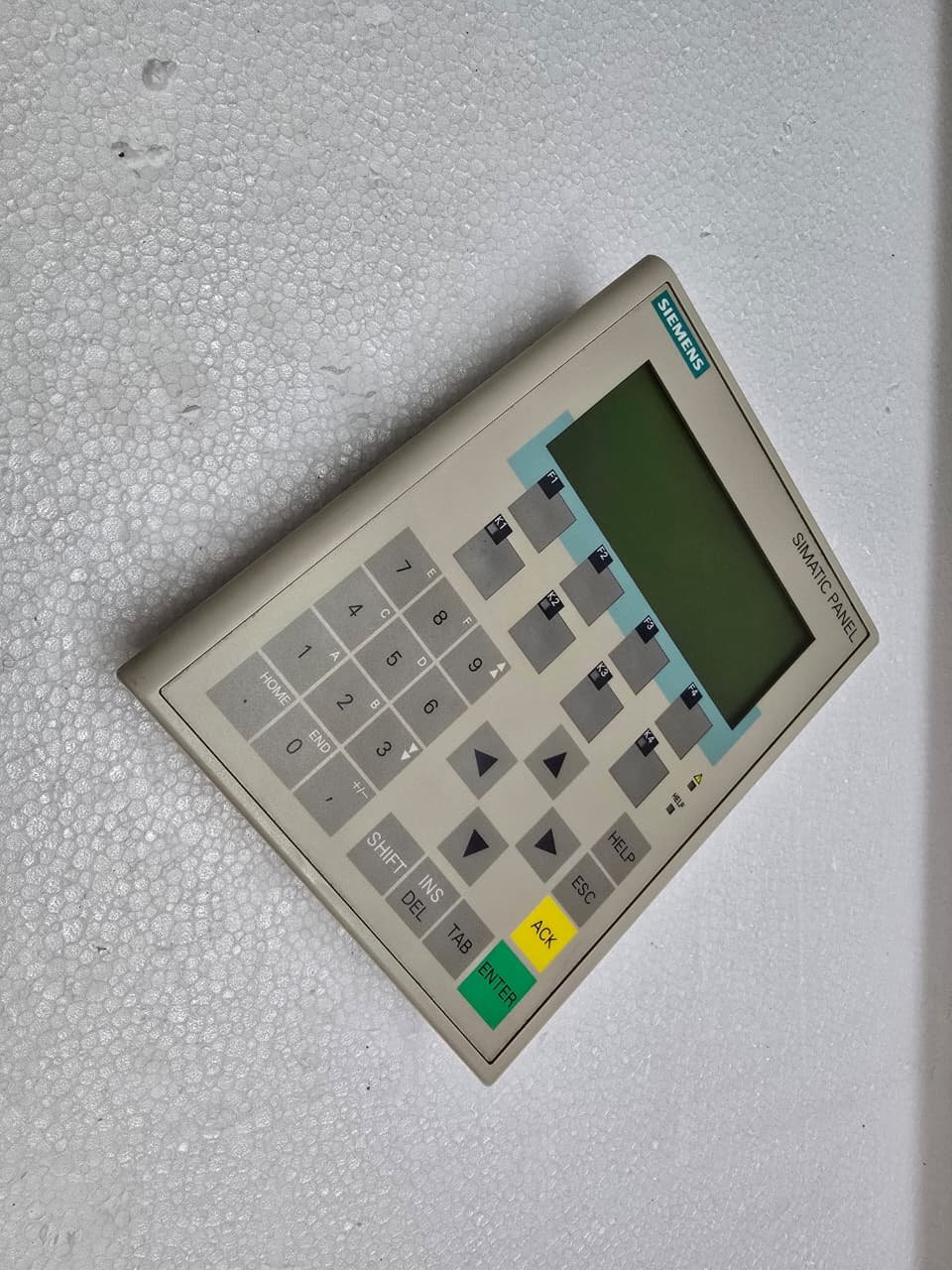
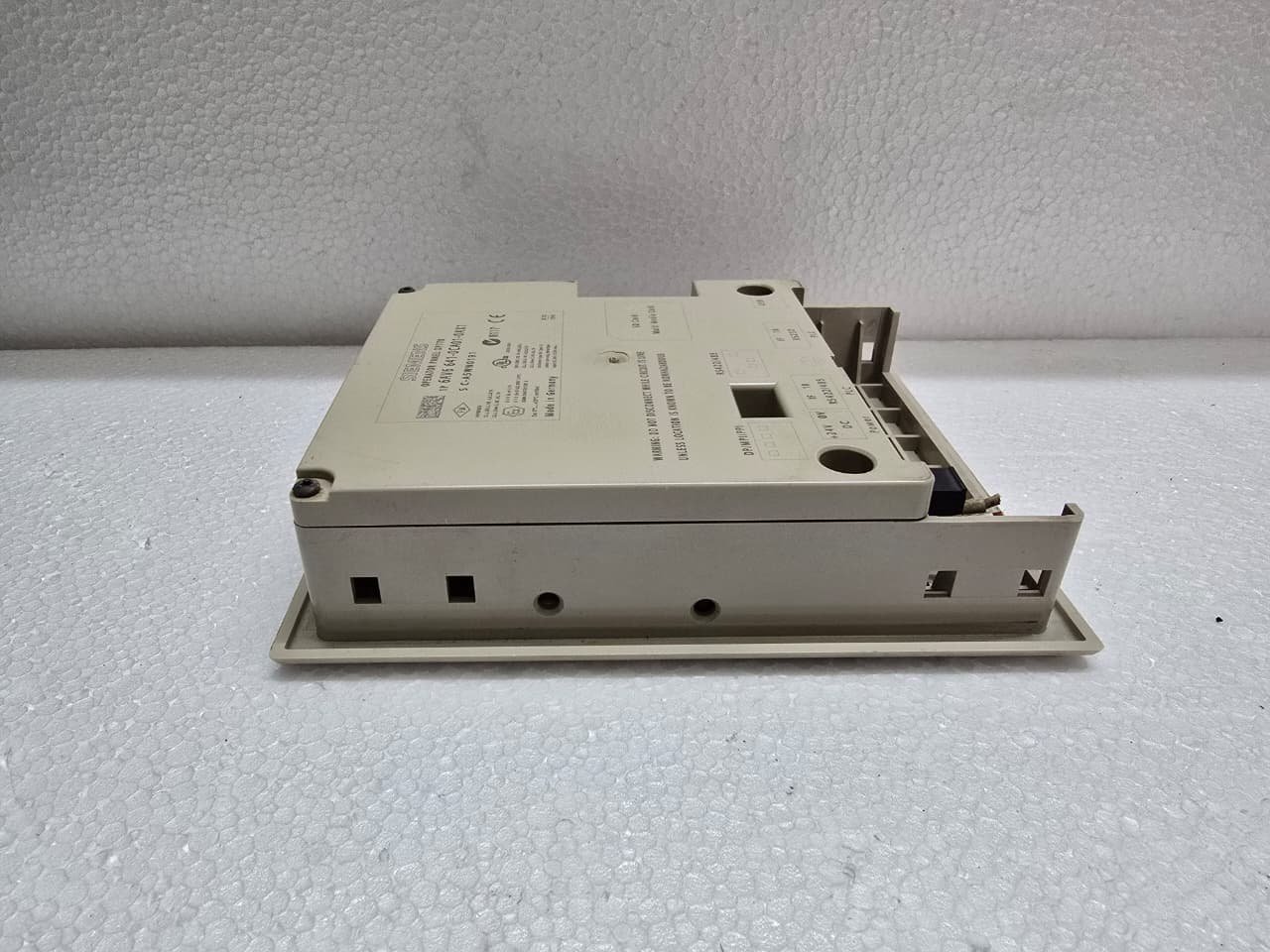
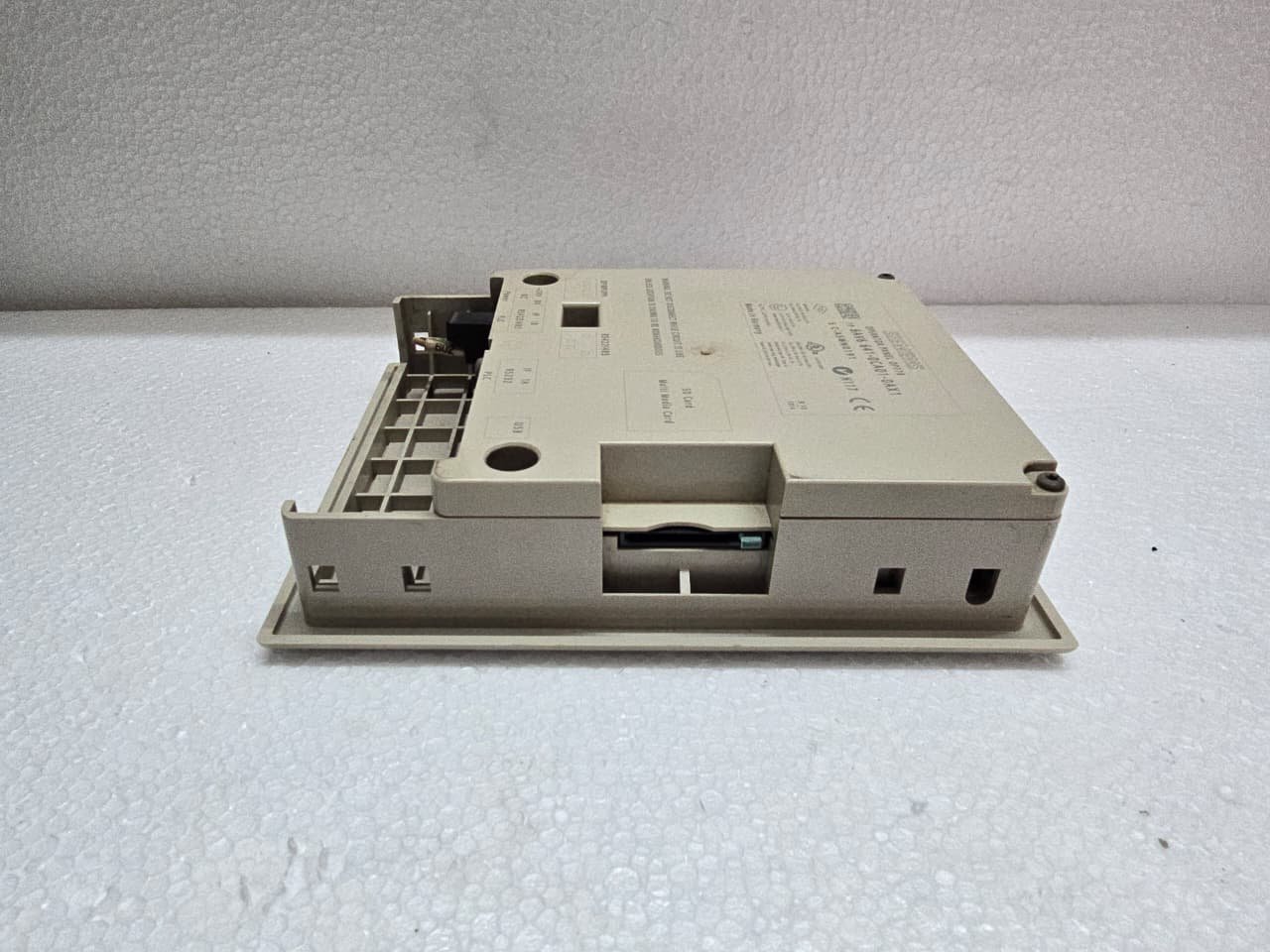
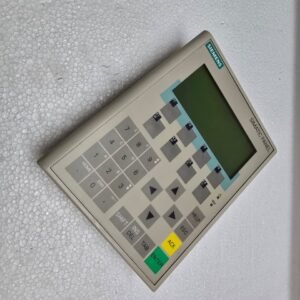
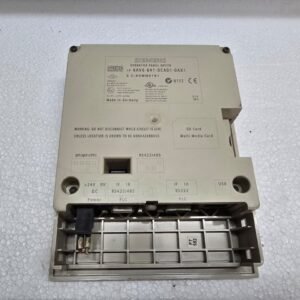
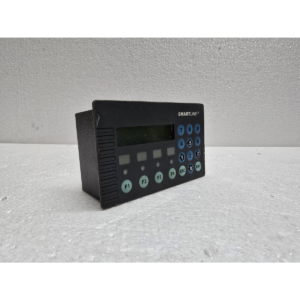
Siemens SIMATIC OP77B
₹51,326.00 Original price was: ₹51,326.00.₹34,835.00Current price is: ₹34,835.00.
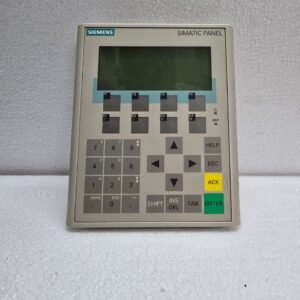
The Siemens SIMATIC OP77B is a compact, high-performance Operator Panel that belongs to the Simatic “70 series” family. It was designed as the powerful successor to the popular (but much simpler) OP7.
It is a text-based panel (not graphical), but it features a high-contrast display and a significant amount of integrated memory, making it ideal for managing recipes and complex alarm systems in small-to-medium machines.
Share:
 Siemens SIMATIC OP77B
₹51,326.00 Original price was: ₹51,326.00.₹34,835.00Current price is: ₹34,835.00.
The Siemens SIMATIC OP77B is a compact, high-performance Operator Panel that belongs to the Simatic “70 series” family. It was designed as the powerful successor to the popular (but much simpler) OP7.
It is a text-based panel (not graphical), but it features a high-contrast display and a significant amount of integrated memory, making it ideal for managing recipes and complex alarm systems in small-to-medium machines.
1. Key Technical Specifications
The OP77B is built for industrial durability, featuring a membrane keypad with tactile feedback.
| Feature | Details |
| Display | 4.5″ Backlit LCD (Monochrome) |
| Resolution | 160 x 64 pixels |
| Interface | 23 Keys (System keys, Numeric pad, 8 Function keys) |
| Memory | 1 MB integrated Flash (for project/recipe data) |
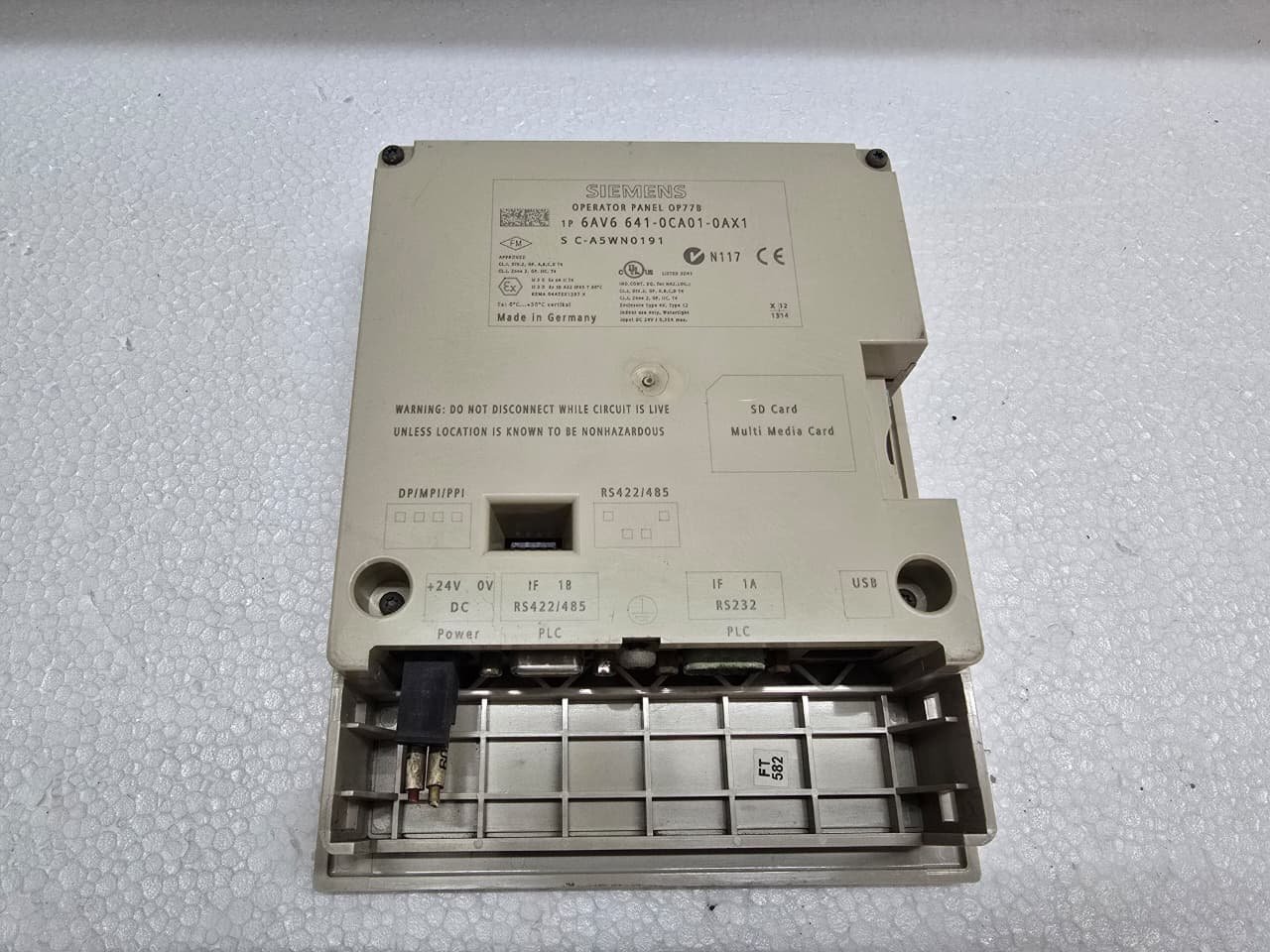
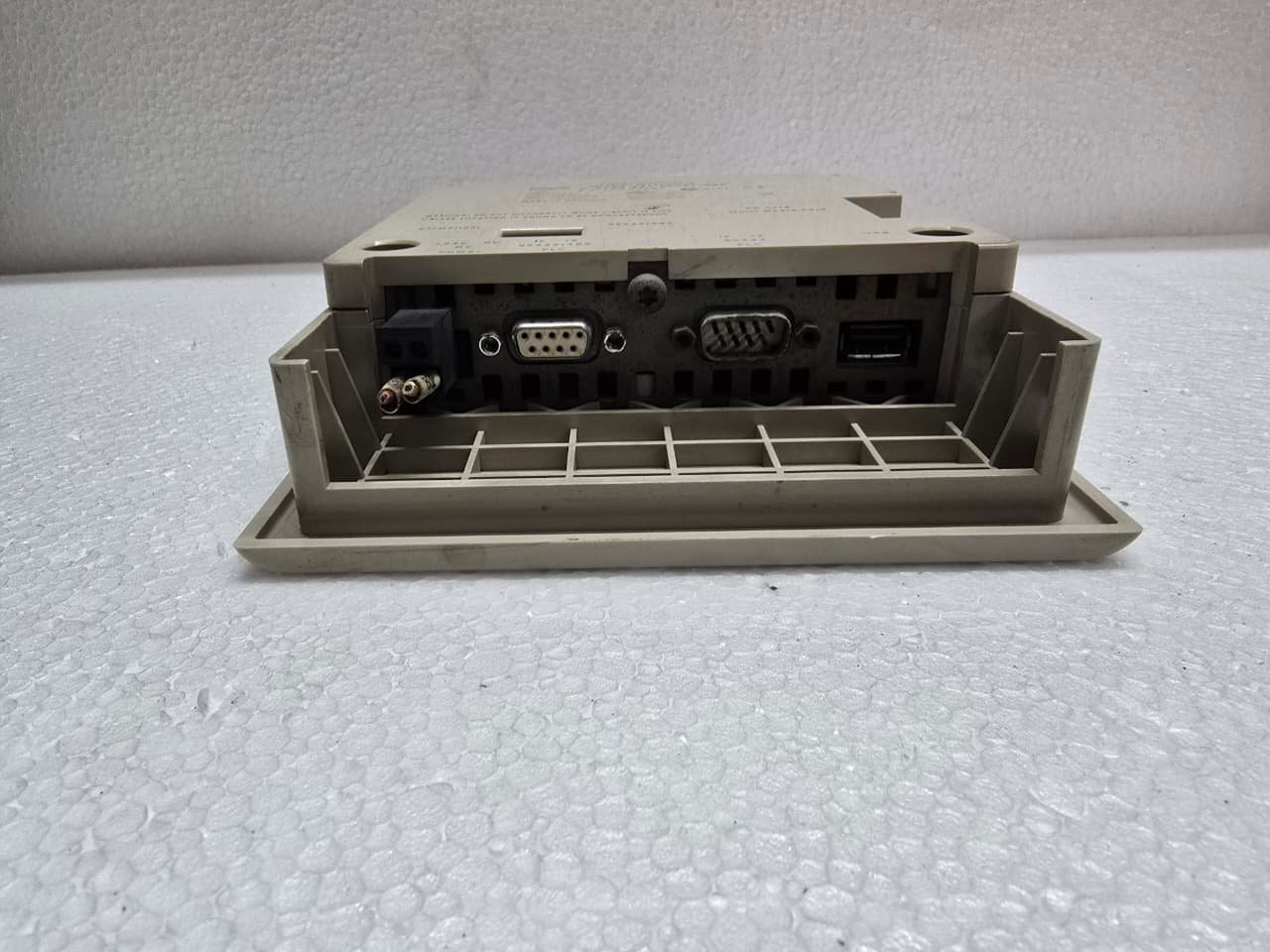
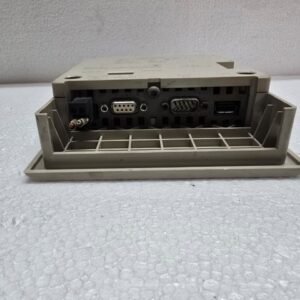
| Ports | RS-232, RS-422/485 (MPI/Profibus), and USB |
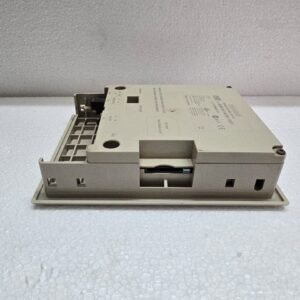
| Expansion | Integrated MMC (MultiMediaCard) slot for backups/recipes |
2. Communication Capabilities
One of the main advantages of the “B” version (OP77B) over the basic OP77A is its connectivity:
-
Multi-Protocol: It supports MPI and Profibus DP up to 12 Mbps.
-
Serial Support: It can communicate via RS-232/422 with non-Siemens PLCs using various drivers.
-
USB Port: This port is used for high-speed project downloads from a PC, which is much faster than the older serial transfer methods.
3. Software and Programming
The OP77B is programmed using Siemens’ legacy HMI software:
-
WinCC Flexible: (2004, 2005, 2007, or 2008). This is the most common environment for these panels.
-
TIA Portal: It is supported in TIA Portal (up to Version 14) under the WinCC Comfort/Advanced tier, allowing for migration to more modern projects.
Note: If you are migrating an old OP7 project to an OP77B, the software handles most of the screen conversion, but you will need to re-assign the Function keys (F1-F8) as the physical layout differs slightly.
4. Backups and the MMC Slot
The OP77B was one of the first small panels to include an MMC slot.
-
Recipe Storage: You can store massive amounts of production data on the card.
-
Zero-PC Recovery: You can save a “backup image” of the panel to the MMC card. If a panel fails on the factory floor, a maintenance tech can simply move the card to a new OP77B and restore the system without needing a laptop or the original source code.
Reviews
There are no reviews yet.