
Hotline Order:
+91 9727278672 / +91 8238235003
Email ID:
info@shipautomationparts.com
Free Shipping apply to all orders over $299
Safe & securely shopping
20 Day Returns in case u change your mind.
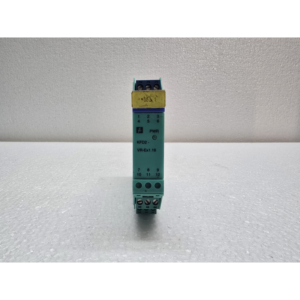
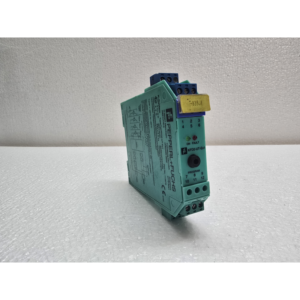
Smart Line (often referred to under the Messung brand) (Copy)
$140.00 Original price was: $140.00.$105.00Current price is: $105.00.
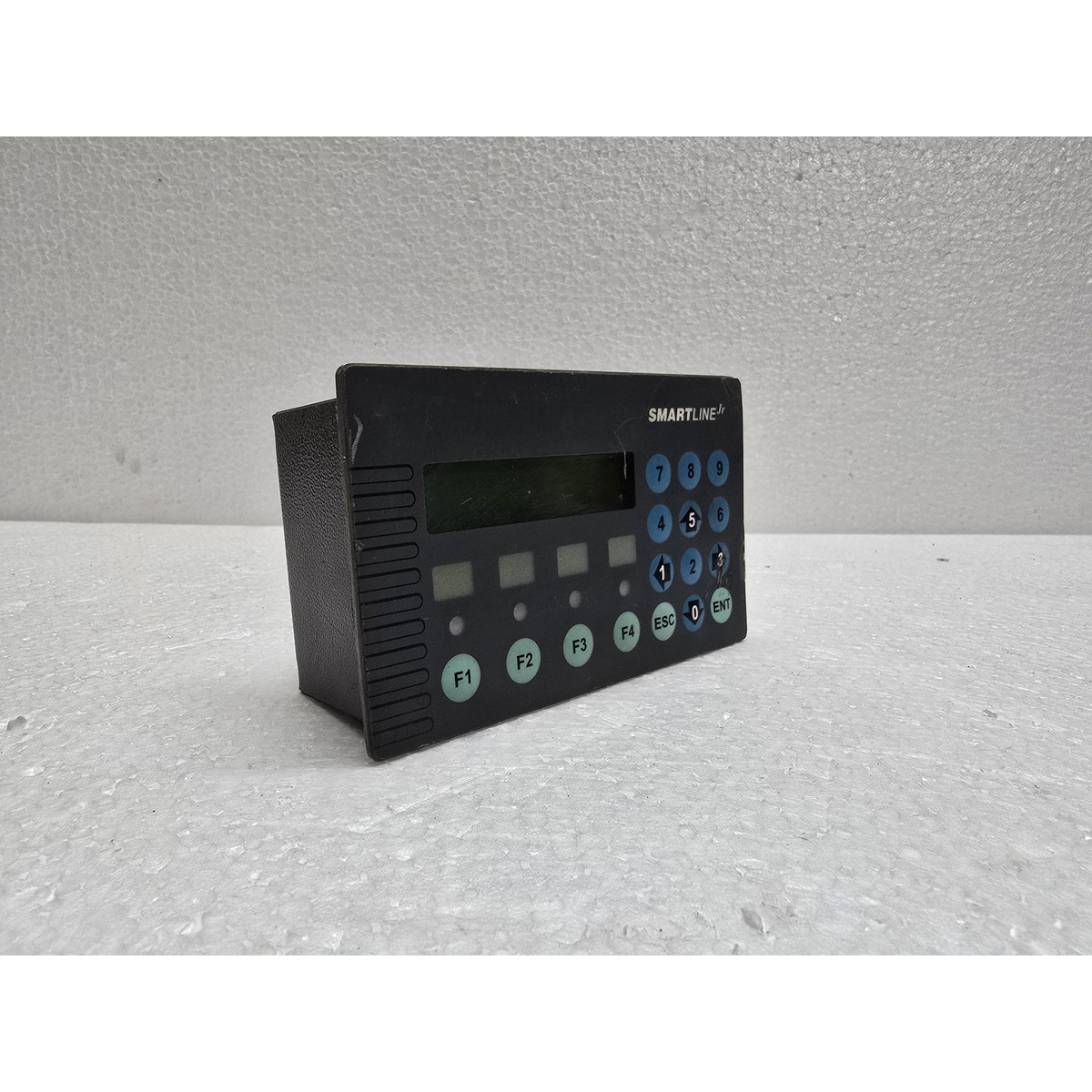
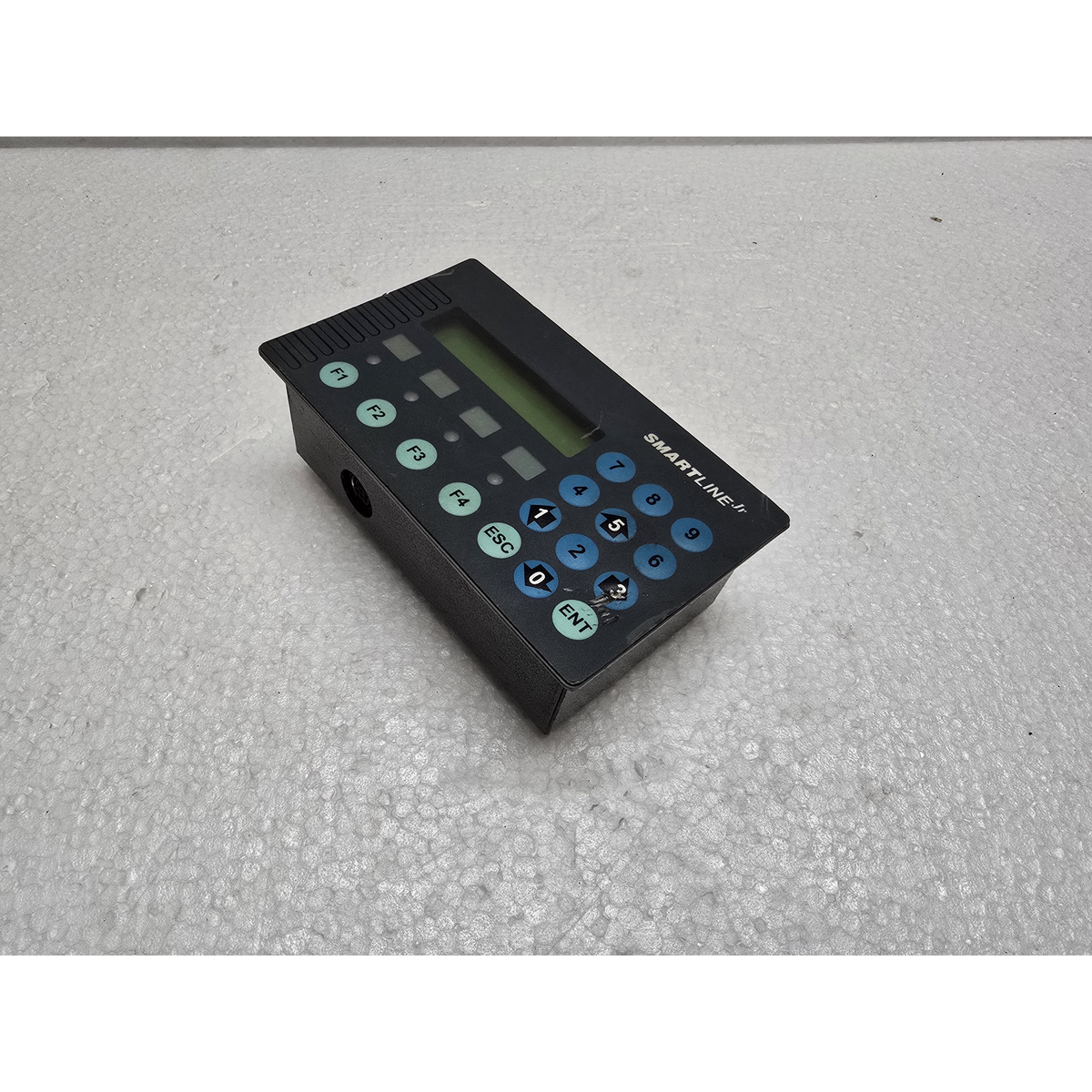
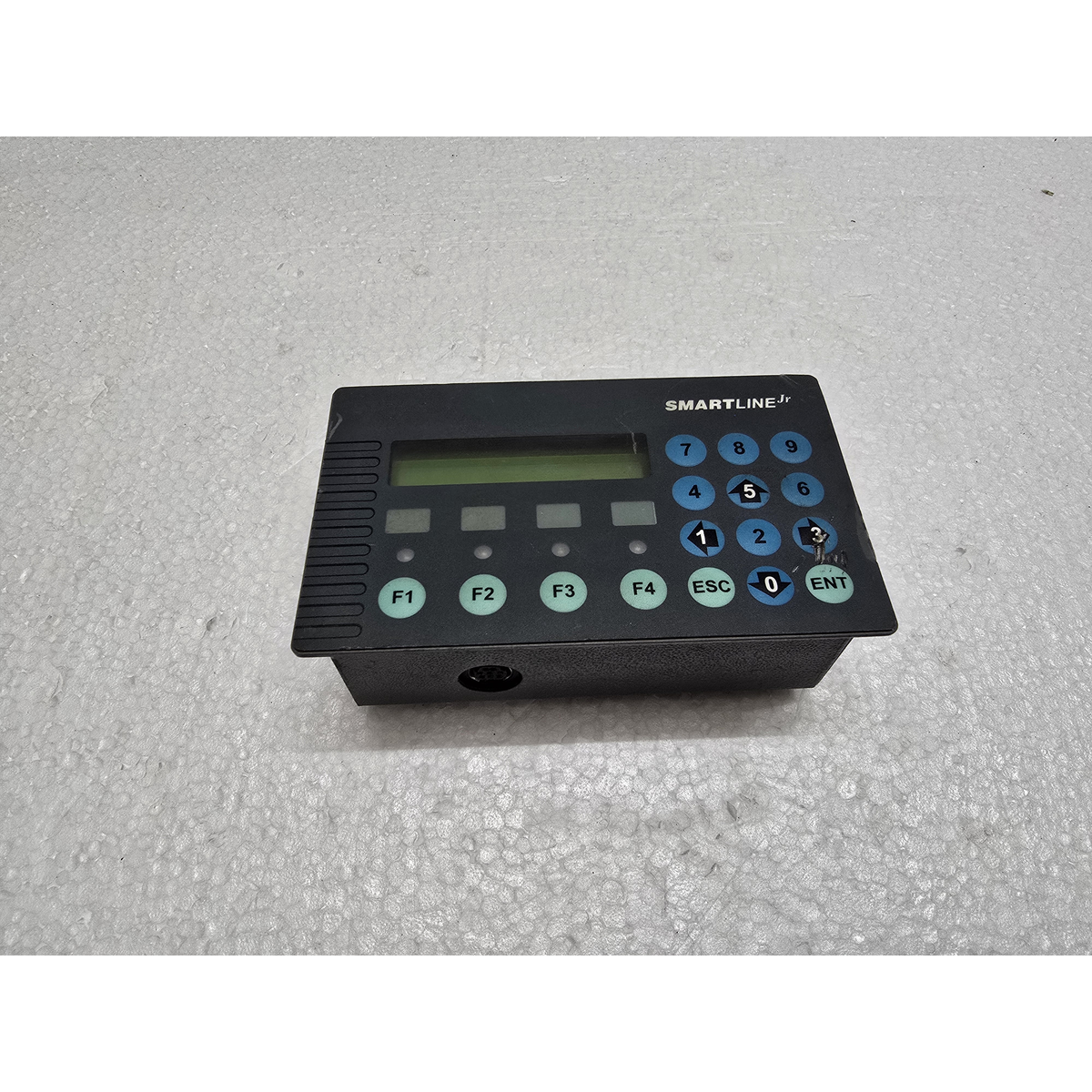
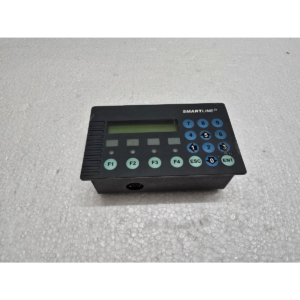
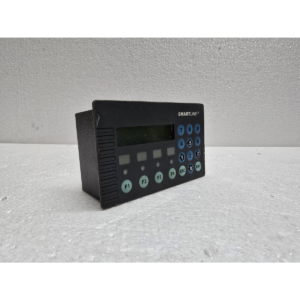
The Smart Line (often referred to under the Messung brand) is an industrial Text-based Human Machine Interface (HMI).1 It is part of the “Smartline Junior Ex” series, designed for rugged industrial environments where a simple, reliable interface is needed to communicate with a PLC (Programmable Logic Controller).2
Share:
 Smart Line (often referred to ...
$140.00 Original price was: $140.00.$105.00Current price is: $105.00.
1 in stock
The Smart Line (often referred to under the Messung brand) is an industrial Text-based Human Machine Interface (HMI).1 It is part of the “Smartline Junior Ex” series, designed for rugged industrial environments where a simple, reliable interface is needed to communicate with a PLC (Programmable Logic Controller).2
Below is the technical description and key features of this model:
1. Display and Visuals
-
Type: LCD (Liquid Crystal Display) with a blue backlight and white text.3
-
Capacity: 20 Characters x 2 Lines (Total 40 characters viewable at once).4
-
Visibility: High-contrast text display designed for clear reading in industrial lighting.
2. Hardware and Control
-
Interface Type: It is a Keypad-based HMI, meaning it uses physical buttons rather than a touchscreen.5
-
Buttons: Includes numeric keys, cursor (navigation) keys, and user-definable Function Keys (F1, F2, etc.) for specific machine tasks.6
-
Processor: Advanced Microprocessor-based system for fast response times between the operator and the PLC.7
-
Memory: Typically equipped with 16 KB Flash Memory for storing message screens and configurations.8
3. Connectivity & Communication
-
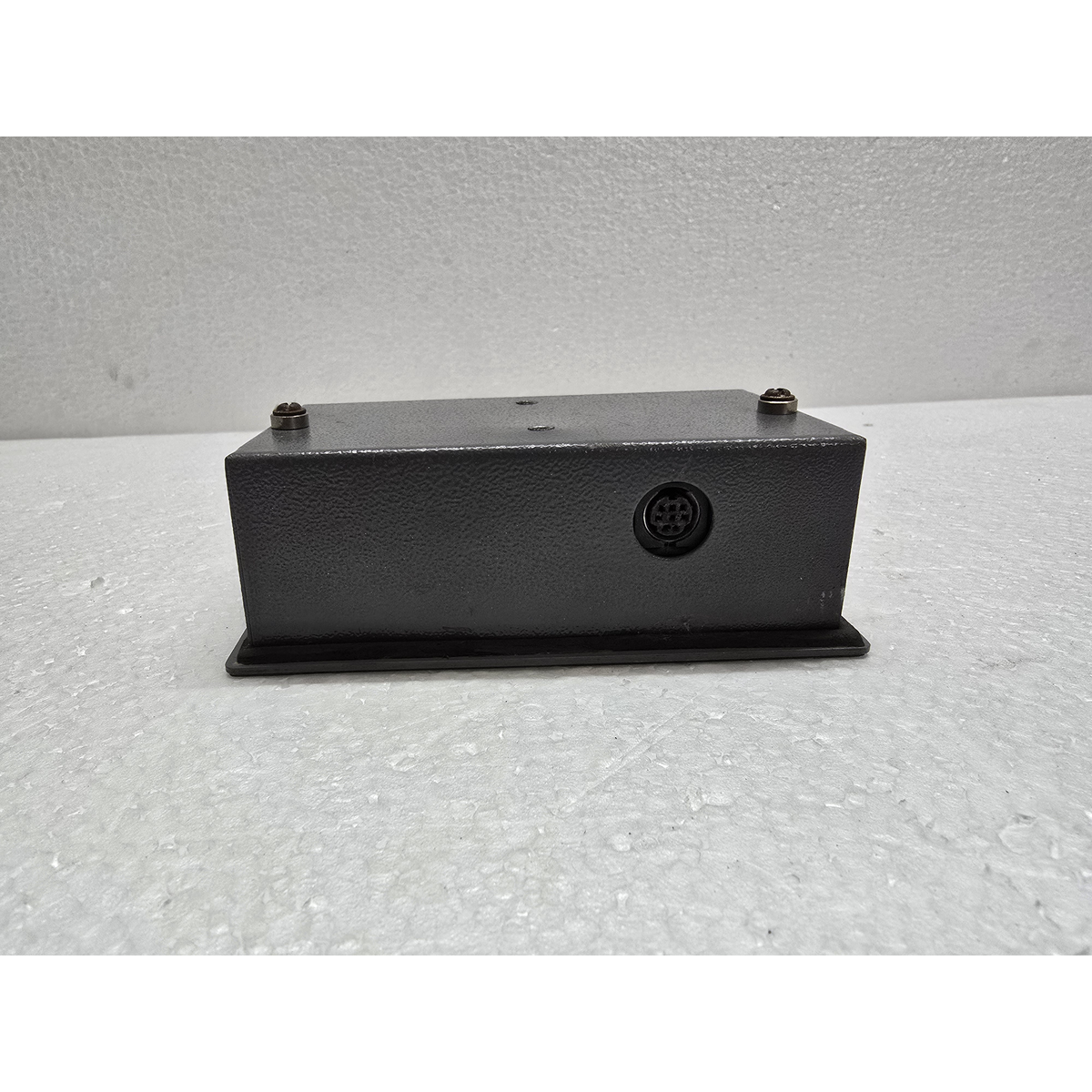
Communication Protocols: Primarily supports serial communication (RS-232, RS-422, or RS-485).
-
PLC Compatibility: Highly compatible with Mitsubishi PLCs (like FX or Q series) and Messung’s own XMP8 series, though drivers for other manufacturers are often available.
-
Software: Programmed using SL Designer or SOFTLINE software, which allows users to create custom messages, alarms, and data entry fields.9
4. Technical Specifications
| Feature | Details |
| Model Number | SLJREX2002V21 (Junior Series) |
| Power Supply | Usually 24V DC (though some versions support 230V AC) |
| Protection | IP54/IP65 (Front panel protected against dust and water splashes) |
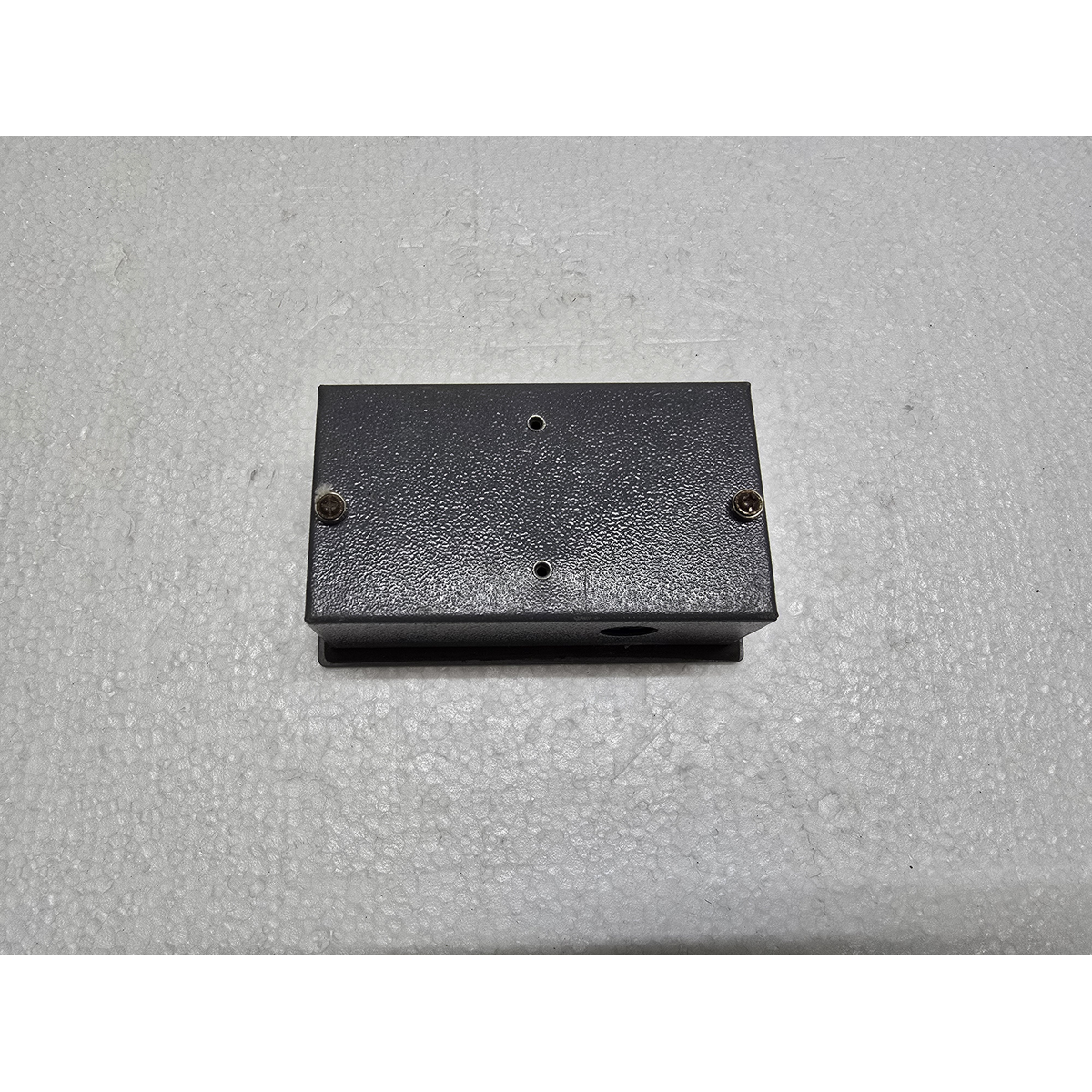
| Mounting | Panel Mounted |
| Operating Temp | 0°C to 50°C |
5. Common Applications
-
Machine Status Monitoring: Displaying real-time errors, cycle counts, or speeds.
-
Data Entry: Allowing operators to change timers, counters, or setpoints via the numeric keypad.
-
Alarm Handling: Listing active faults or maintenance reminders.
Next Steps:
-
Are you looking for the wiring diagram to connect this HMI to a specific PLC?
-
Do you need help troubleshooting a specific error message appearing on the screen?
-
Or are you trying to upload/download a program from this device?
Reviews
There are no reviews yet.