
Hotline Order:
+91 9727278672 / +91 8238235003
Email ID:
info@shipautomationparts.com
Free Shipping apply to all orders over $299
Safe & securely shopping
20 Day Returns in case u change your mind.
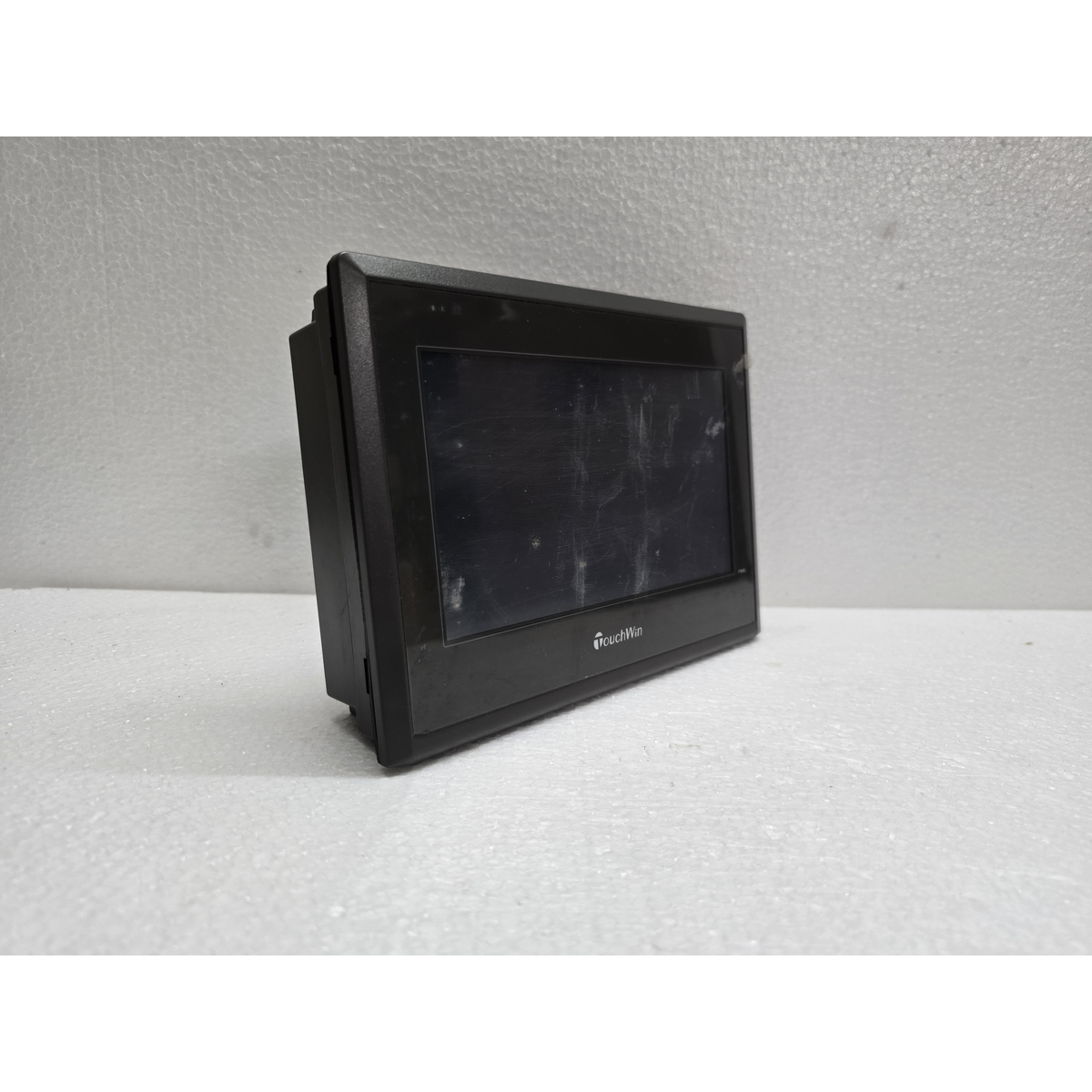
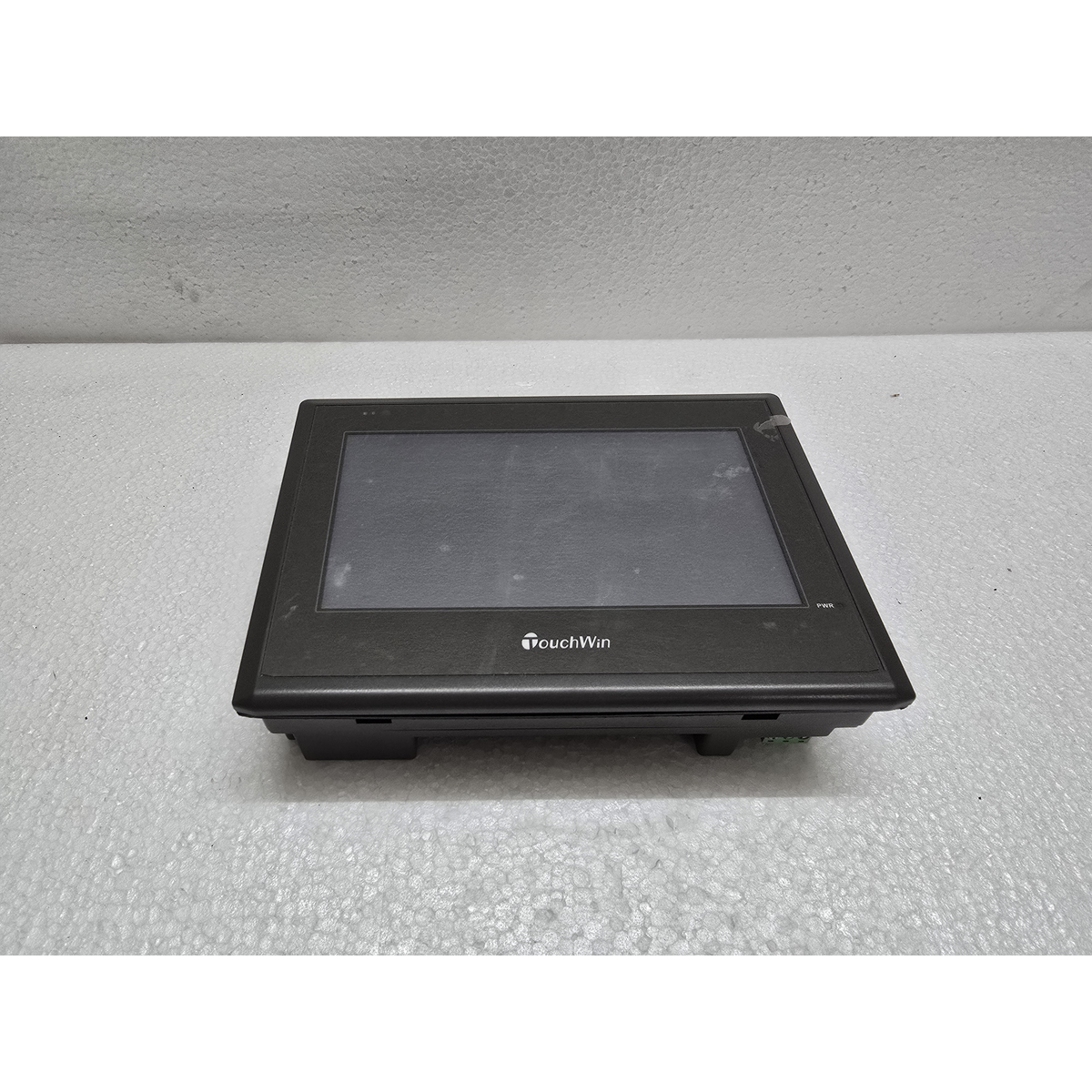
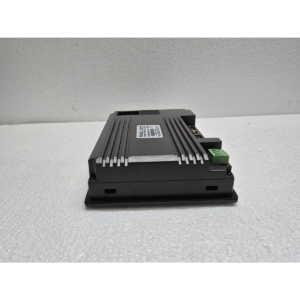
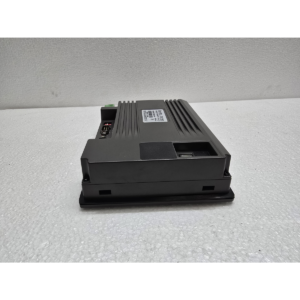
TouchWin TG765-MT
$200.00 Original price was: $200.00.$165.00Current price is: $165.00.
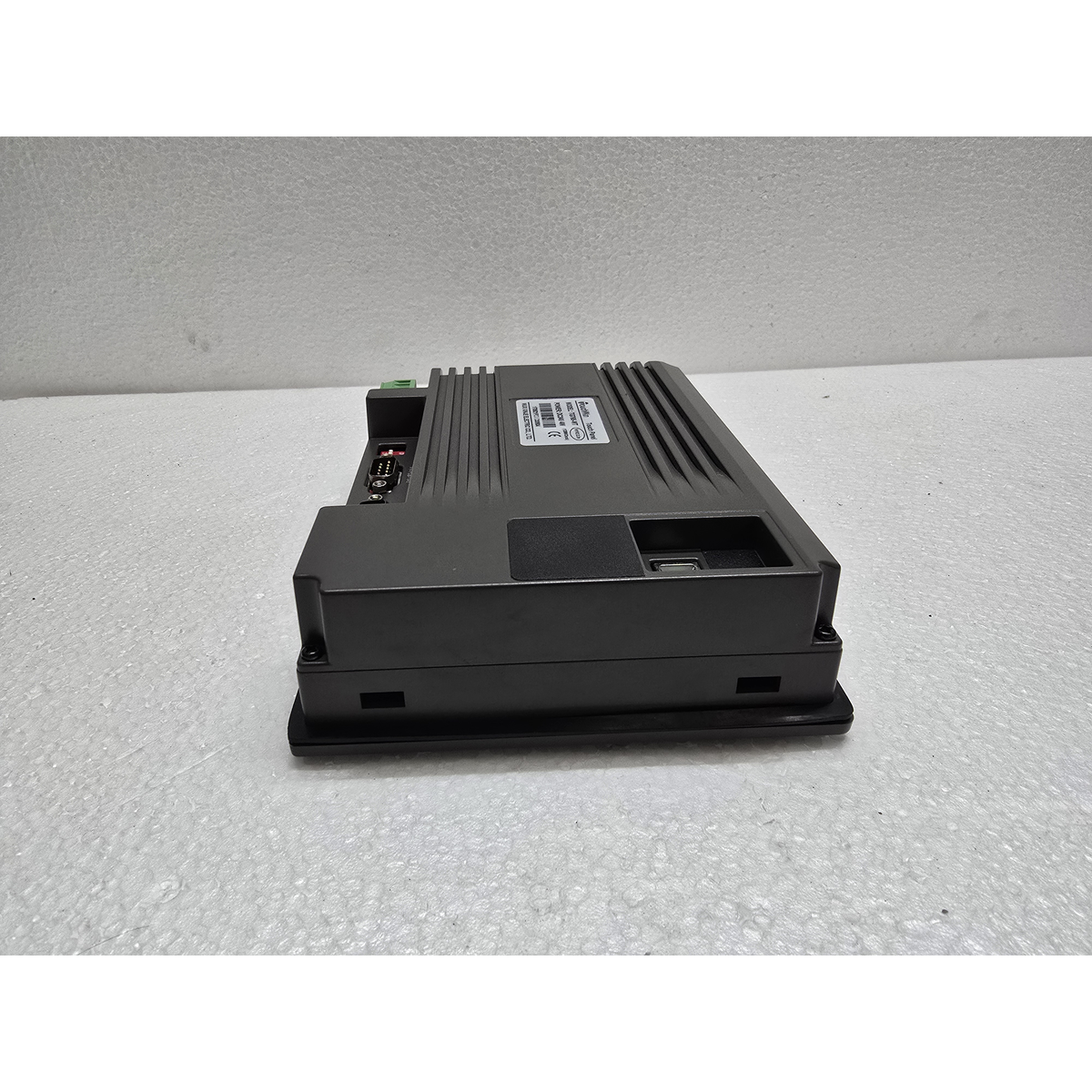
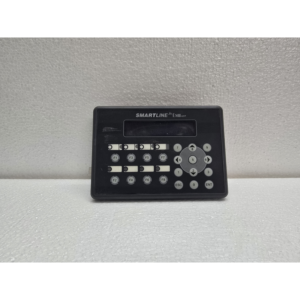
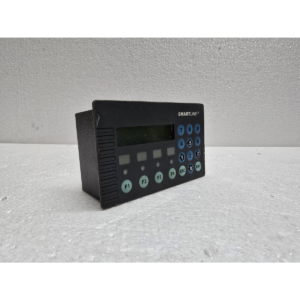
The TouchWin TG765-MT is a highly popular 7-inch color touch screen HMI manufactured by Xinje (Thingaive). It is widely used in compact machinery because of its high-speed performance, sharp display, and excellent compatibility with various PLC brands.
The “MT” in the model name indicates that it is a standard model featuring high-speed communication ports and a high-resolution screen.
1. Display and Visuals
-
Screen Size: 7-inch Widescreen (16:9).
-
Display Type: 16.77 million color TFT LCD.
-
Resolution: 800×480 pixels (WVGA).
-
Backlight: LED backlight with a lifespan of 50,000 hours.
-
Contrast: High contrast ratio, making text and small icons very easy to read even in bright industrial environments.
2. Connectivity and Ports
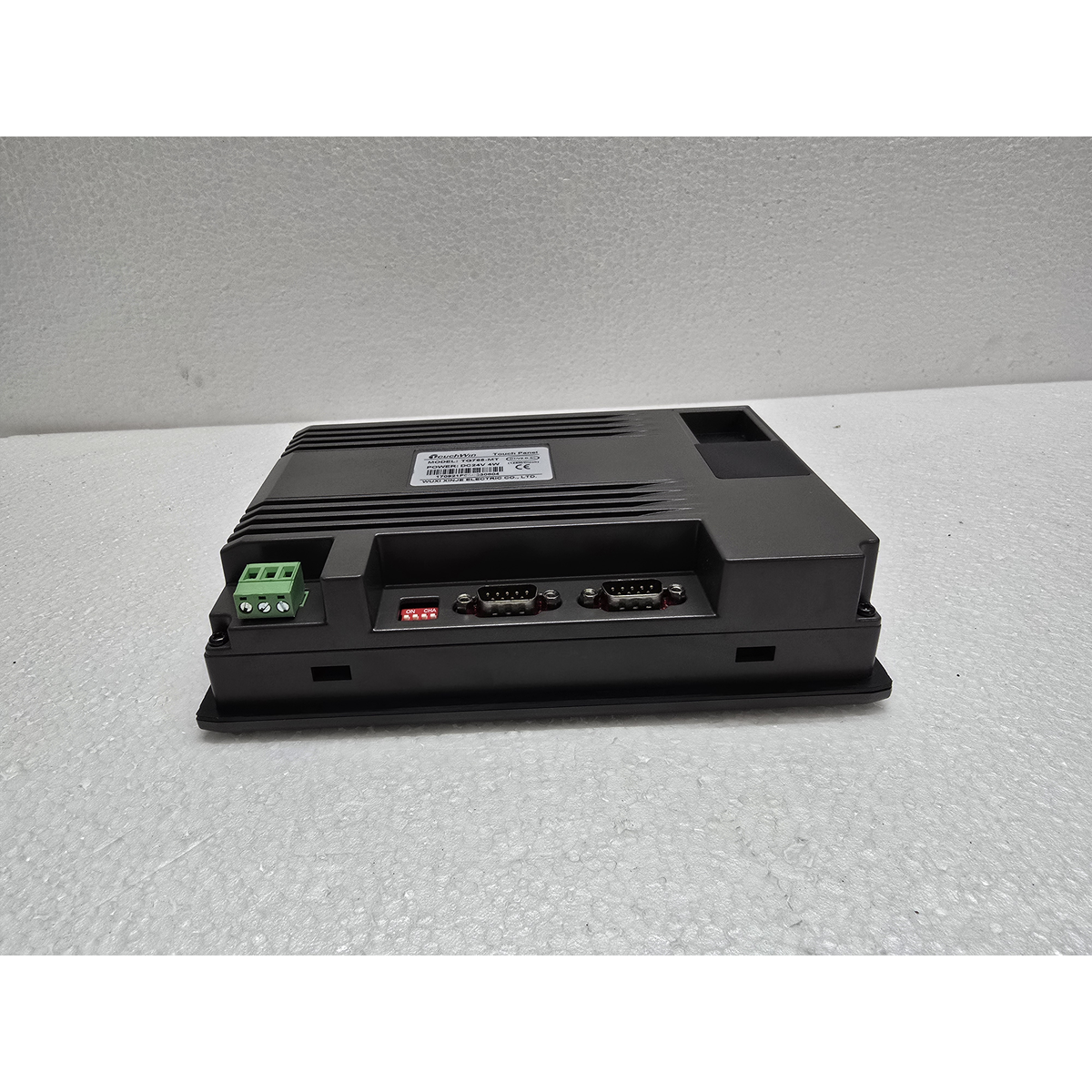
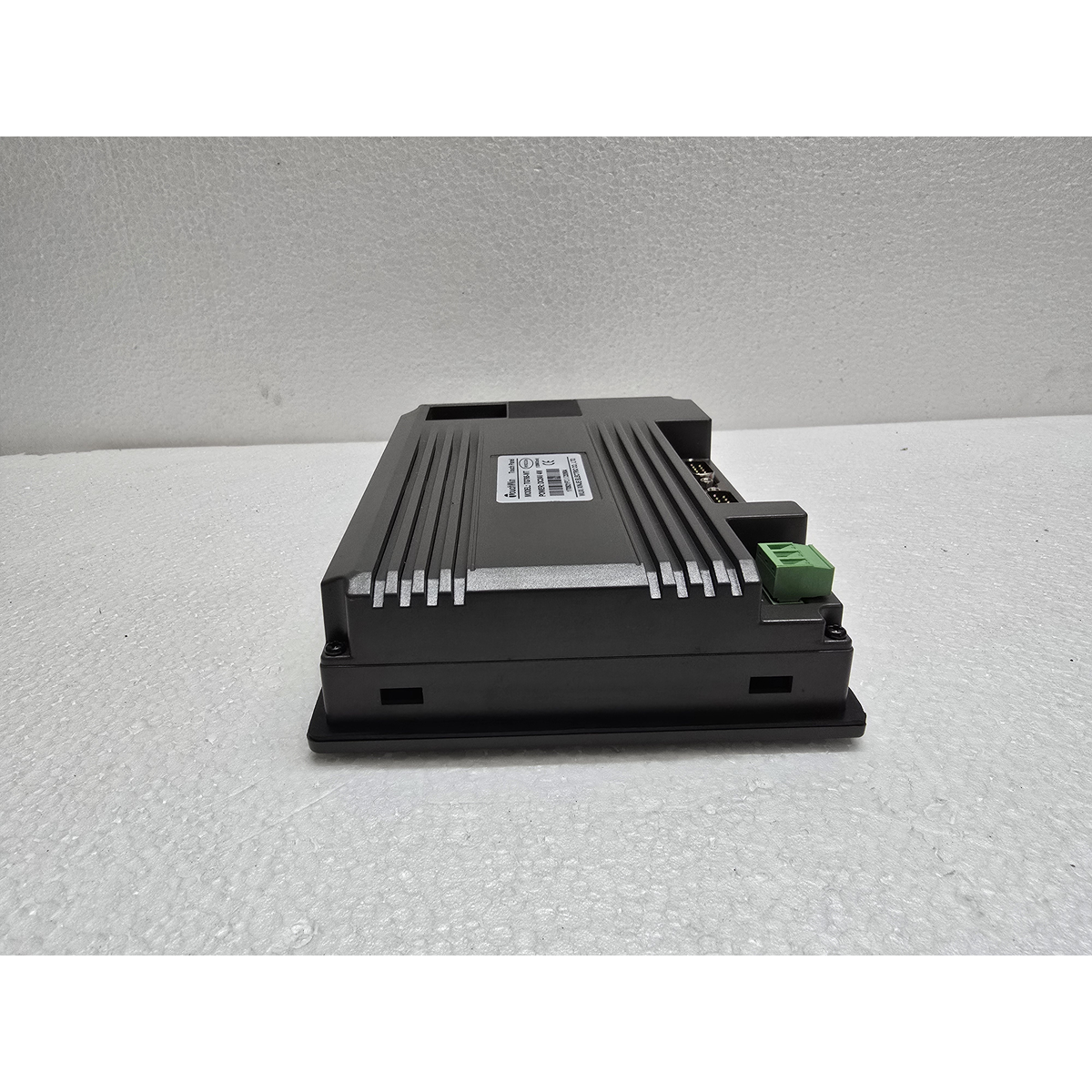
The TG765-MT is designed to be the communication hub of a machine:
-
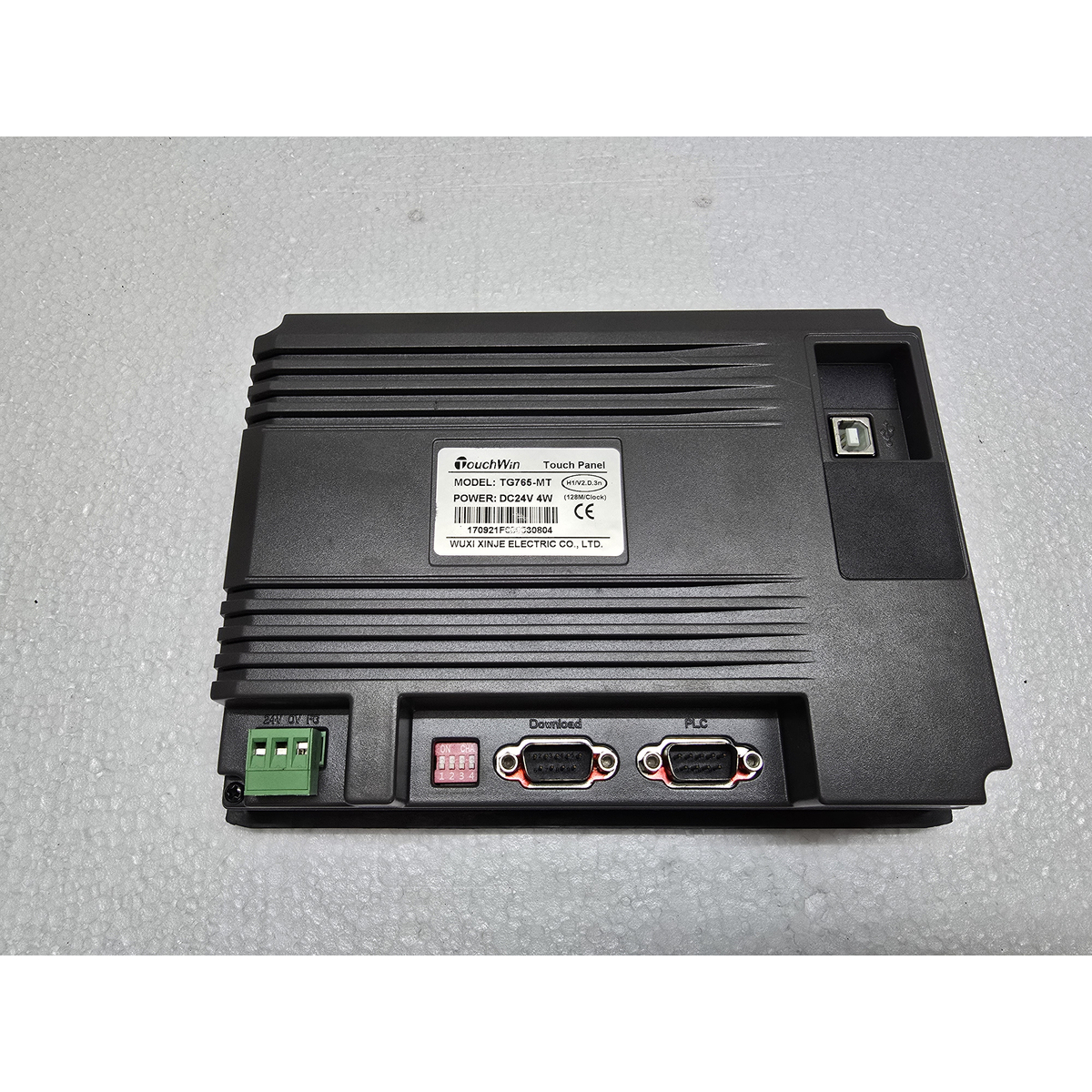
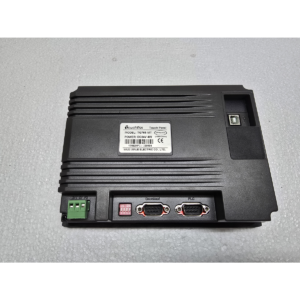
COM 1: RS-232 / RS-485 (used for the primary PLC connection).
-
COM 2: RS-232 / RS-485 / RS-422 (flexible port for secondary devices like inverters or temperature controllers).
-
USB-B Port: Located on the rear for high-speed program download/upload from a PC.
-
USB-A Port: Allows for connecting a USB flash drive for data logging, firmware updates, and recipe storage.
3. Hardware Performance
-
Processor: 32-bit RISC CPU (running at 400MHz or higher depending on the hardware version).
-
Memory: 128 MB Flash for project storage and 128 MB RAM for fast operating speeds.
-
Data Storage: Built-in RTC (Real-Time Clock) and persistent memory for alarm and event logging.
4. Technical Specifications
| Feature | Details |
| Model | TG765-MT |
| Input Voltage | 24V DC (±10%) |
| Power Consumption | Less than 5W |
| Protection Rating | IP65 (Front panel is dust-tight and water-resistant) |
| Operating Temp | 0°C to 50°C |
| Software | TouchWin Editing Software (TouchWin Pro) |
5. Key Features
-
Multi-PLC Support: It supports a vast range of communication protocols including Modbus RTU/ASCII, and drivers for Siemens, Mitsubishi, Omron, Delta, and Schneider.
-
C-Language Macros: Users can write “C” scripts within the HMI to handle complex math, data manipulation, or protocol conversions that the PLC cannot handle easily.
-
Fast Response: The touch response and screen switching are very smooth compared to older monochrome or text-based panels.
-
Animation Support: It can handle simple GIF-like animations to show moving parts of a machine (e.g., rotating fans or moving conveyors).
Maintenance Tip: If the HMI screen stays stuck on the “System Loading” screen, it often indicates a corrupted project file or a firmware issue. You can try to “Force Download” the project from the TouchWin software using the USB-B cable.
Would you like me to find the “Communication Pinout” for a specific PLC (like the Xinje XC series or Mitsubishi FX), or do you need the “Installation Manual” for the software?
Share:
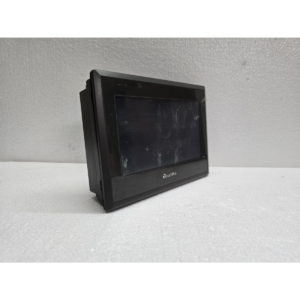 TouchWin TG765-MT
$200.00 Original price was: $200.00.$165.00Current price is: $165.00.
The TouchWin TG765-MT is a highly popular 7-inch color touch screen HMI manufactured by Xinje (Thingaive). It is widely used in compact machinery because of its high-speed performance, sharp display, and excellent compatibility with various PLC brands.
The “MT” in the model name indicates that it is a standard model featuring high-speed communication ports and a high-resolution screen.
1. Display and Visuals
-
Screen Size: 7-inch Widescreen (16:9).
-
Display Type: 16.77 million color TFT LCD.
-
Resolution: 800×480 pixels (WVGA).
-
Backlight: LED backlight with a lifespan of 50,000 hours.
-
Contrast: High contrast ratio, making text and small icons very easy to read even in bright industrial environments.
2. Connectivity and Ports
The TG765-MT is designed to be the communication hub of a machine:
-
COM 1: RS-232 / RS-485 (used for the primary PLC connection).
-
COM 2: RS-232 / RS-485 / RS-422 (flexible port for secondary devices like inverters or temperature controllers).
-
USB-B Port: Located on the rear for high-speed program download/upload from a PC.
-
USB-A Port: Allows for connecting a USB flash drive for data logging, firmware updates, and recipe storage.
3. Hardware Performance
-
Processor: 32-bit RISC CPU (running at 400MHz or higher depending on the hardware version).
-
Memory: 128 MB Flash for project storage and 128 MB RAM for fast operating speeds.
-
Data Storage: Built-in RTC (Real-Time Clock) and persistent memory for alarm and event logging.
4. Technical Specifications
| Feature | Details |
| Model | TG765-MT |
| Input Voltage | 24V DC (±10%) |
| Power Consumption | Less than 5W |
| Protection Rating | IP65 (Front panel is dust-tight and water-resistant) |
| Operating Temp | 0°C to 50°C |
| Software | TouchWin Editing Software (TouchWin Pro) |
5. Key Features
-
Multi-PLC Support: It supports a vast range of communication protocols including Modbus RTU/ASCII, and drivers for Siemens, Mitsubishi, Omron, Delta, and Schneider.
-
C-Language Macros: Users can write “C” scripts within the HMI to handle complex math, data manipulation, or protocol conversions that the PLC cannot handle easily.
-
Fast Response: The touch response and screen switching are very smooth compared to older monochrome or text-based panels.
-
Animation Support: It can handle simple GIF-like animations to show moving parts of a machine (e.g., rotating fans or moving conveyors).
Maintenance Tip: If the HMI screen stays stuck on the “System Loading” screen, it often indicates a corrupted project file or a firmware issue. You can try to “Force Download” the project from the TouchWin software using the USB-B cable.
Would you like me to find the “Communication Pinout” for a specific PLC (like the Xinje XC series or Mitsubishi FX), or do you need the “Installation Manual” for the software?

Reviews
There are no reviews yet.