



Hotline Order:
+91 9727278672 / +91 8238235003
Email ID:
info@shipautomationparts.com
Free Shipping apply to all orders over $299
Safe & securely shopping
20 Day Returns in case u change your mind.
$1,289.00 Original price was: $1,289.00.$768.00Current price is: $768.00.
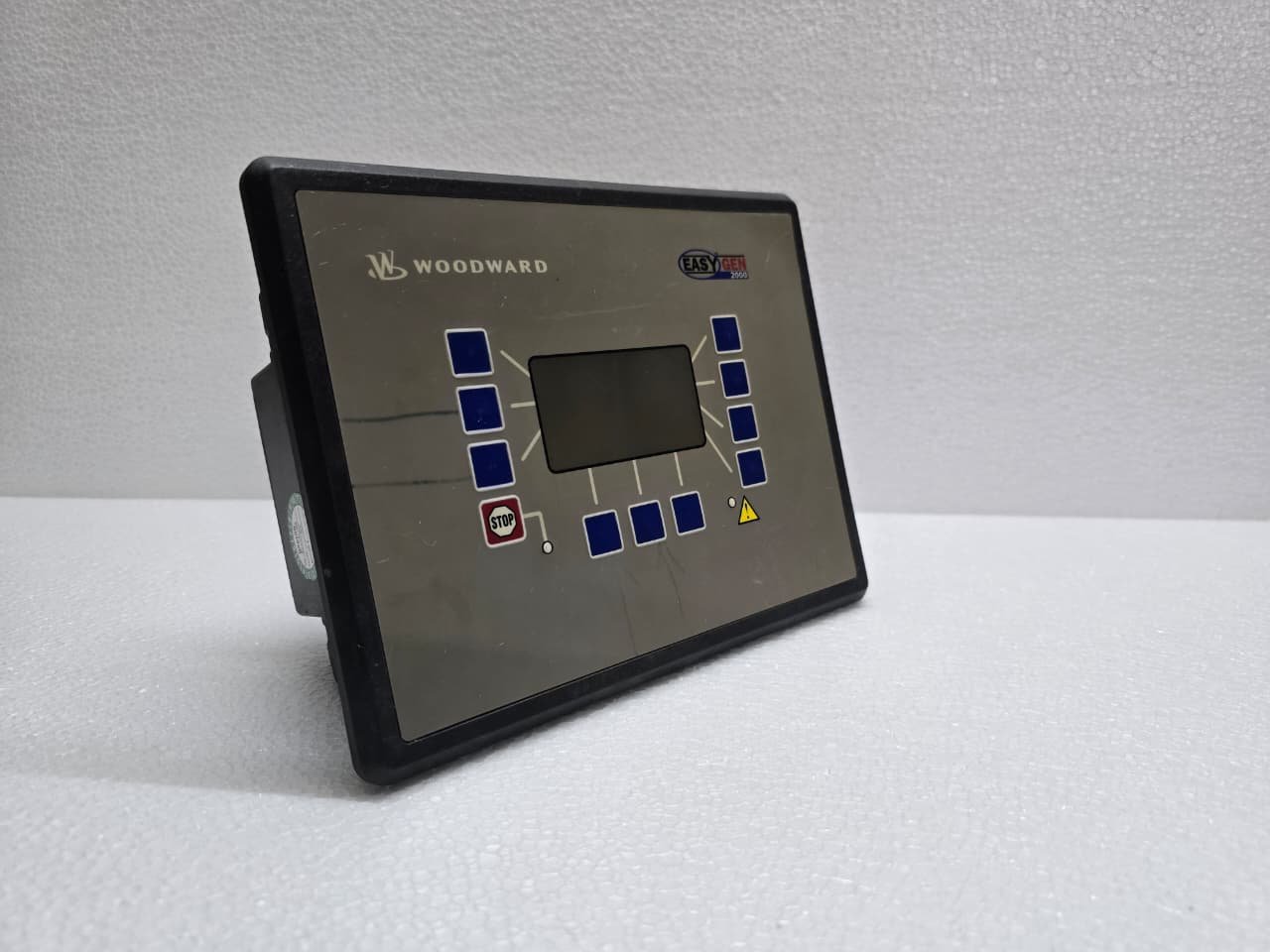
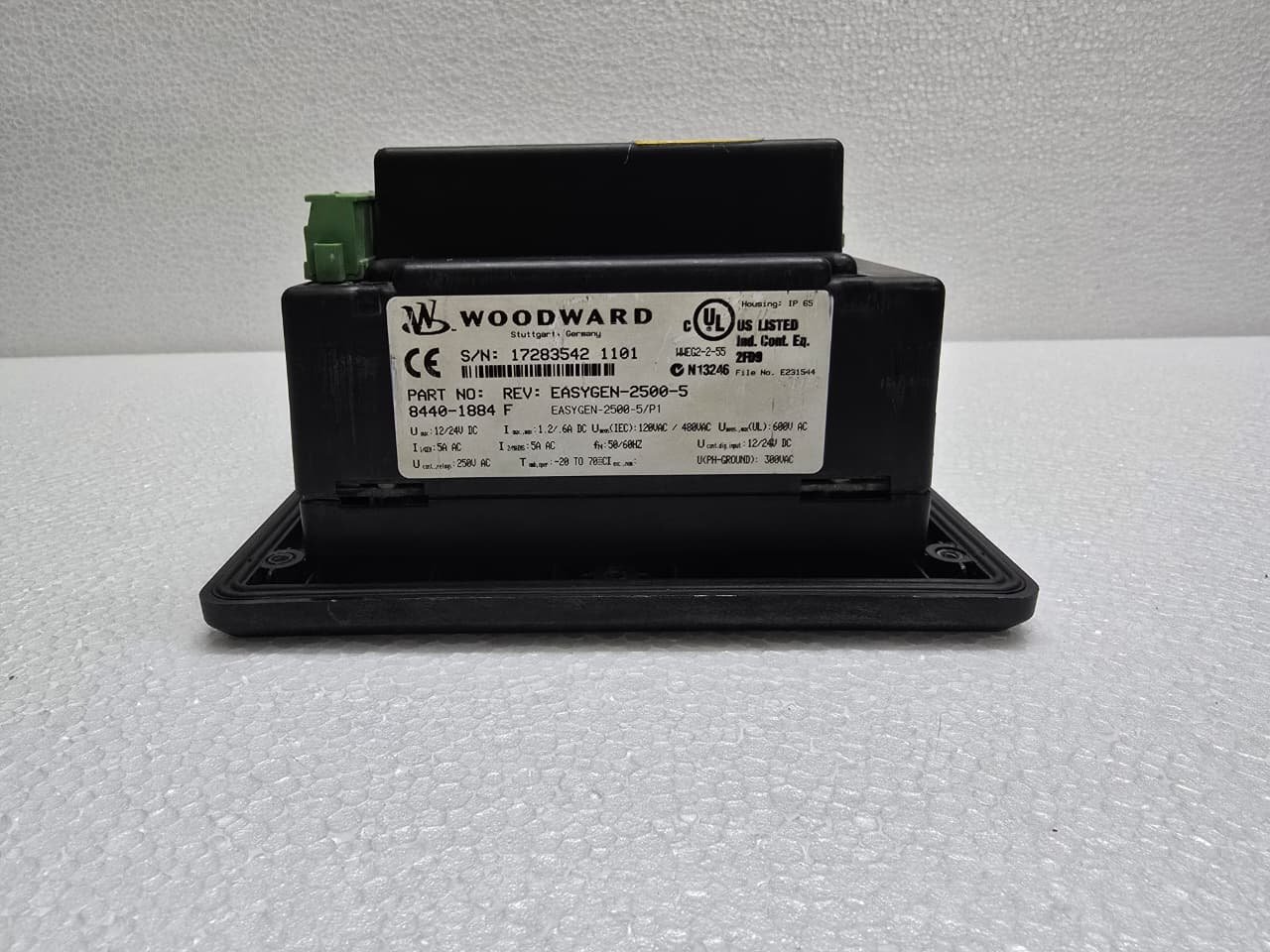
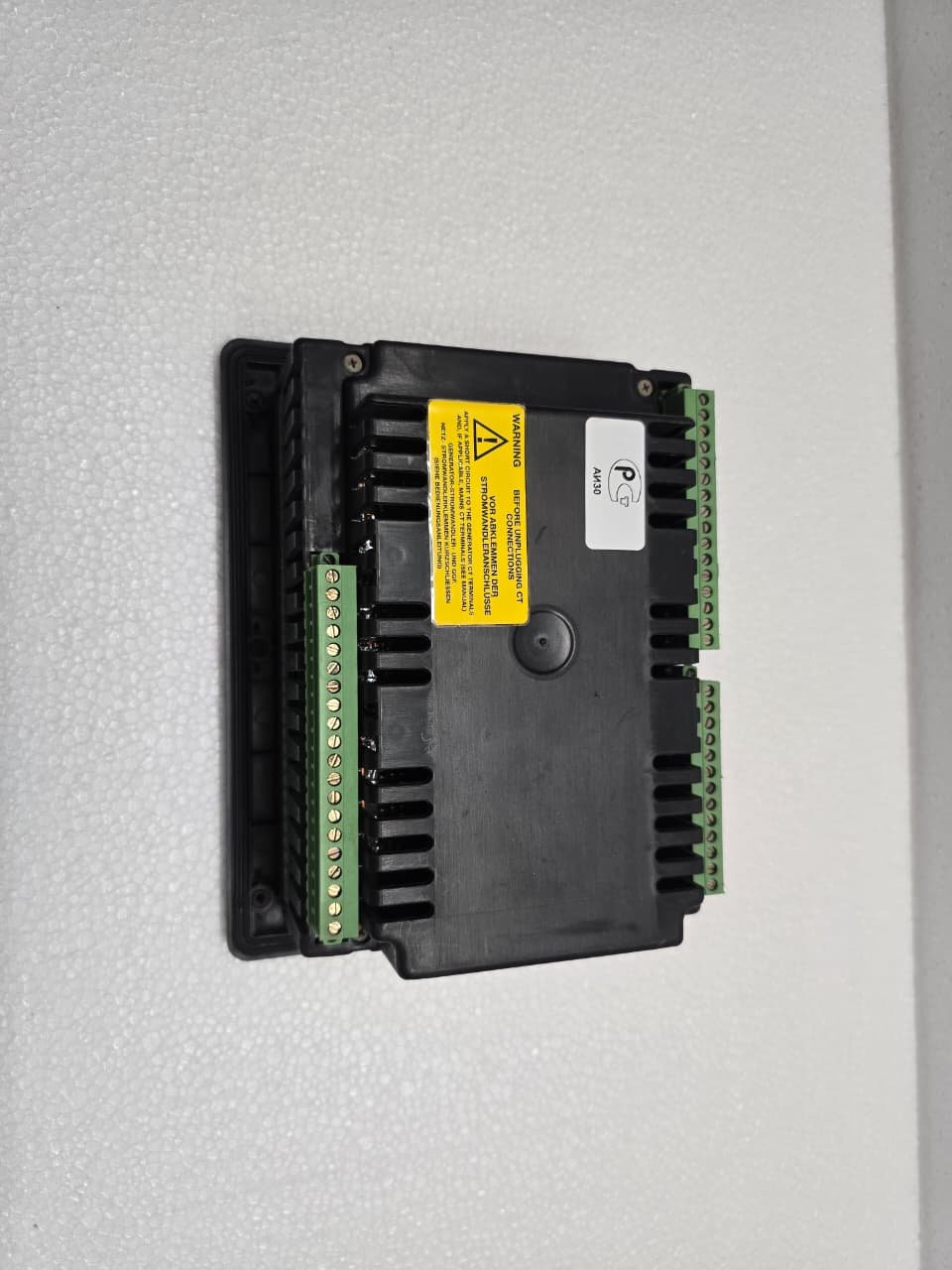
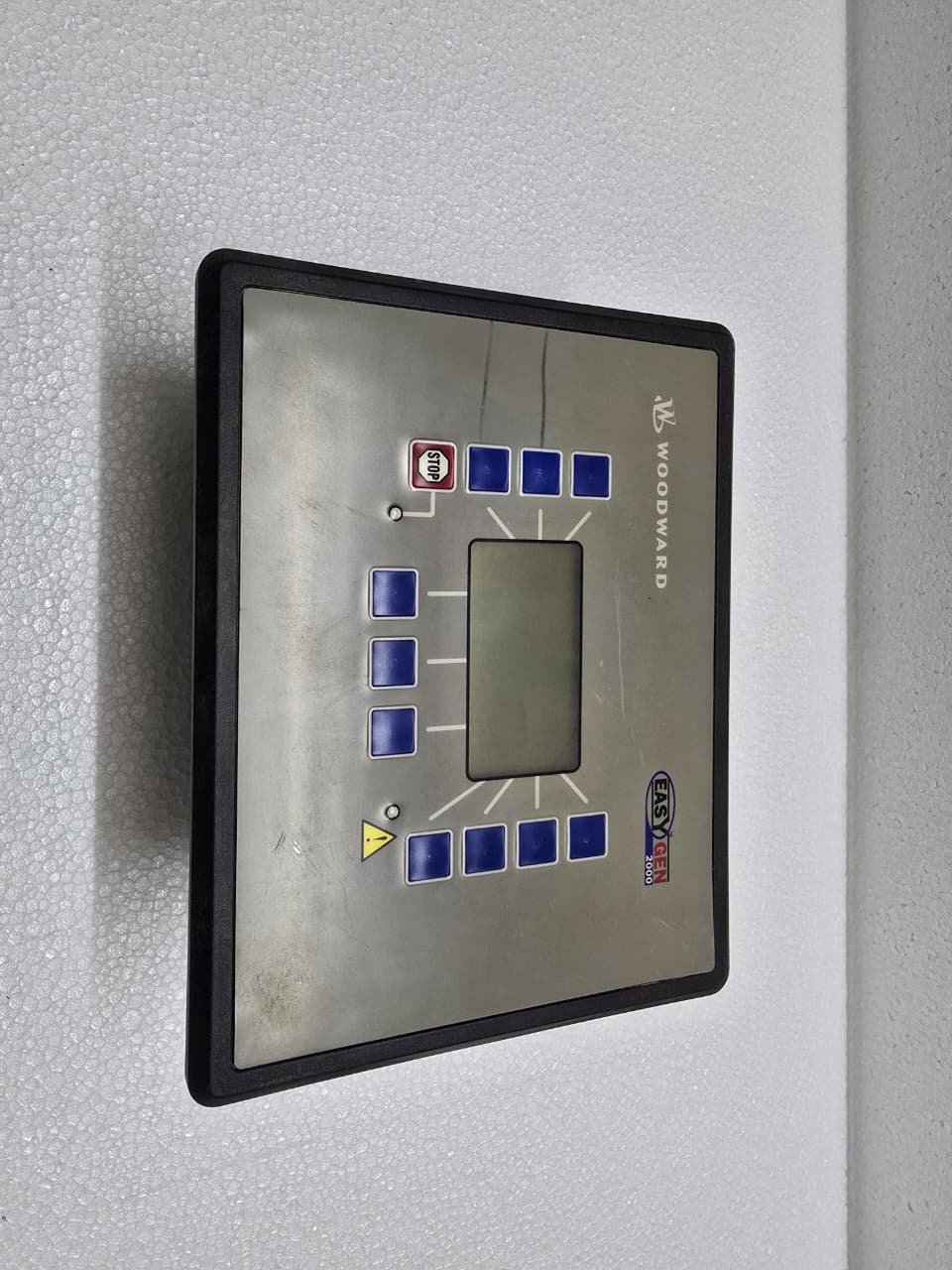
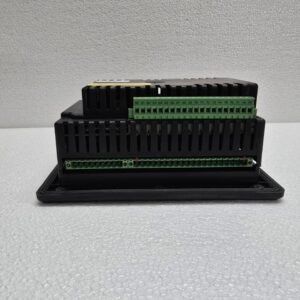
The Woodward EasyGen-2500-5 (Part Number 8440-1884) is an advanced genset control and management unit. It is part of the “EasyGen-2000” series, which is designed to handle complex power management tasks, specifically for paralleling applications.
The “-5” in the name indicates the unit is designed for 5A Current Transformer (CT) inputs, common in standard industrial power systems.
1. Primary Functions
Unlike basic start/stop controllers, the EasyGen-2500 is a “Power Management” tool. It is used for:
-
Genset Paralleling: Synchronizing multiple generators to a common bus.
-
Load Sharing: Dynamically balancing the kW and kVAR load between multiple running engines.
-
AMF (Automatic Mains Failure): Detecting a grid loss and automatically starting/transferring the load.
-
Engine Protection: Monitoring oil pressure, coolant temperature, speed (RPM), and battery voltage.
2. Key Technical Specifications
| Feature | Details |
| Catalog Number | 8440-1884 (Revision F) |
| Power Supply | 12/24V DC (8 to 40V DC range) |
| Current Inputs | 5A (Secondary CTs) |
| Voltage Sensing | True RMS Sensing (up to 480V AC phase-to-phase) |
| Communication | CANopen (for load sharing) and RS-485 (Modbus RTU) |
| Operating Temp | -20°C to +70°C |
3. Connection and Wiring
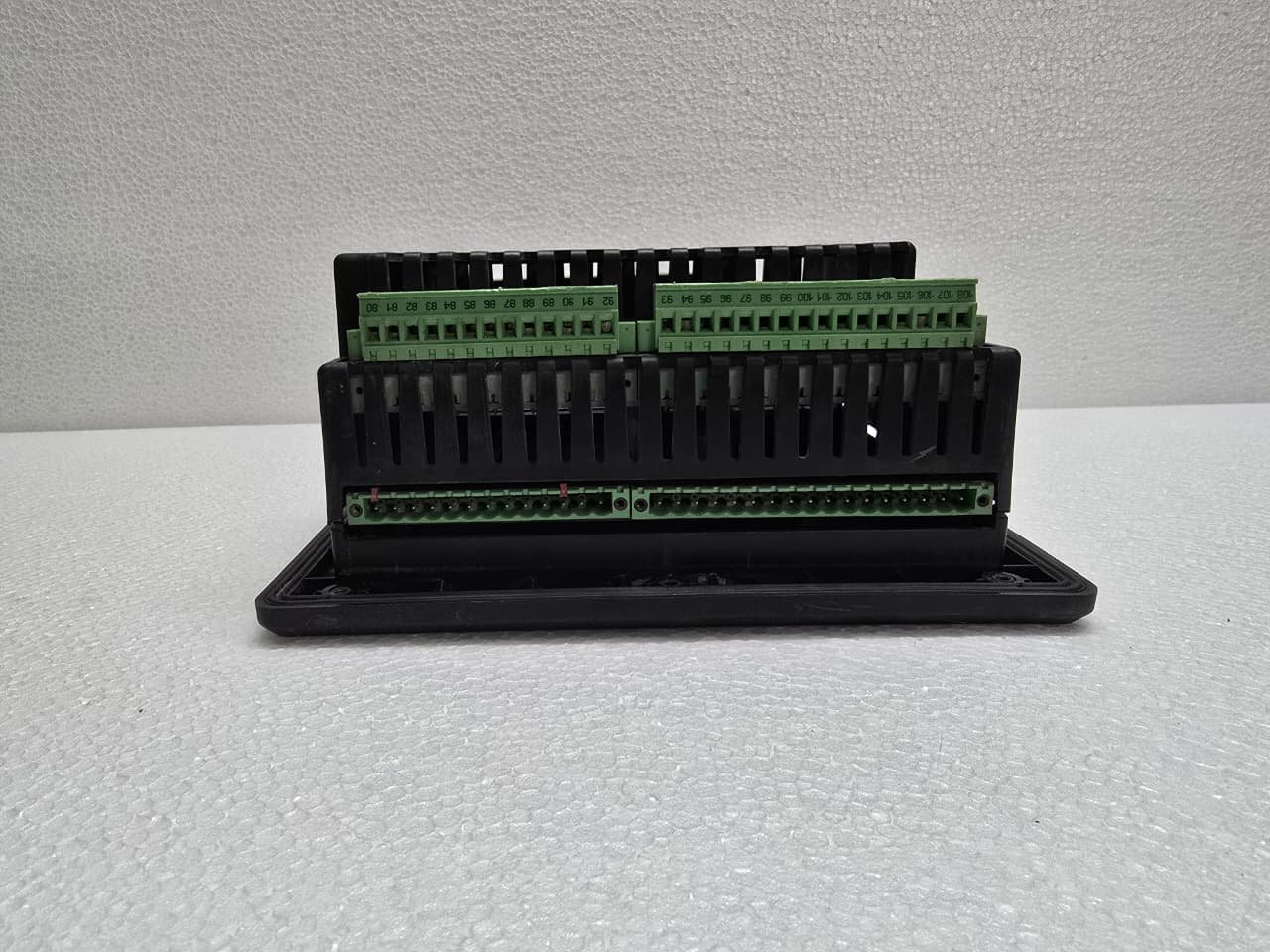
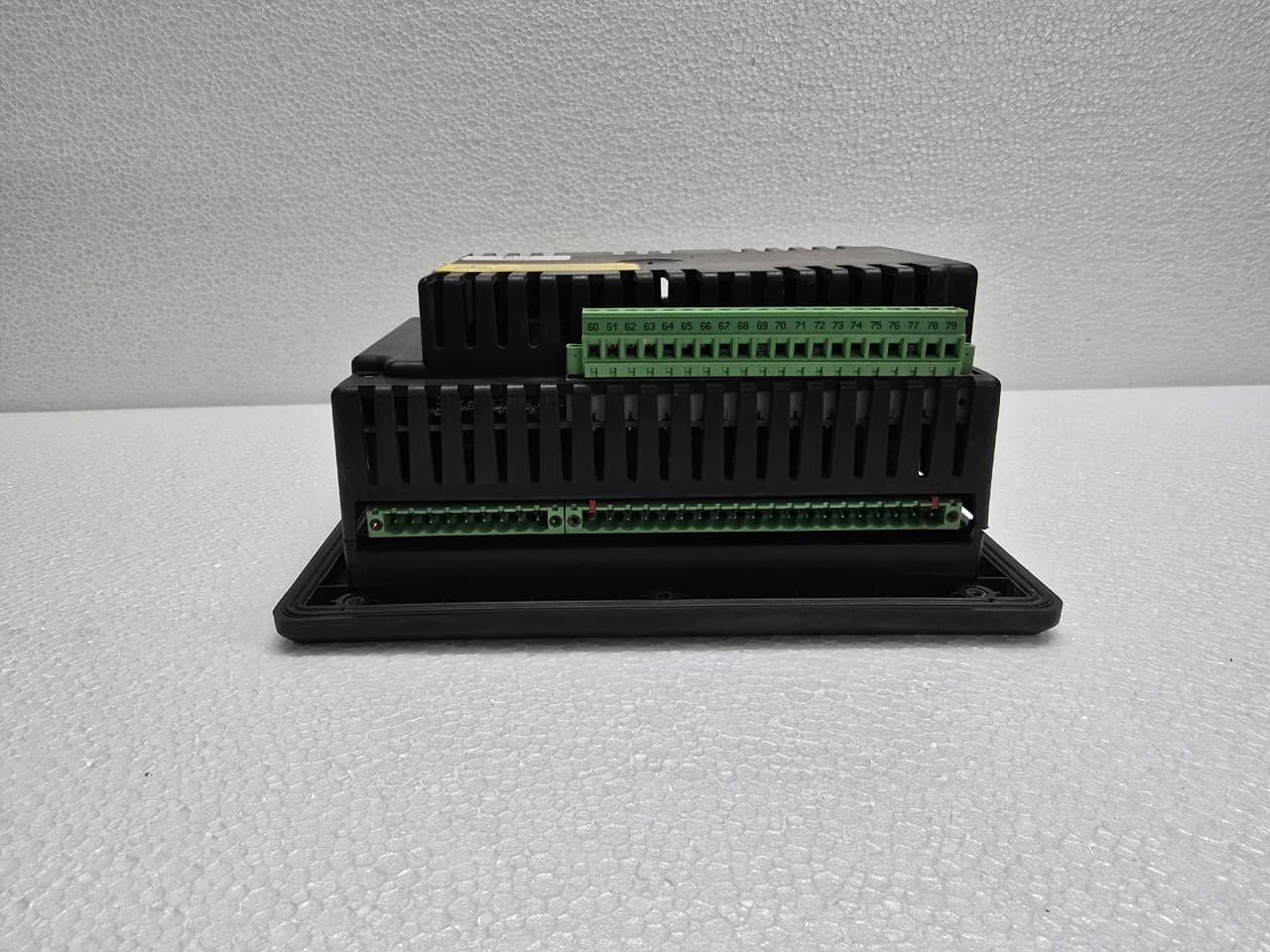
The rear of the 8440-1884 is densely packed with terminal blocks. Proper wiring is critical for synchronization.
-
CAN Bus (Terminals 51-53): This is the most critical connection for paralleling. All EasyGen units in a system must be linked via this bus to “talk” to each other about load sharing.
-
Speed/Voltage Bias: The controller provides analog outputs ($+/- 10V$ or PWM) to the Engine Governor and Automatic Voltage Regulator (AVR) to adjust frequency and voltage during synchronization.
-
MPU (Magnetic Pick-up): Used to sense engine speed directly from the flywheel.
4. Configuration Software: Toolkit
While you can configure many settings via the front-panel buttons, the Woodward “Toolkit” software is the standard for professional commissioning.
-
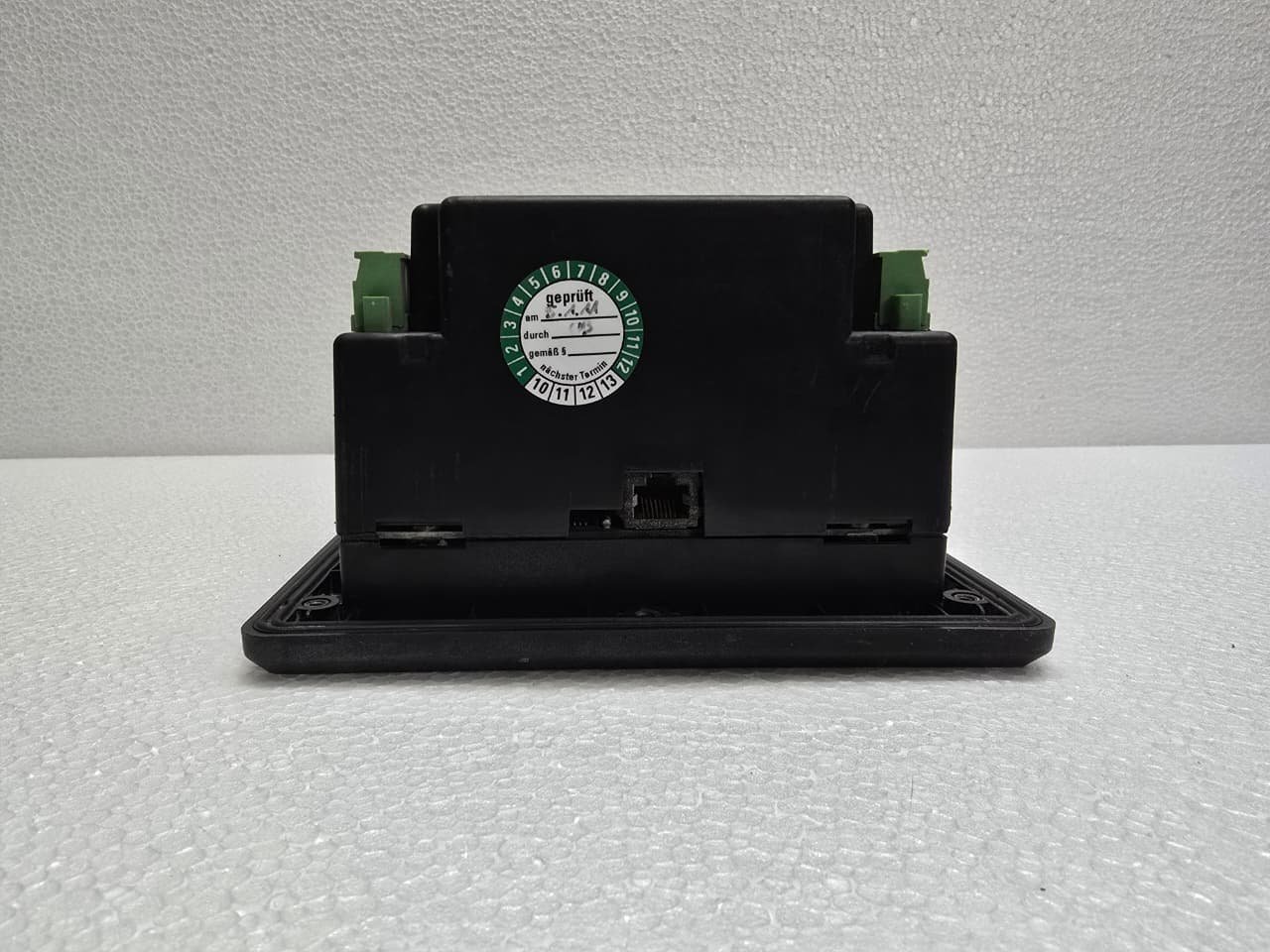
Connectivity: Connects via the RS-232/485 port.
-
Monitoring: Provides real-time “trending” of phase voltages and currents.
-
Parameter Files: Allows you to save a “Gold Standard” configuration (.wset file) and clone it to other generators in the same plant.
5. Common Troubleshooting
-
“Check CAN Bus”: If the units are not sharing load equally, check the 120-ohm terminating resistors at both ends of the CAN network.
-
“Sync Timeout”: The controller cannot get the generator in phase with the bus. This is usually due to incorrect “Gain” settings in the synchronization parameters or a mechanical limit in the engine governor.
-
Battery Warnings: The EasyGen is sensitive to voltage drops during engine cranking. If the screen flickers or resets during a start attempt, your starter battery is likely weak.
Share:

$1,289.00 Original price was: $1,289.00.$768.00Current price is: $768.00.
The Woodward EasyGen-2500-5 (Part Number 8440-1884) is an advanced genset control and management unit. It is part of the “EasyGen-2000” series, which is designed to handle complex power management tasks, specifically for paralleling applications.
The “-5” in the name indicates the unit is designed for 5A Current Transformer (CT) inputs, common in standard industrial power systems.
1. Primary Functions
Unlike basic start/stop controllers, the EasyGen-2500 is a “Power Management” tool. It is used for:
-
Genset Paralleling: Synchronizing multiple generators to a common bus.
-
Load Sharing: Dynamically balancing the kW and kVAR load between multiple running engines.
-
AMF (Automatic Mains Failure): Detecting a grid loss and automatically starting/transferring the load.
-
Engine Protection: Monitoring oil pressure, coolant temperature, speed (RPM), and battery voltage.
2. Key Technical Specifications
| Feature | Details |
| Catalog Number | 8440-1884 (Revision F) |
| Power Supply | 12/24V DC (8 to 40V DC range) |
| Current Inputs | 5A (Secondary CTs) |
| Voltage Sensing | True RMS Sensing (up to 480V AC phase-to-phase) |
| Communication | CANopen (for load sharing) and RS-485 (Modbus RTU) |
| Operating Temp | -20°C to +70°C |
3. Connection and Wiring
The rear of the 8440-1884 is densely packed with terminal blocks. Proper wiring is critical for synchronization.
-
CAN Bus (Terminals 51-53): This is the most critical connection for paralleling. All EasyGen units in a system must be linked via this bus to “talk” to each other about load sharing.
-
Speed/Voltage Bias: The controller provides analog outputs ($+/- 10V$ or PWM) to the Engine Governor and Automatic Voltage Regulator (AVR) to adjust frequency and voltage during synchronization.
-
MPU (Magnetic Pick-up): Used to sense engine speed directly from the flywheel.
4. Configuration Software: Toolkit
While you can configure many settings via the front-panel buttons, the Woodward “Toolkit” software is the standard for professional commissioning.
-
Connectivity: Connects via the RS-232/485 port.
-
Monitoring: Provides real-time “trending” of phase voltages and currents.
-
Parameter Files: Allows you to save a “Gold Standard” configuration (.wset file) and clone it to other generators in the same plant.
5. Common Troubleshooting
-
“Check CAN Bus”: If the units are not sharing load equally, check the 120-ohm terminating resistors at both ends of the CAN network.
-
“Sync Timeout”: The controller cannot get the generator in phase with the bus. This is usually due to incorrect “Gain” settings in the synchronization parameters or a mechanical limit in the engine governor.
-
Battery Warnings: The EasyGen is sensitive to voltage drops during engine cranking. If the screen flickers or resets during a start attempt, your starter battery is likely weak.


Reviews
There are no reviews yet.