


Hotline Order:
+91 9727278672 / +91 8238235003
Email ID:
info@shipautomationparts.com
Free Shipping apply to all orders over $299
Safe & securely shopping
20 Day Returns in case u change your mind.
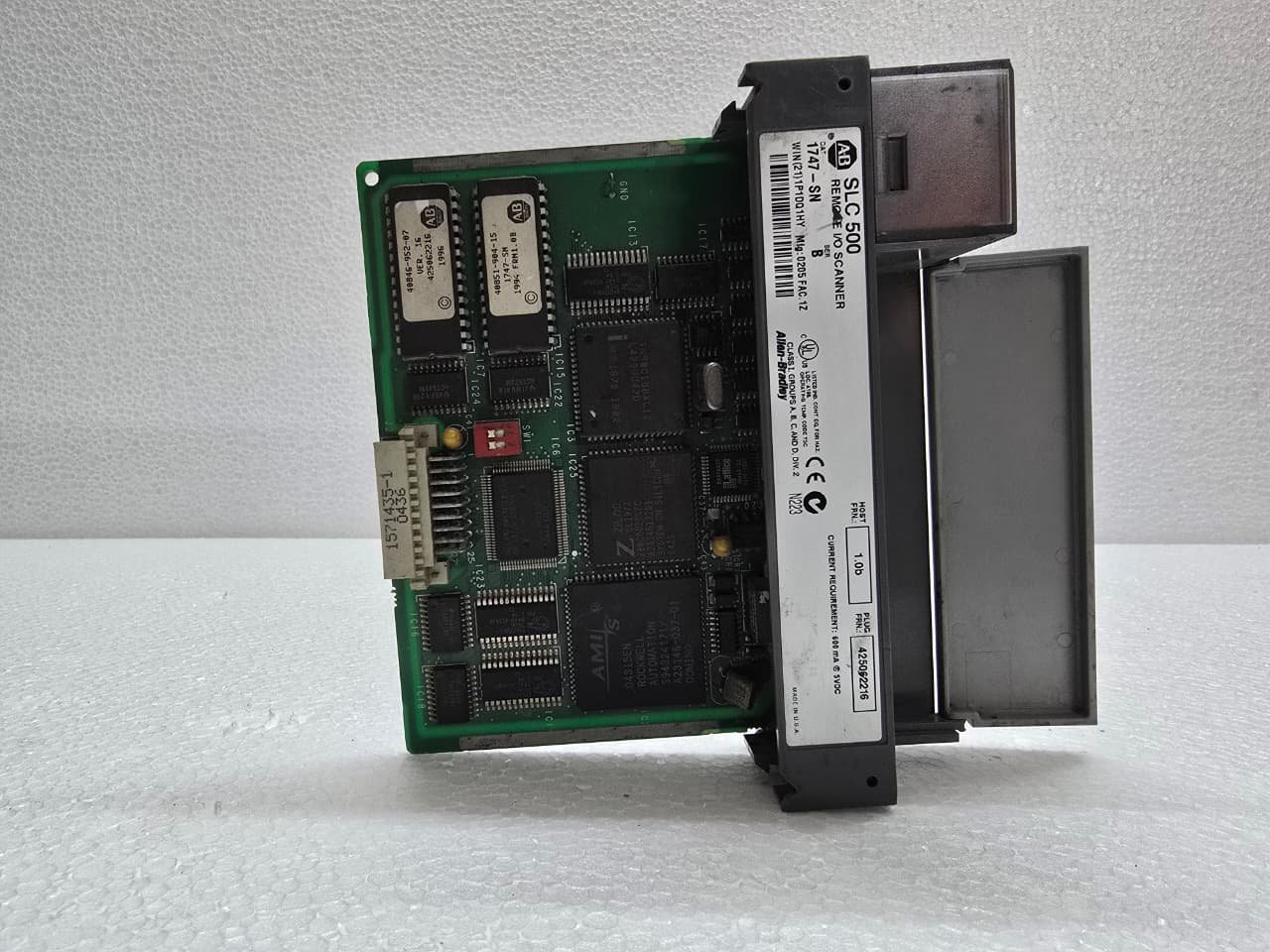
Allen-Bradley 1747-SN Remote I/O Scanner Module
$230.00 Original price was: $230.00.$165.00Current price is: $165.00.
Allen-Bradley 1747-SN Remote I/O Scanner Module
Share:
 Allen-Bradley 1747-SN Remote I...
$230.00 Original price was: $230.00.$165.00Current price is: $165.00.
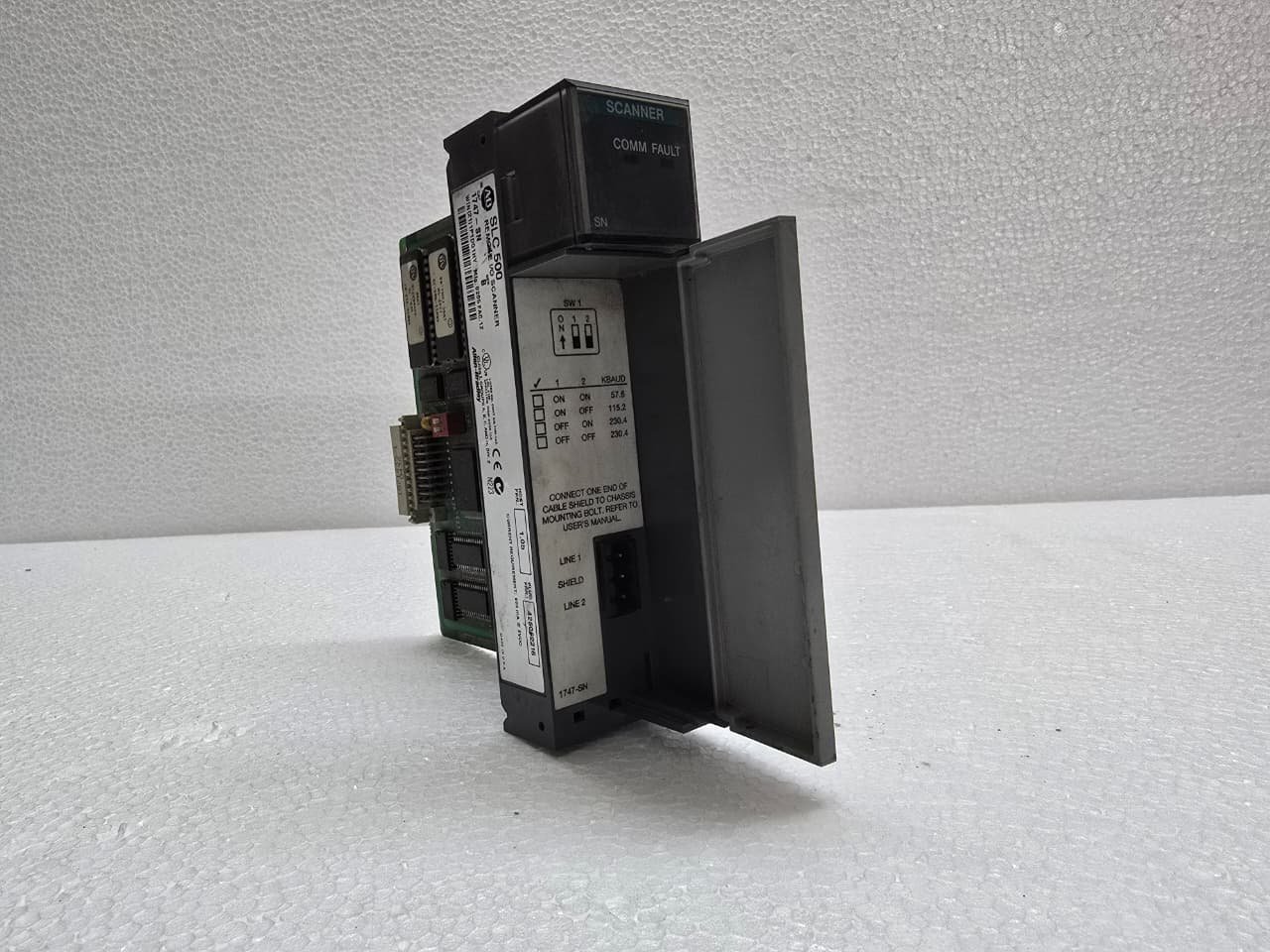
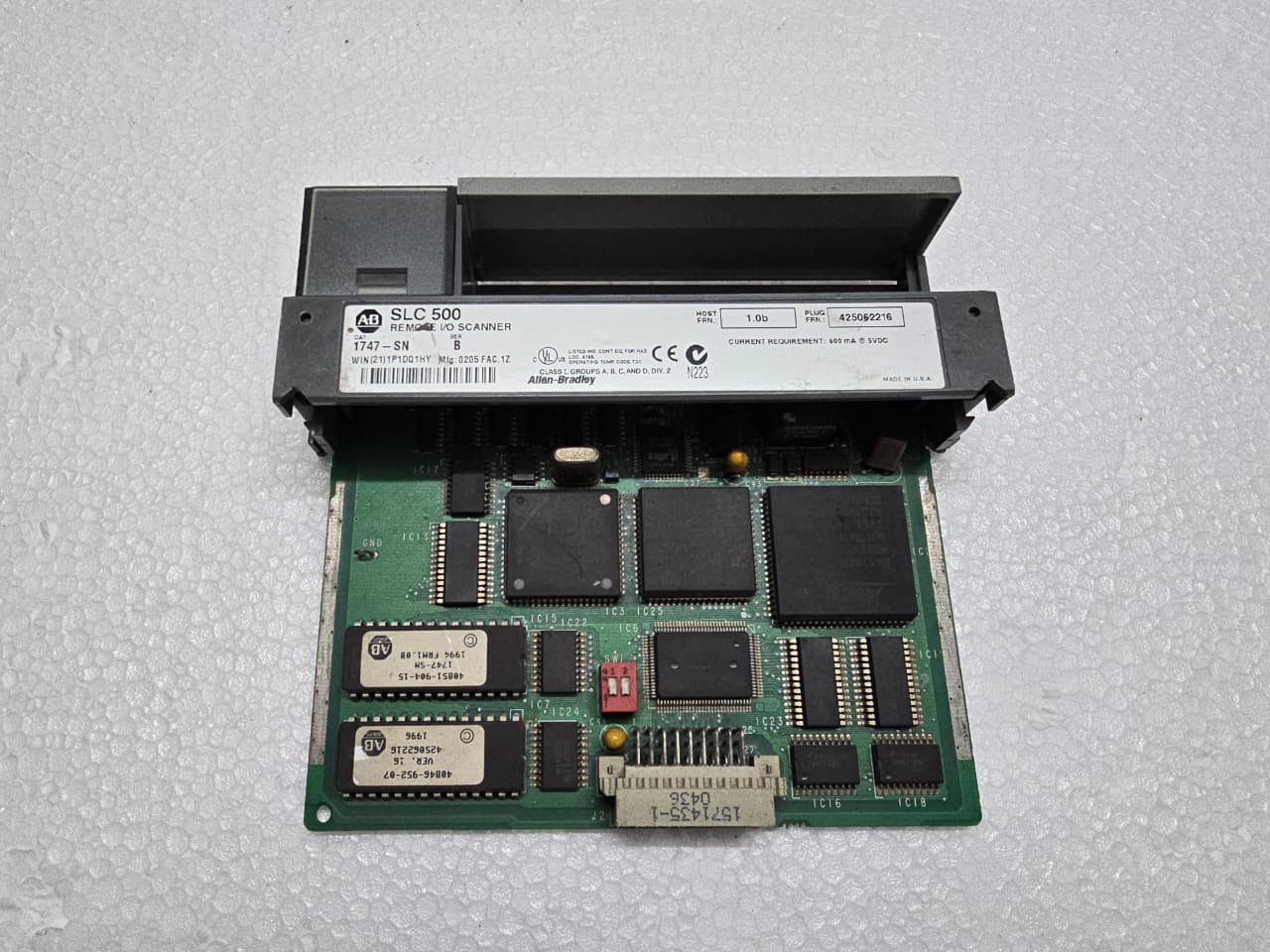
The Allen-Bradley 1747-SN is a Remote I/O (RIO) Scanner Module for the SLC 500 PLC platform. Its primary purpose is to allow an SLC 500 CPU to communicate with and control I/O located at a distance (up to 10,000 feet) via a single “Blue Hose” (twinaxial) cable.
It acts as a gateway between the SLC backplane and a network of remote “Adapters” (like the 1747-ASB or 1794-ASB).
1. Key Technical Specifications
The 1747-SN is a single-slot module that occupies one slot in the SLC 500 chassis.
| Feature | Details |
| Network Type | Allen-Bradley Remote I/O (Blue Hose) |
| Max. Devices | Up to 16 logical racks (racks/groups/slots) |
| Baud Rates | 57.6k, 115.2k, and 230.4k bps |
| Max. Distance | 10,000 ft (3,048 m) at 57.6k baud |
| Communication | Twinaxial (Shielded Twisted Pair) |
2. Wiring and the “Blue Hose”
The physical connection is made using the classic 1770-CD (Blue Hose) cable. Wiring is polarity-sensitive.
-
Terminal 1: Line 1 (Blue wire)
-
Terminal 2: Shield (Clear/Bare wire)
-
Terminal 3: Line 2 (Clear/White wire)
-
Terminating Resistors: You must install a terminating resistor at each physical end of the RIO link.
-
Use a 82 $\Omega$ resistor if the baud rate is 230.4k.
-
Use a 150 $\Omega$ resistor for 57.6k or 115.2k baud.
-
3. I/O Addressing and Data Mapping
The 1747-SN uses a method called Discrete Data Transfer to move data between the remote rack and the PLC memory.
-
Scanned Image: The data from the remote I/O is mapped directly into the SLC input and output image tables ($I:e$ and $O:e$, where $e$ is the slot number of the 1747-SN).
-
Logical Racks: The scanner views the remote network as “Logical Racks.” A single physical 13-slot rack might be configured as two “Logical Racks” depending on the dip switch settings of the adapter.
-
Block Transfer (BTR/BTW): For complex modules like analog cards (NI4, NO4) or high-speed counters located in a remote rack, you must use Block Transfer instructions to move large chunks of data, as standard discrete scanning only handles simple On/Off bits.
4. Diagnostic LEDs
The front of the 1747-SN features LEDs that are essential for troubleshooting:
-
RUN (Green): The scanner is operating correctly and scanning the network.
-
FAULT (Red): Internal module failure or configuration error.
-
COMM (Green/Flash): Indicates active communication on the RIO link. If this is off or solid red, there is a break in the cable or a baud rate mismatch.


Reviews
There are no reviews yet.