


Hotline Order:
+91 9727278672 / +91 8238235003
Email ID:
info@shipautomationparts.com
Free Shipping apply to all orders over $299
Safe & securely shopping
20 Day Returns in case u change your mind.
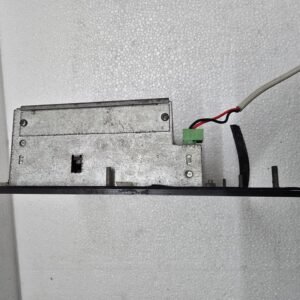
Mitsubishi E600
$827.00 Original price was: $827.00.$478.00Current price is: $478.00.
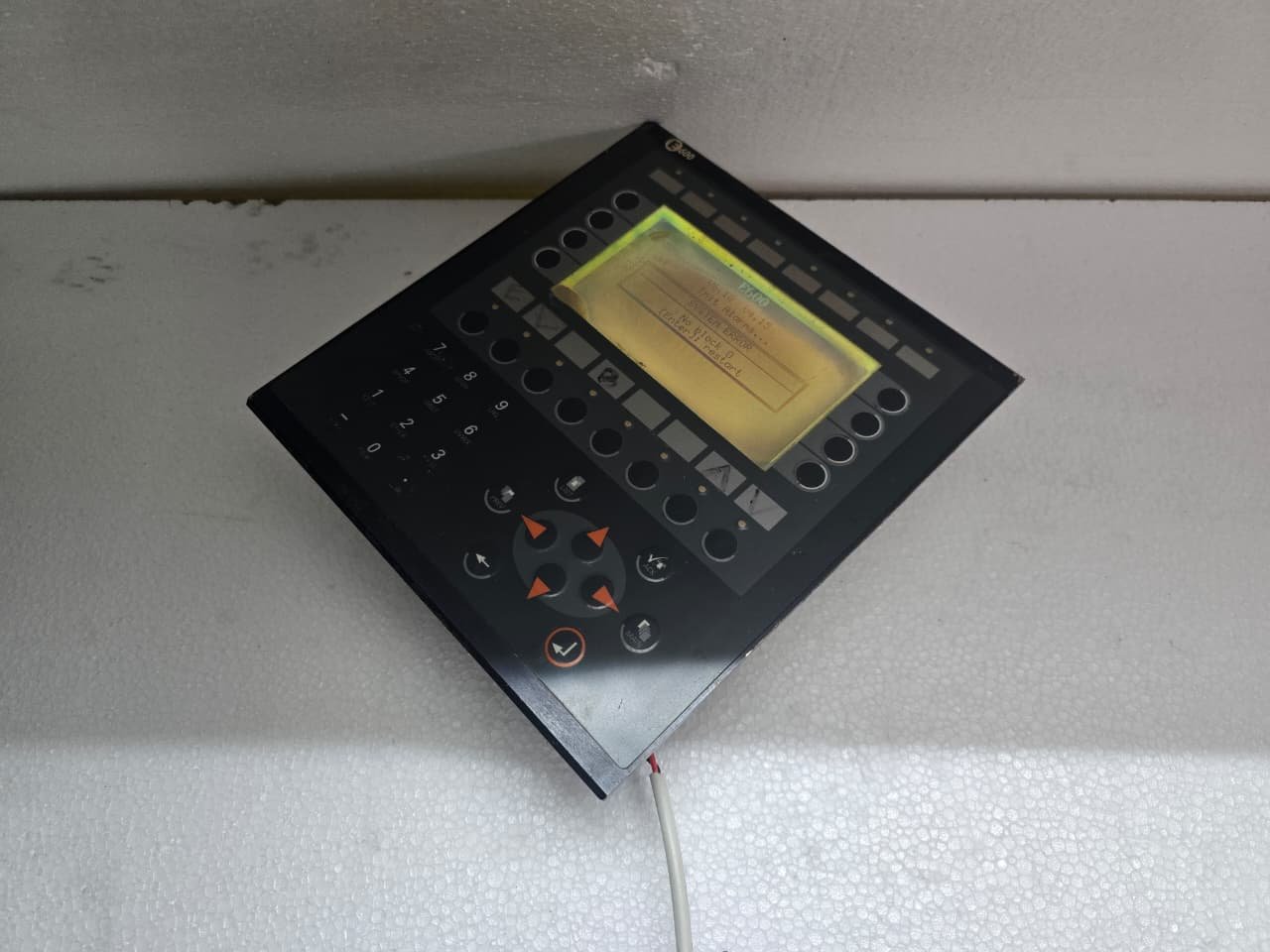
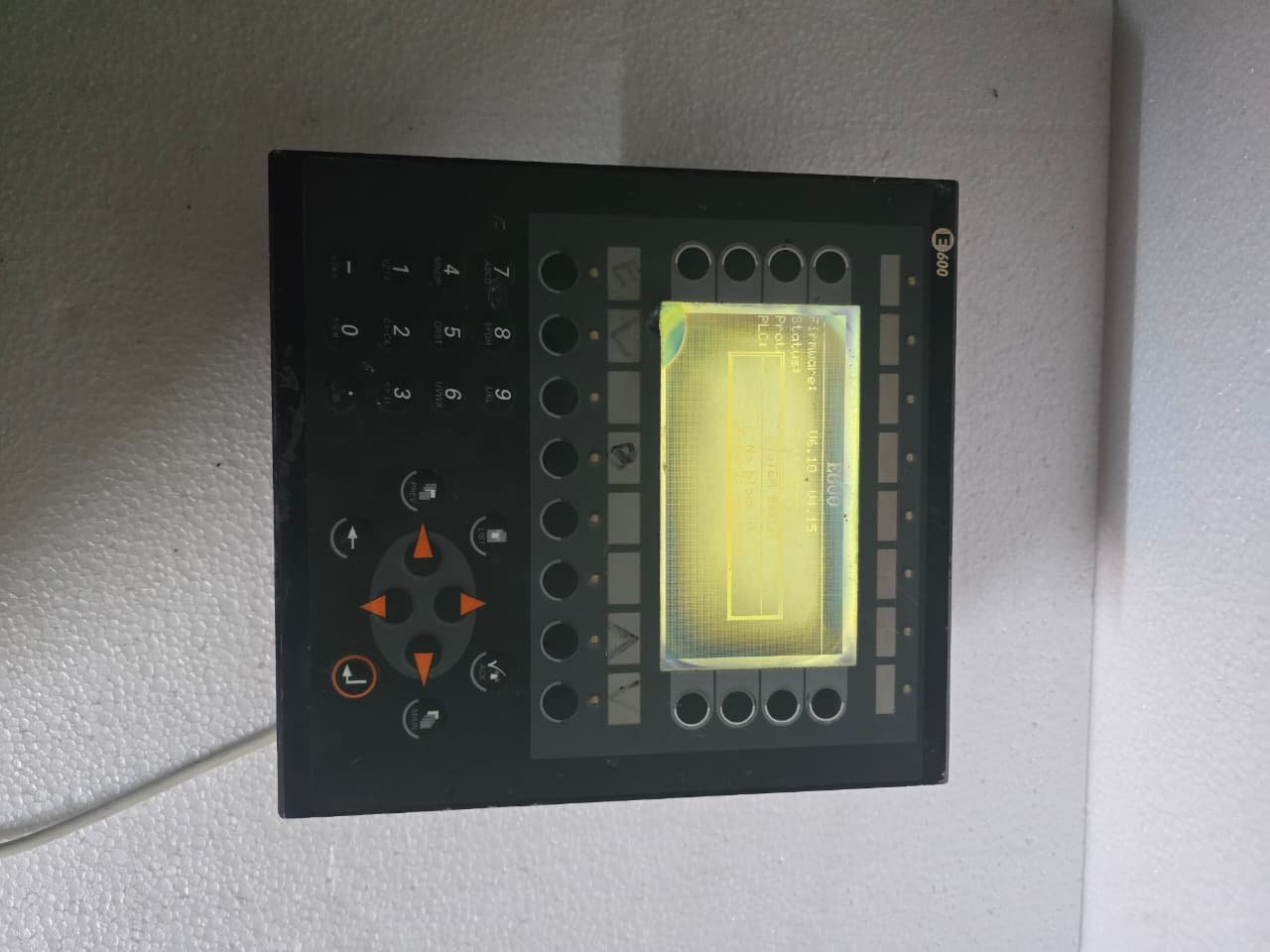
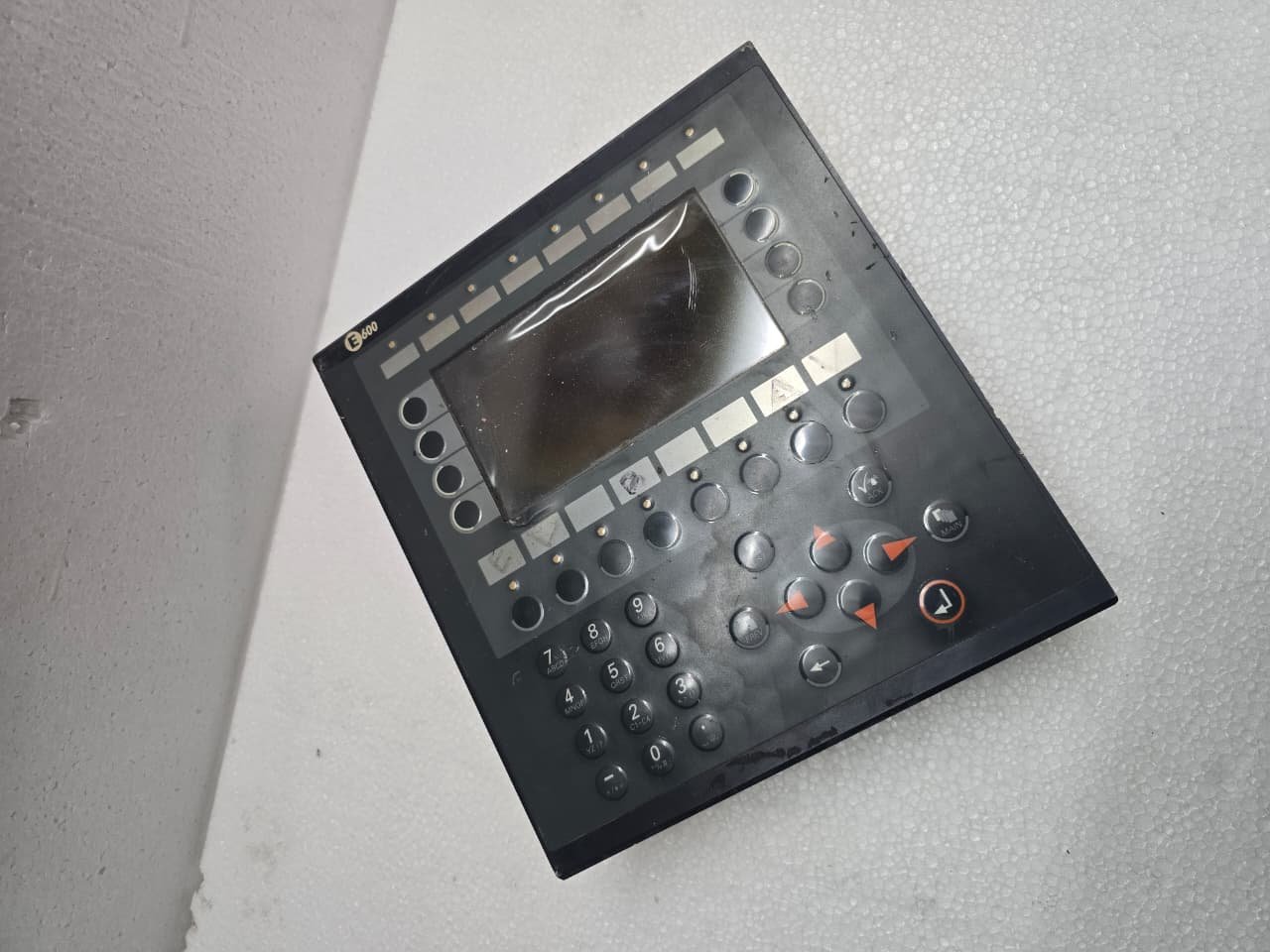
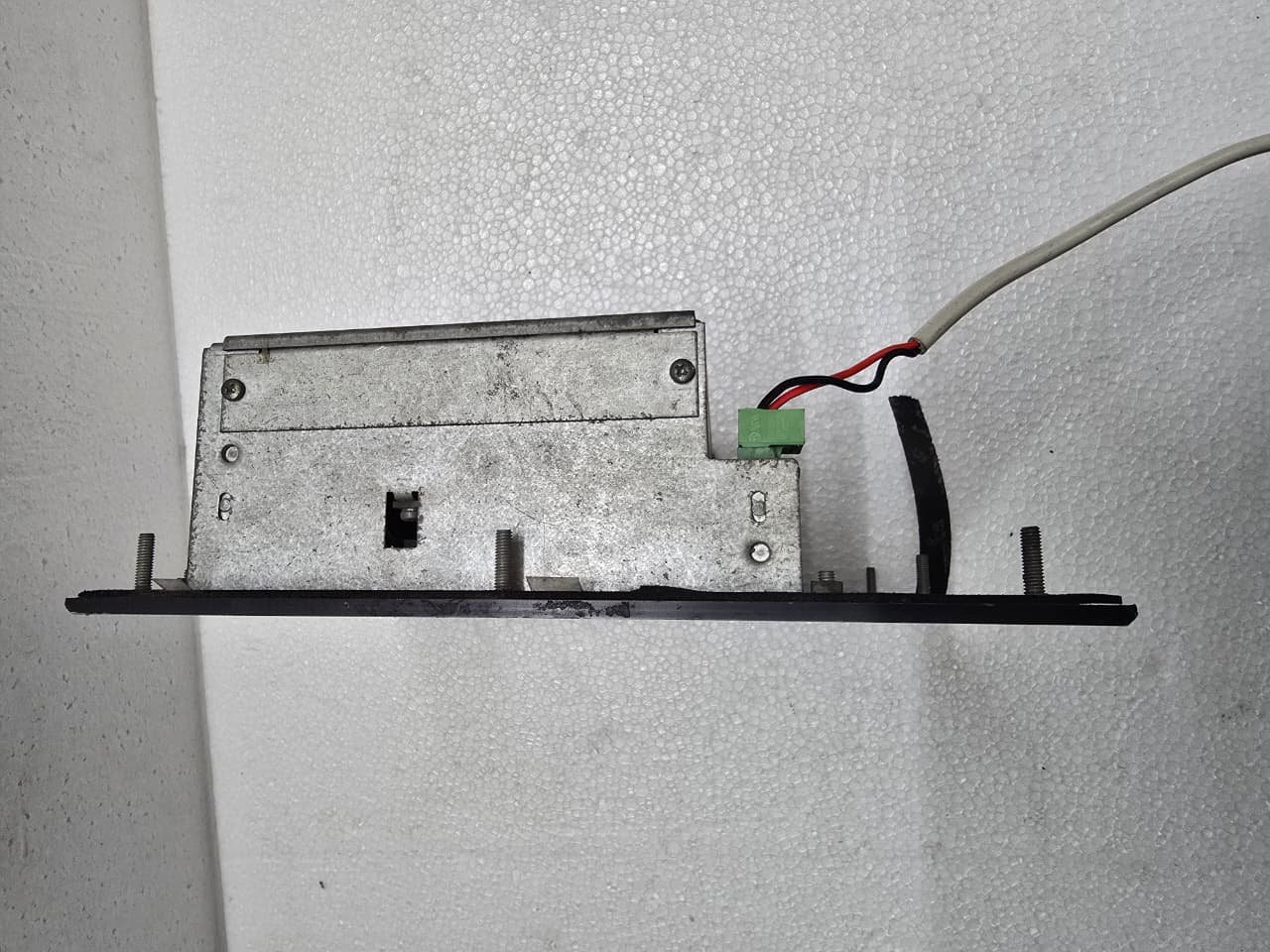
The Mitsubishi E600 is a classic operator interface (HMI) from the E-Series terminals, originally developed by Beijer Electronics for Mitsubishi Electric. While it is now considered a “Legacy” product, it remains a workhorse in thousands of factories worldwide due to its ruggedness and tactile keypad.
1. Key Technical Specifications
The E600 is a text-and-graphics terminal designed for straightforward machine monitoring and data entry.
| Feature | Details |
| Display Type | FSTN Monochrome LCD (Backlit) |
| Resolution | 240 x 64 Pixels |
| Interface | 16-button tactile membrane keypad |
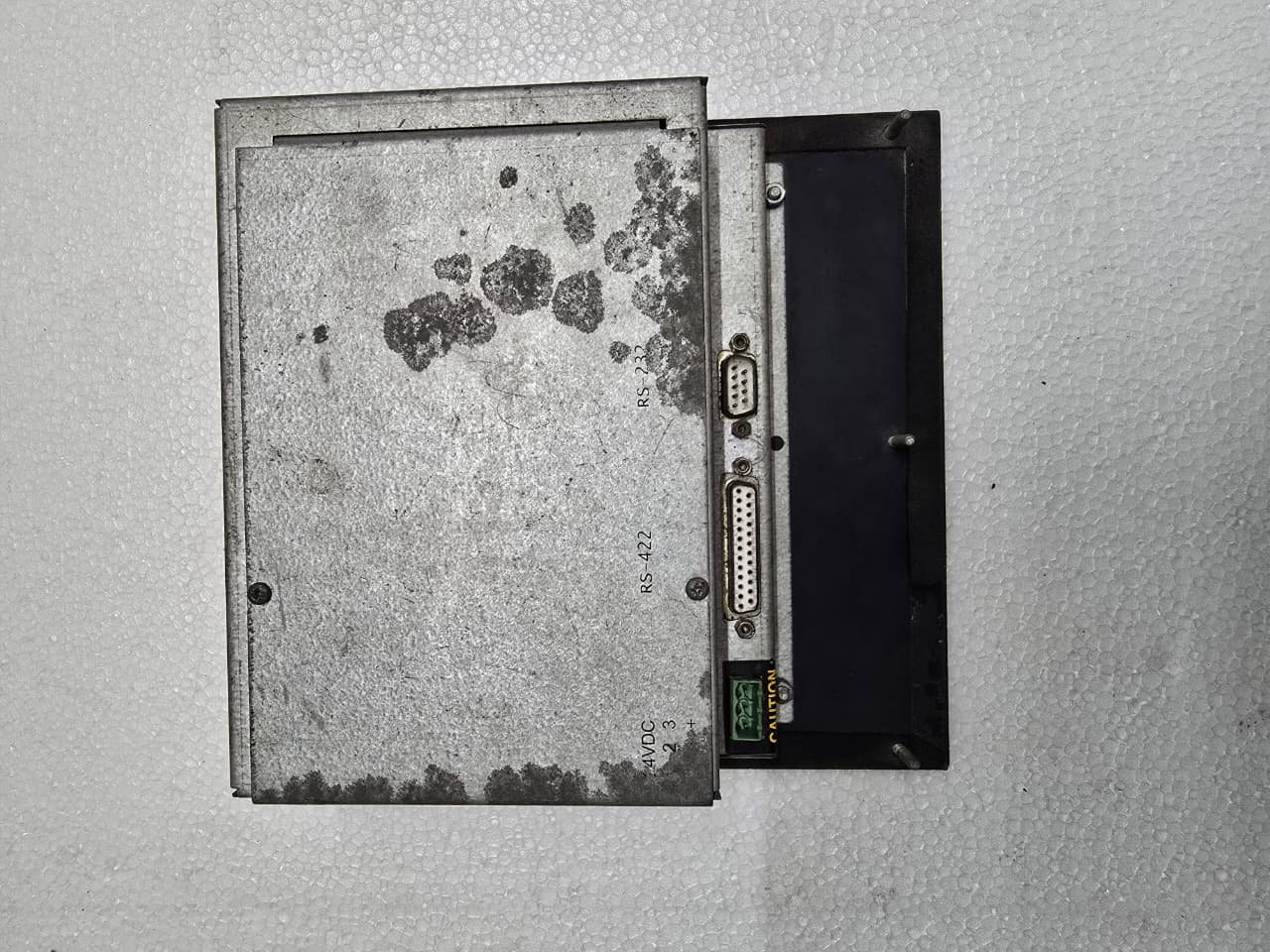
| Communication | RS-232, RS-422, or RS-485 (via 25-pin D-sub) |
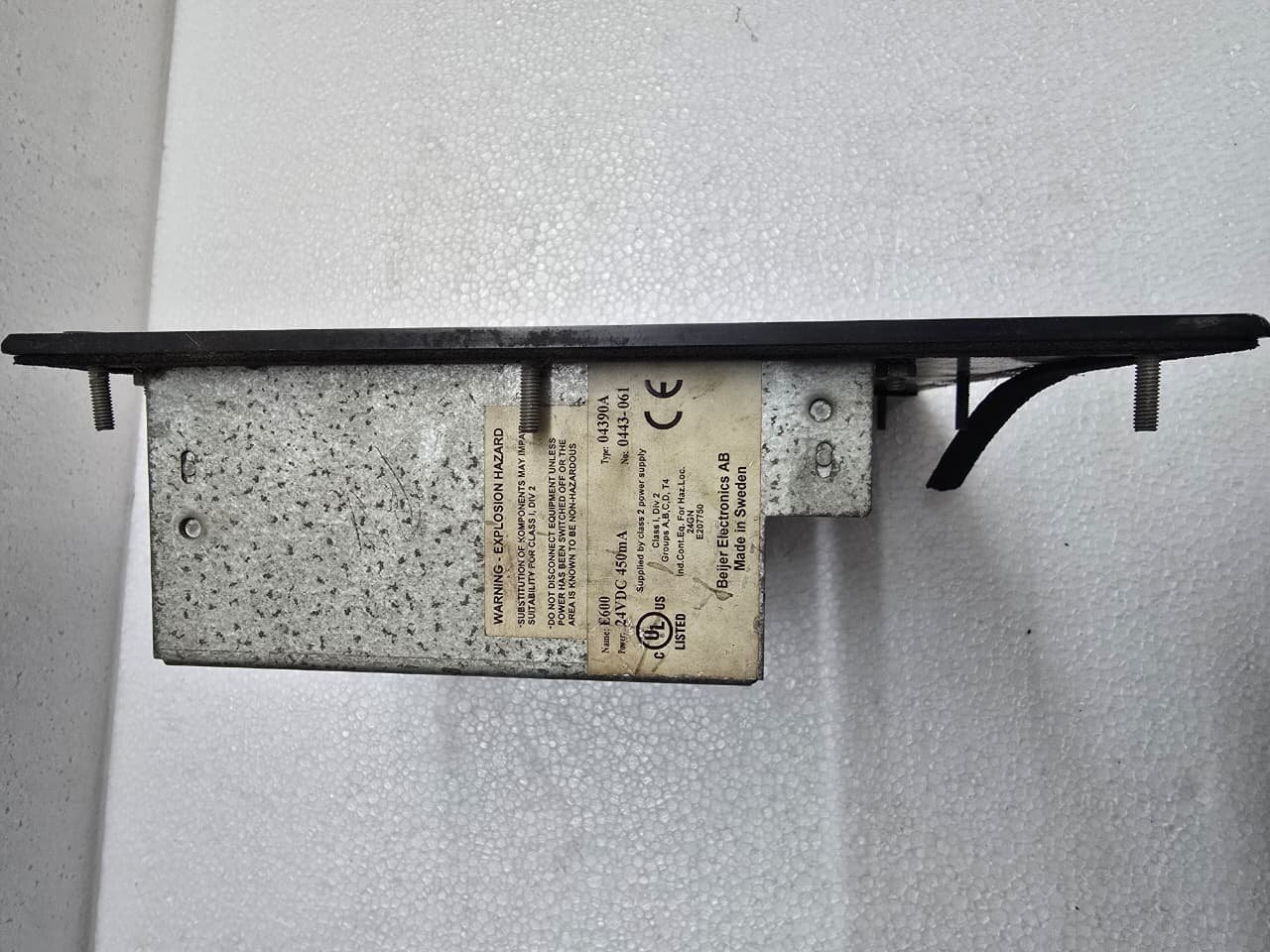
| Power Supply | 24V DC |
| Memory | 256KB Flash (for project and recipes) |
2. Physical Layout and Interaction
Unlike modern touchscreens, the E600 relies on physical feedback:
-
Function Keys (F1–F8): Programmable keys that change function depending on the current screen.
-
Navigation: Dedicated arrow keys and an “Enter” button for selecting variables.
-
Ruggedness: The front panel is rated IP65, making it highly resistant to dust and water splashes—perfect for oily or dirty environments where touchscreens often fail.
3. Communication and Wiring
The E600 is most commonly used with the FX-Series (like the FX3U or FX2N you have) and the Q-Series PLCs.
-
PC to HMI: Requires a serial cable (SC-09 or similar) for programming.
-
HMI to PLC: Usually uses the 25-pin port.
-
If connecting to an FX PLC’s round mini-DIN port, you need an E-PC cable or a MAC-40 style adapter.
-
If connecting to a Q-Series, it typically uses the RS-232 port on the CPU.
-
4. Programming Software: E-Designer
To edit the screens or upload/download projects, you must use E-Designer software.
-
Legacy Support: Modern Mitsubishi software (like GT Works3) does not support the E600. You must have the older E-Designer suite.
-
Driver Support: The E600 supports multiple “Drivers,” meaning it can actually talk to non-Mitsubishi PLCs (like Siemens or Allen-Bradley) if the correct driver is loaded into the firmware.
5. Common Troubleshooting & Maintenance
-
Dim Display: The CCFL backlight has a finite lifespan. If the screen is very dim or flickering, the backlight is likely failing. Some technicians replace these with LED strips to extend the life of the unit.
-
“Comm. Error”: This is the most common fault. It usually means the HMI is looking for a PLC at a specific station address (e.g., Station 1) and isn’t getting a response. Check the cable pins and the PLC communication settings.
-
Keypad Wear: If certain buttons (like “Start”) stop responding, the internal membrane has likely cracked. You can often buy replacement front overlays without replacing the entire electronic brain.
Share:
 Mitsubishi E600
$827.00 Original price was: $827.00.$478.00Current price is: $478.00.
The Mitsubishi E600 is a classic operator interface (HMI) from the E-Series terminals, originally developed by Beijer Electronics for Mitsubishi Electric. While it is now considered a “Legacy” product, it remains a workhorse in thousands of factories worldwide due to its ruggedness and tactile keypad.
1. Key Technical Specifications
The E600 is a text-and-graphics terminal designed for straightforward machine monitoring and data entry.
| Feature | Details |
| Display Type | FSTN Monochrome LCD (Backlit) |
| Resolution | 240 x 64 Pixels |
| Interface | 16-button tactile membrane keypad |
| Communication | RS-232, RS-422, or RS-485 (via 25-pin D-sub) |
| Power Supply | 24V DC |
| Memory | 256KB Flash (for project and recipes) |
2. Physical Layout and Interaction
Unlike modern touchscreens, the E600 relies on physical feedback:
-
Function Keys (F1–F8): Programmable keys that change function depending on the current screen.
-
Navigation: Dedicated arrow keys and an “Enter” button for selecting variables.
-
Ruggedness: The front panel is rated IP65, making it highly resistant to dust and water splashes—perfect for oily or dirty environments where touchscreens often fail.
3. Communication and Wiring
The E600 is most commonly used with the FX-Series (like the FX3U or FX2N you have) and the Q-Series PLCs.
-
PC to HMI: Requires a serial cable (SC-09 or similar) for programming.
-
HMI to PLC: Usually uses the 25-pin port.
-
If connecting to an FX PLC’s round mini-DIN port, you need an E-PC cable or a MAC-40 style adapter.
-
If connecting to a Q-Series, it typically uses the RS-232 port on the CPU.
-
4. Programming Software: E-Designer
To edit the screens or upload/download projects, you must use E-Designer software.
-
Legacy Support: Modern Mitsubishi software (like GT Works3) does not support the E600. You must have the older E-Designer suite.
-
Driver Support: The E600 supports multiple “Drivers,” meaning it can actually talk to non-Mitsubishi PLCs (like Siemens or Allen-Bradley) if the correct driver is loaded into the firmware.
5. Common Troubleshooting & Maintenance
-
Dim Display: The CCFL backlight has a finite lifespan. If the screen is very dim or flickering, the backlight is likely failing. Some technicians replace these with LED strips to extend the life of the unit.
-
“Comm. Error”: This is the most common fault. It usually means the HMI is looking for a PLC at a specific station address (e.g., Station 1) and isn’t getting a response. Check the cable pins and the PLC communication settings.
-
Keypad Wear: If certain buttons (like “Start”) stop responding, the internal membrane has likely cracked. You can often buy replacement front overlays without replacing the entire electronic brain.


Reviews
There are no reviews yet.