


Hotline Order:
+91 9727278672 / +91 8238235003
Email ID:
info@shipautomationparts.com
Free Shipping apply to all orders over $299
Safe & securely shopping
20 Day Returns in case u change your mind.
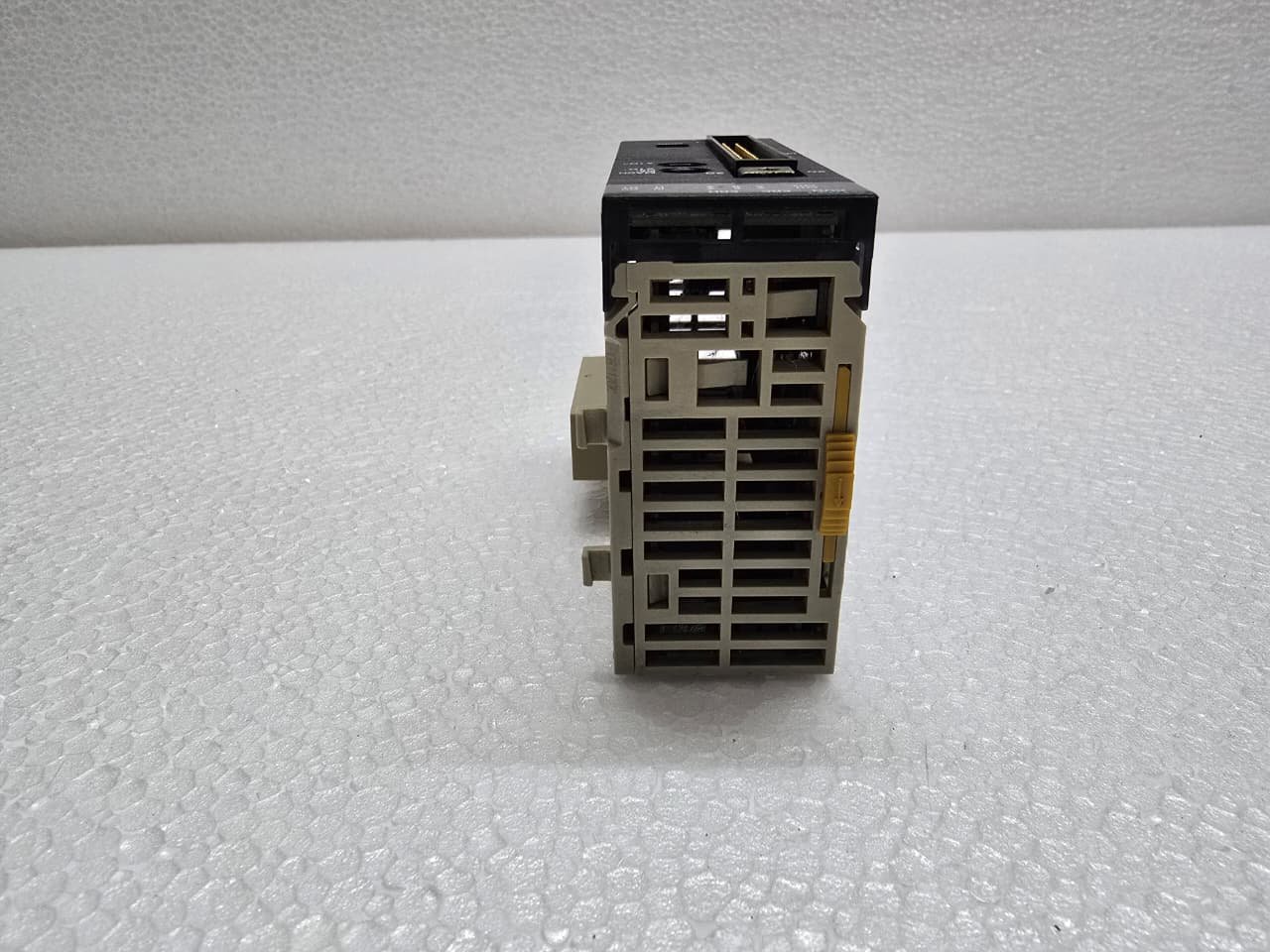
Omron CJ1W-CT021
₹33,316.00 Original price was: ₹33,316.00.₹14,755.00Current price is: ₹14,755.00.
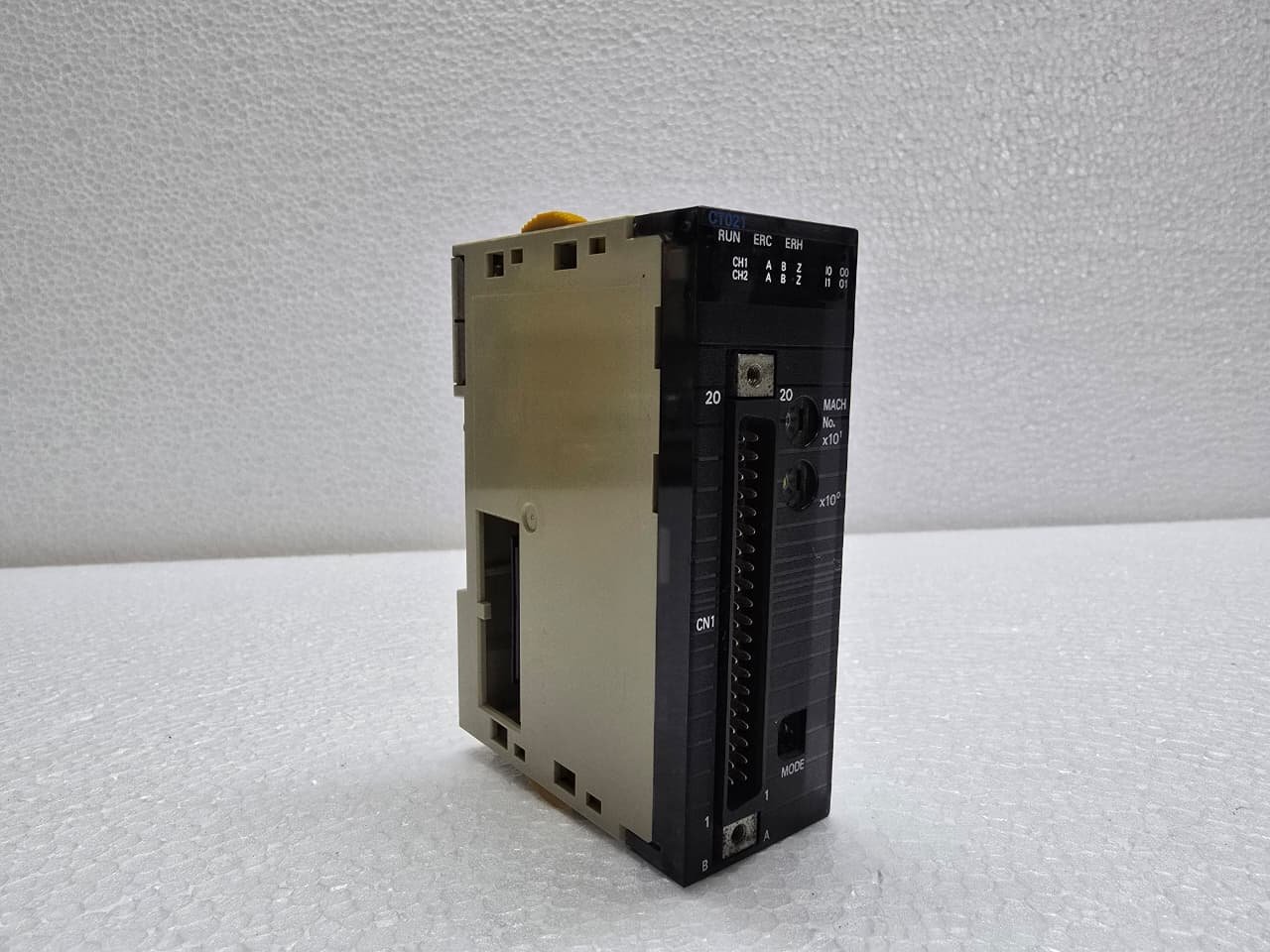
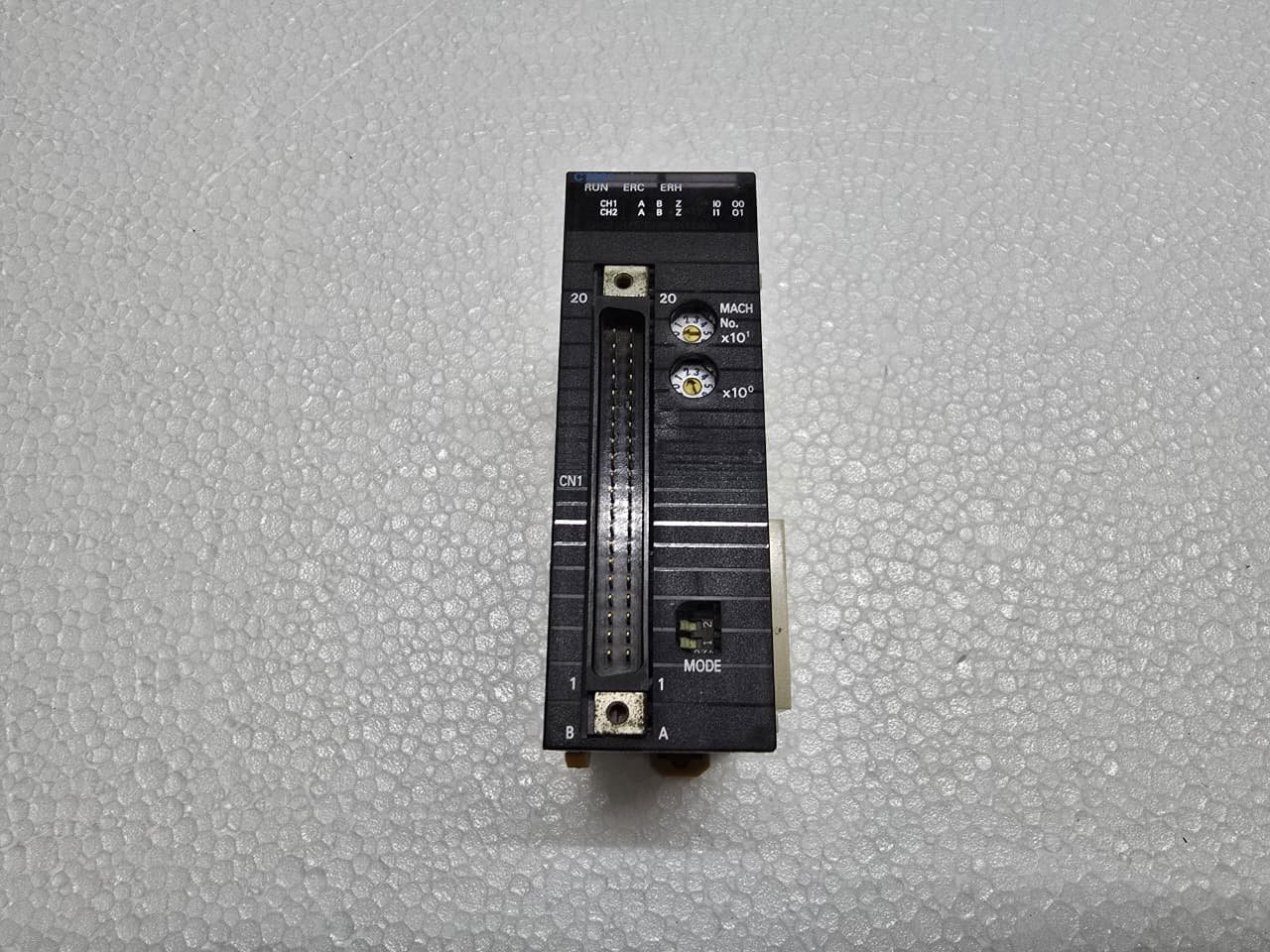
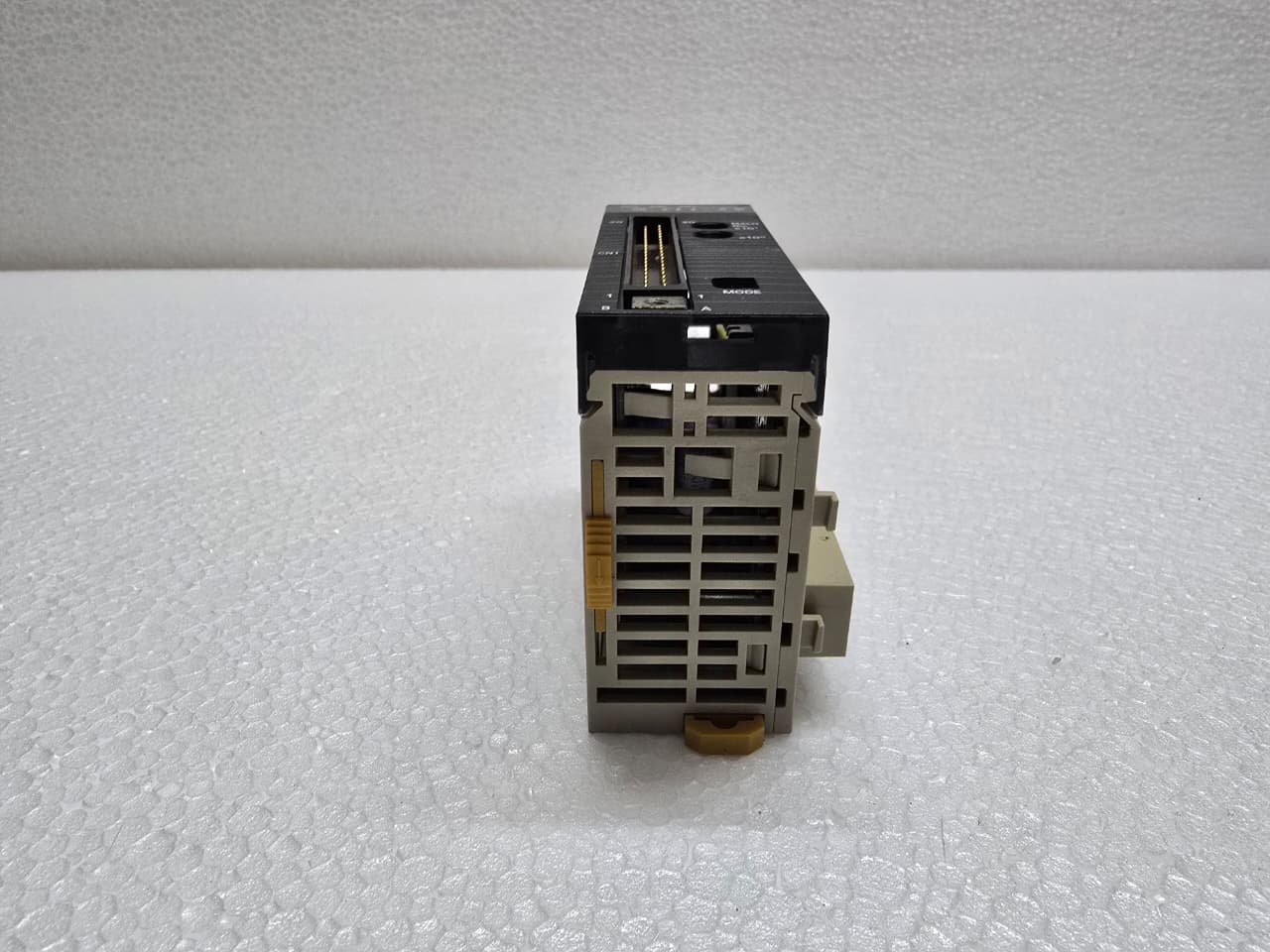
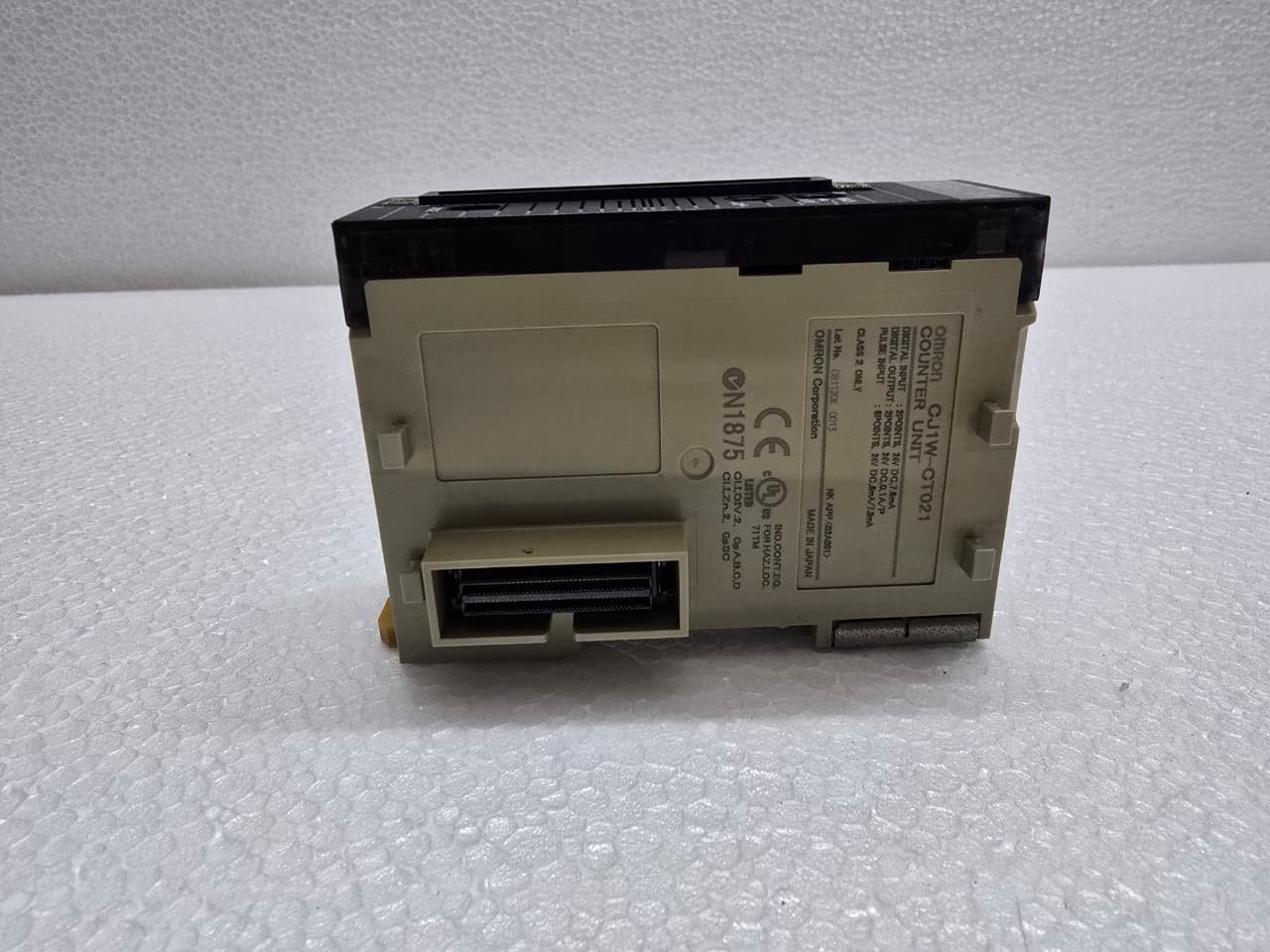
The Omron CJ1W-CT021 is a high-speed Counter Unit designed for the CJ-Series PLC (CJ1, CJ2, and NJ/NX via bus couplers). It is a high-performance module used to capture rapid pulses from rotary encoders or sensors that move too quickly for standard digital input cards to process.
The “021” designation indicates that this is a 2-channel unit.
1. Key Technical Specifications
| Feature | Details |
| Number of Channels | 2 Channels (independent) |
| Counting Frequency | Up to 500 kHz |
| Input Signals | Phase A, Phase B, and Phase Z (Index) |
| Input Voltage | 5V, 12V, or 24V DC (Hardware selectable terminals) |
| Outputs | 2 External Digital Outputs (per channel) |
| Counter Range | 32-bit (signed or unsigned) |
2. Functional Modes
The CJ1W-CT021 is highly configurable via the PLC’s “Special I/O Unit” settings:
-
Linear Counter: Counts between a lower and upper limit (e.g., for measuring the length of a cut).
-
Ring Counter: Resets to zero once it reaches a defined maximum value (e.g., for indexing tables or rotating 360°).
-
Comparison Operations: You can set “Target Values” or “Comparison Ranges.” When the counter reaches these values, the module can trigger the physical outputs on the front of the card directly—bypassing the PLC scan time for near-instantaneous response.
3. Wiring and Terminals
The module features a 40-pin connector. It is critical to select the correct pins based on your encoder’s voltage:
-
Encoder Inputs: There are separate pins for 5V, 12V, and 24V signals. Wiring a 24V signal to a 5V pin will damage the unit.
-
External Outputs: Each channel has two built-in NPN/PNP transistor outputs (total of 4). These are typically used to stop a motor or trigger a camera the exact millisecond a count is reached.
-
External Inputs: Each channel has digital inputs for functions like “Reset,” “Gate,” or “Preset.”
4. Software Configuration (CX-Programmer / Sysmac Studio)
Since this is a Special I/O Unit, it does not just work “out of the box.” You must:
-
Assign a Unit Number: Set the rotary switches on the front of the module (e.g., Unit 0).
-
Edit Parameters: In CX-Programmer, open the IO Table and Unit Setup, right-click the module, and select Edit Unit Parameters. Here, you define the counting mode, pulse input type (Phase Differential, Up/Down, etc.), and reset behavior.
-
Memory Mapping: The unit uses the CIO Area for control bits (Start/Stop) and the DM Area for configuration and reading the current count value.
Share:
 Omron CJ1W-CT021
₹33,316.00 Original price was: ₹33,316.00.₹14,755.00Current price is: ₹14,755.00.
The Omron CJ1W-CT021 is a high-speed Counter Unit designed for the CJ-Series PLC (CJ1, CJ2, and NJ/NX via bus couplers). It is a high-performance module used to capture rapid pulses from rotary encoders or sensors that move too quickly for standard digital input cards to process.
The “021” designation indicates that this is a 2-channel unit.
1. Key Technical Specifications
| Feature | Details |
| Number of Channels | 2 Channels (independent) |
| Counting Frequency | Up to 500 kHz |
| Input Signals | Phase A, Phase B, and Phase Z (Index) |
| Input Voltage | 5V, 12V, or 24V DC (Hardware selectable terminals) |
| Outputs | 2 External Digital Outputs (per channel) |
| Counter Range | 32-bit (signed or unsigned) |
2. Functional Modes
The CJ1W-CT021 is highly configurable via the PLC’s “Special I/O Unit” settings:
-
Linear Counter: Counts between a lower and upper limit (e.g., for measuring the length of a cut).
-
Ring Counter: Resets to zero once it reaches a defined maximum value (e.g., for indexing tables or rotating 360°).
-
Comparison Operations: You can set “Target Values” or “Comparison Ranges.” When the counter reaches these values, the module can trigger the physical outputs on the front of the card directly—bypassing the PLC scan time for near-instantaneous response.
3. Wiring and Terminals
The module features a 40-pin connector. It is critical to select the correct pins based on your encoder’s voltage:
-
Encoder Inputs: There are separate pins for 5V, 12V, and 24V signals. Wiring a 24V signal to a 5V pin will damage the unit.
-
External Outputs: Each channel has two built-in NPN/PNP transistor outputs (total of 4). These are typically used to stop a motor or trigger a camera the exact millisecond a count is reached.
-
External Inputs: Each channel has digital inputs for functions like “Reset,” “Gate,” or “Preset.”
4. Software Configuration (CX-Programmer / Sysmac Studio)
Since this is a Special I/O Unit, it does not just work “out of the box.” You must:
-
Assign a Unit Number: Set the rotary switches on the front of the module (e.g., Unit 0).
-
Edit Parameters: In CX-Programmer, open the IO Table and Unit Setup, right-click the module, and select Edit Unit Parameters. Here, you define the counting mode, pulse input type (Phase Differential, Up/Down, etc.), and reset behavior.
-
Memory Mapping: The unit uses the CIO Area for control bits (Start/Stop) and the DM Area for configuration and reading the current count value.


Reviews
There are no reviews yet.