


Hotline Order:
+91 9727278672 / +91 8238235003
Email ID:
info@shipautomationparts.com
Free Shipping apply to all orders over $299
Safe & securely shopping
20 Day Returns in case u change your mind.
Omron CJ1W-NCF71
$350.00 Original price was: $350.00.$165.00Current price is: $165.00.
Omron CJ1W-NCF71
Share:
 Omron CJ1W-NCF71
$350.00 Original price was: $350.00.$165.00Current price is: $165.00.
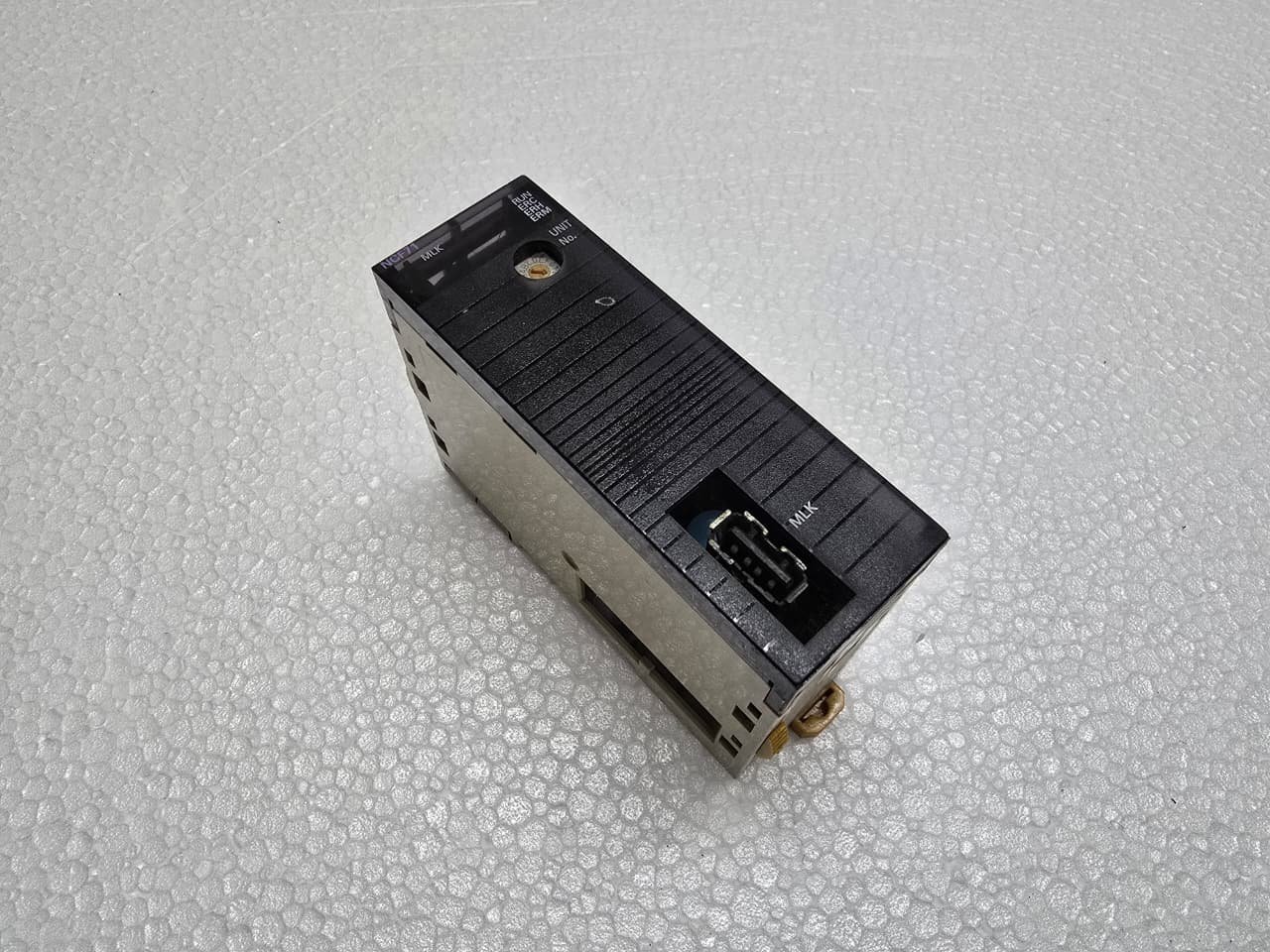
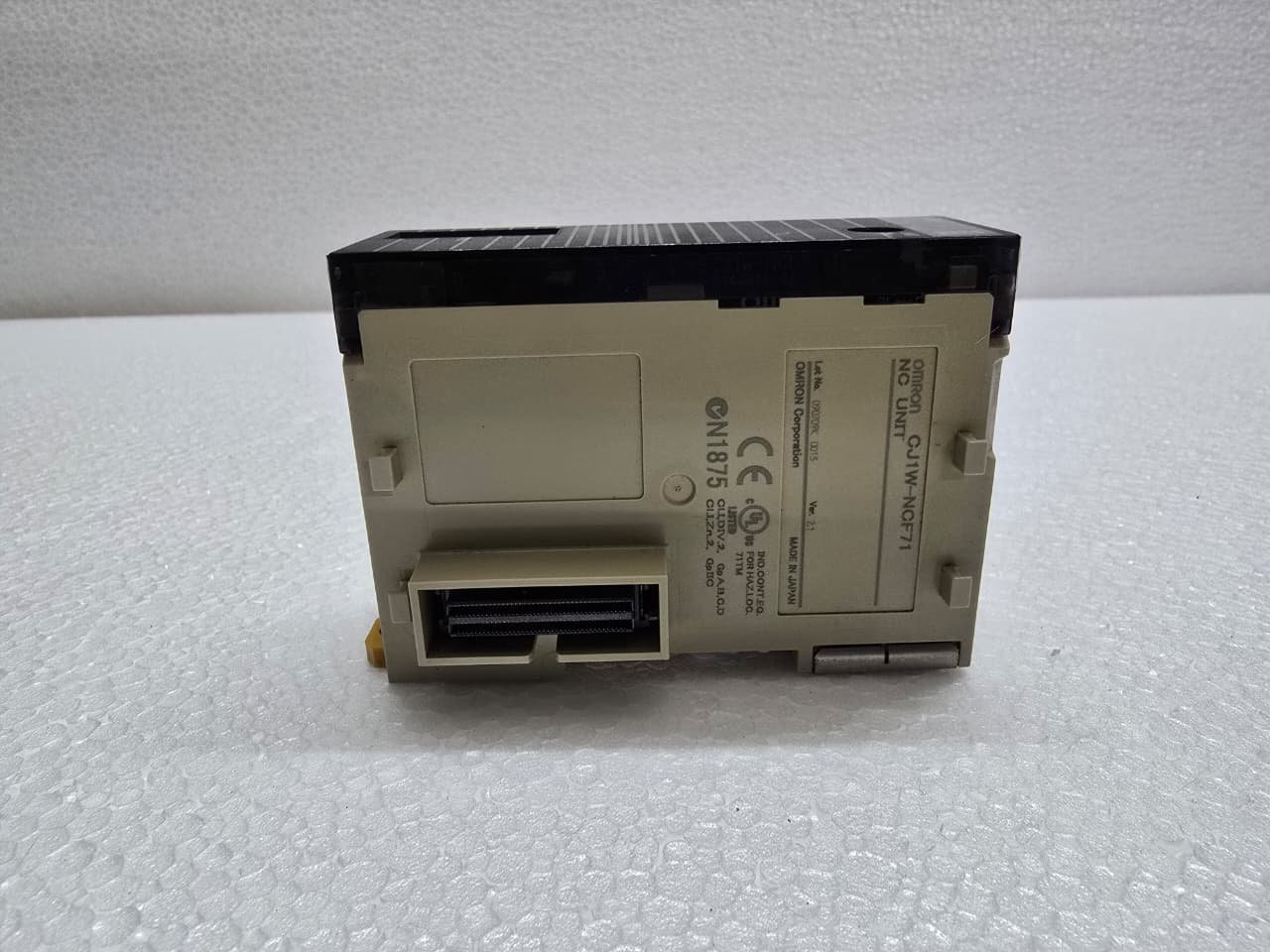
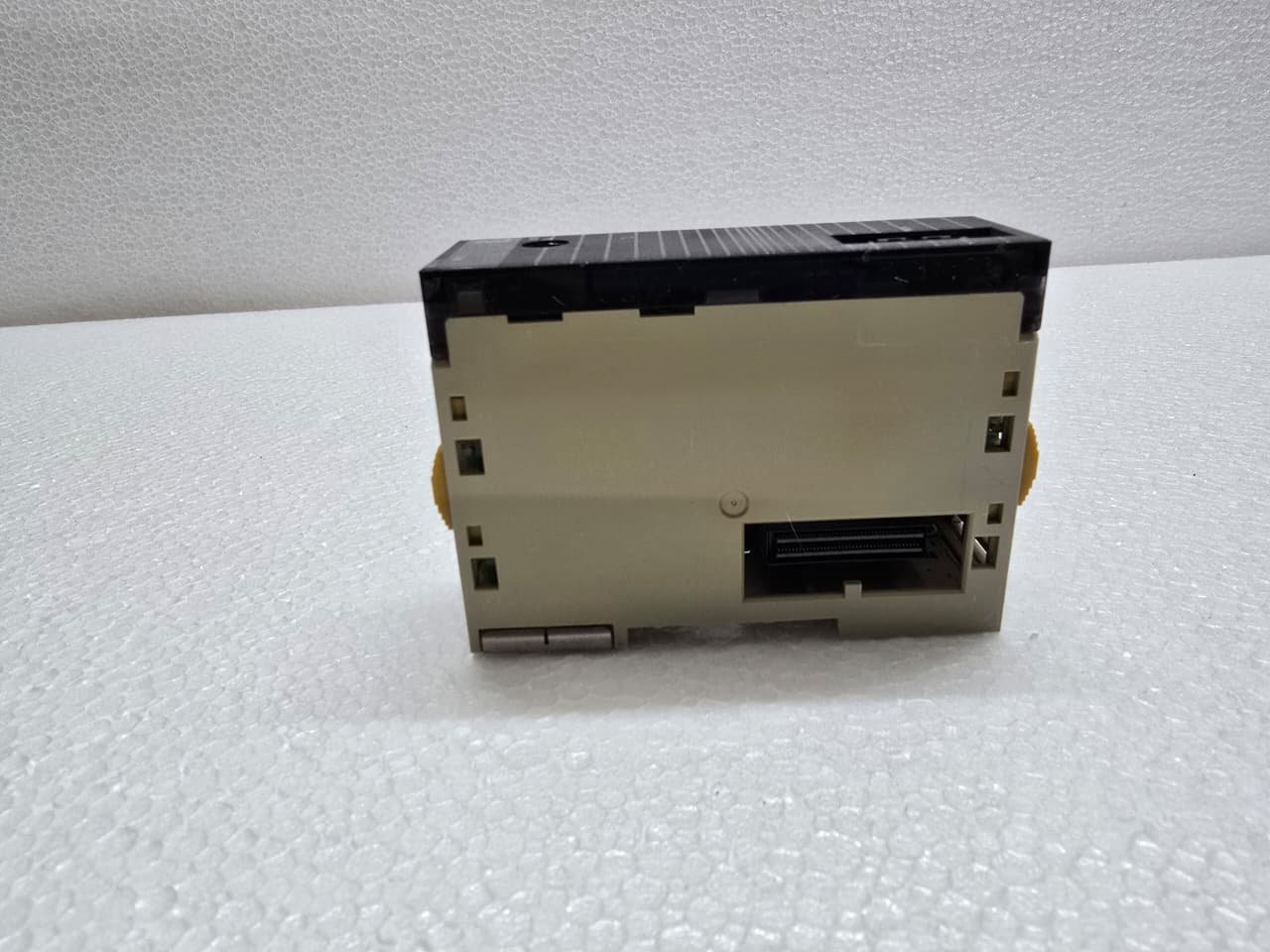
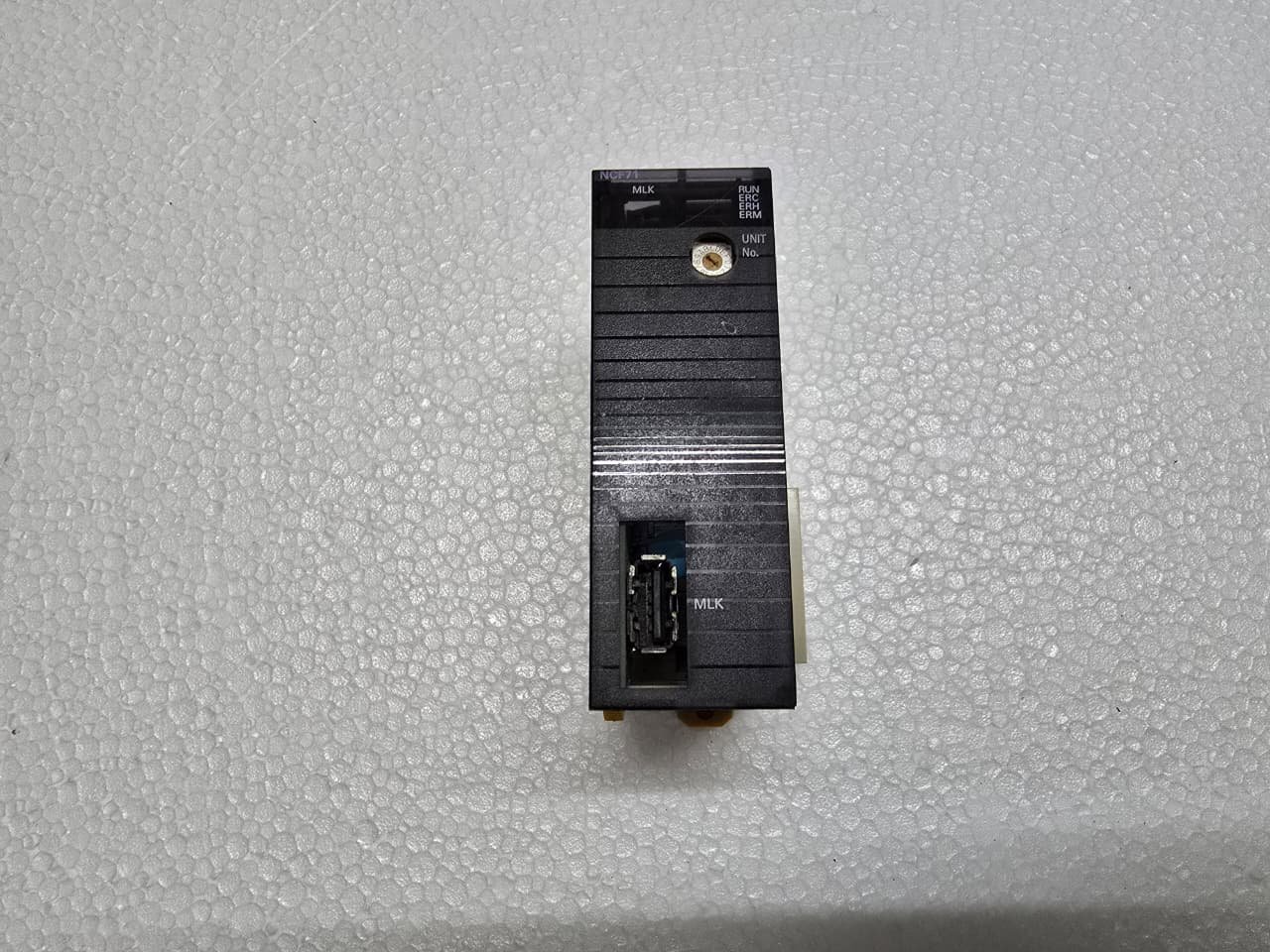
The Omron CJ1W-NCF71 is a Position Control Unit (PCU) for the CJ-series PLC. It is a high-performance motion controller that operates via MECHATROLINK-II, a specialized high-speed fieldbus for motion.
Unlike standard position units that use pulse trains (which require massive amounts of wiring), the NCF71 controls up to 16 axes of servos using a single shielded twisted-pair cable.
1. Key Technical Specifications
The “NCF71” is the mid-range model in this series, capable of managing complex multi-axis motion.
| Feature | Details |
| Number of Axes | 1 to 16 Axes |
| Communication | MECHATROLINK-II (10 Mbps) |
| Control Modes | Position, Speed, and Torque Control |
| Transmission Distance | Up to 50 meters total network length |
| PLC Compatibility | Omron CJ1, CJ2, and NJ/NX (via CJ-bus) |
2. The MECHATROLINK-II Advantage
Because the NCF71 uses a digital bus, it can do more than just send position commands. It can:
-
Read Motor Data: Monitor real-time torque, actual position, and error codes from the servo drive.
-
Modify Parameters: Change servo gains or limits directly from the PLC ladder program.
-
Reduced Wiring: You only need a short patch cable between each servo drive (daisy-chain), drastically reducing cabinet clutter.
3. Wiring and Connection
The unit features a specific USB-style connector (though it is NOT a standard USB port) for the MECHATROLINK-II cable.
-
Terminator: The last servo drive in the daisy-chain network must have a 120-ohm terminator (Omron FNY-W6022) plugged in, or the network will suffer from data reflections and communication errors.
-
External Power: The module itself is powered by the CJ1 backplane, but the communication bus power is handled internally.
4. Programming and Software
To use the NCF71, you must use CX-Programmer (part of the CX-One suite) and the CX-Motion-NCF tool.
-
Unit Number: Set the rotary switches on the front of the module (e.g., Unit 0). This determines the memory addresses ($CIO$ and $D$ areas) the PLC uses to talk to the card.
-
Scan List: You must “Register” the connected servo drives in the scan list so the NCF71 knows how many axes to look for.
-
Function Blocks: Omron provides “Smart FB” (Function Blocks) that make it easy to perform tasks like Power On, Home, and Absolute Move without writing complex hex-code logic.
5. Common Status LEDs
-
RUN (Green): Module is operating normally.
-
ERC (Red): Internal module error.
-
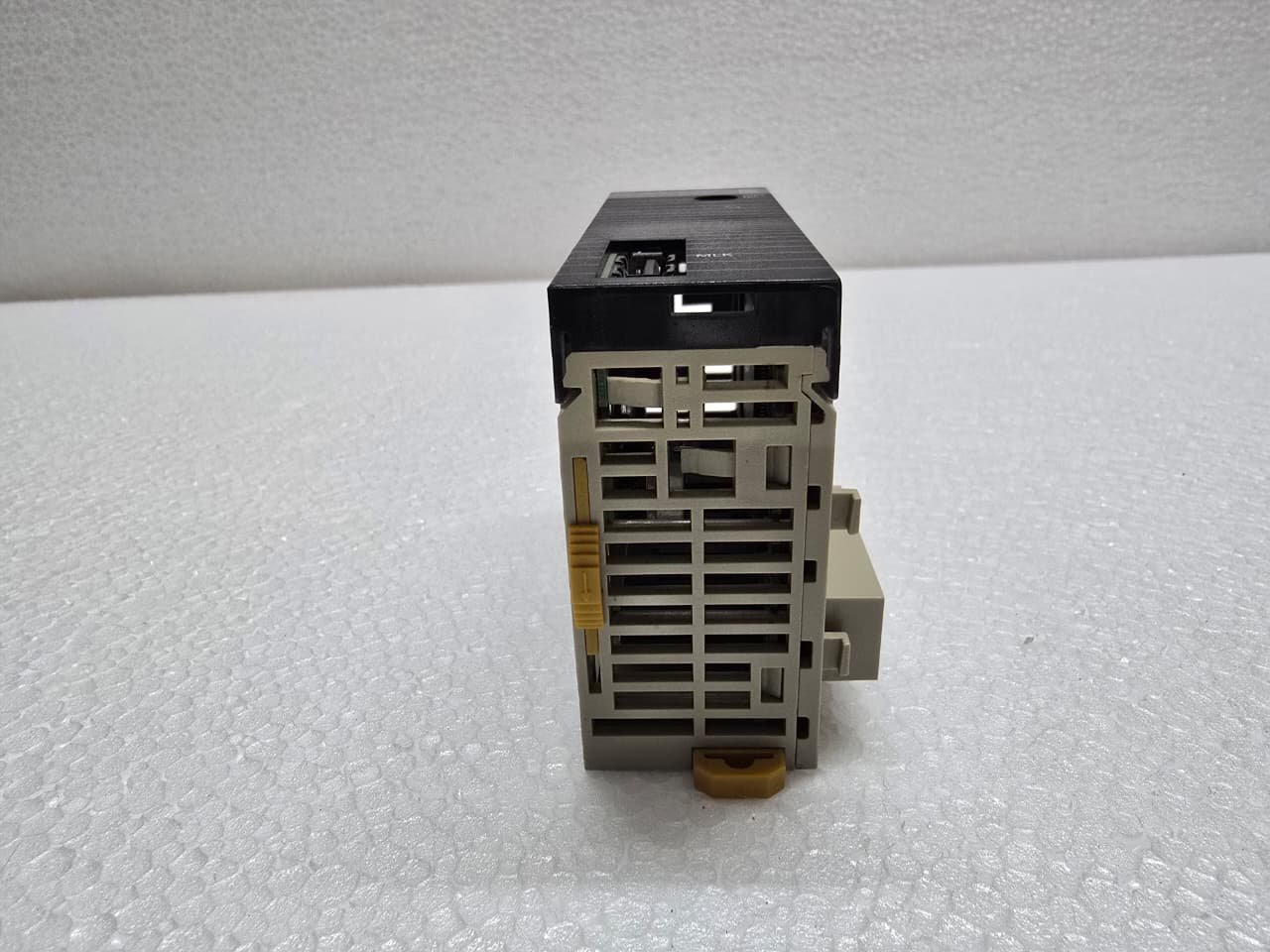
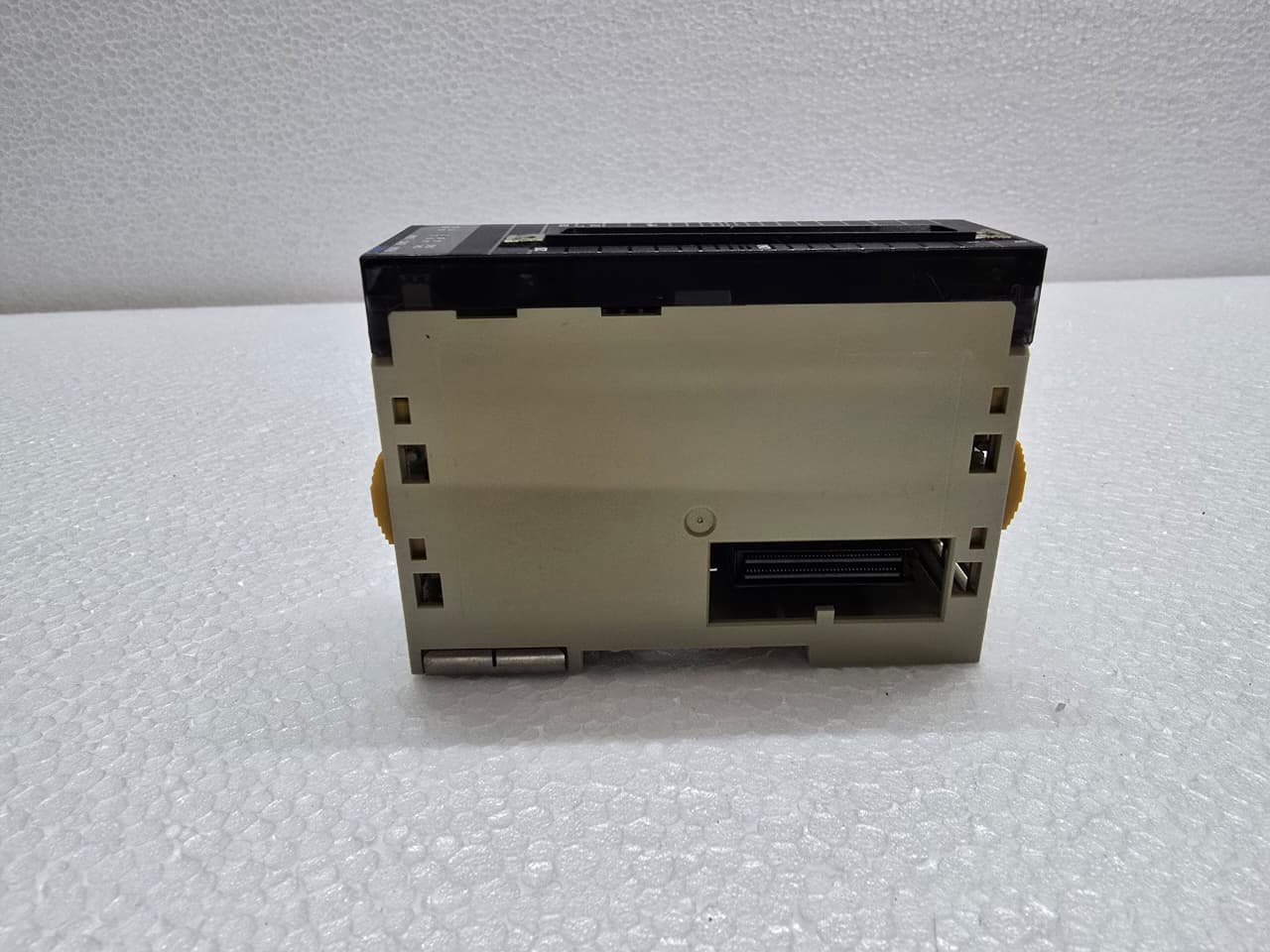
ERH (Red): CPU bus error (check the pins on the backplane).
-
MLK (Green): Flashing indicates active MECHATROLINK-II communication.
-
LNK (Green): Solid indicates a physical link to the servo drives is established.


Reviews
There are no reviews yet.