


Hotline Order:
+91 9727278672 / +91 8238235003
Email ID:
info@shipautomationparts.com
Free Shipping apply to all orders over $299
Safe & securely shopping
20 Day Returns in case u change your mind.
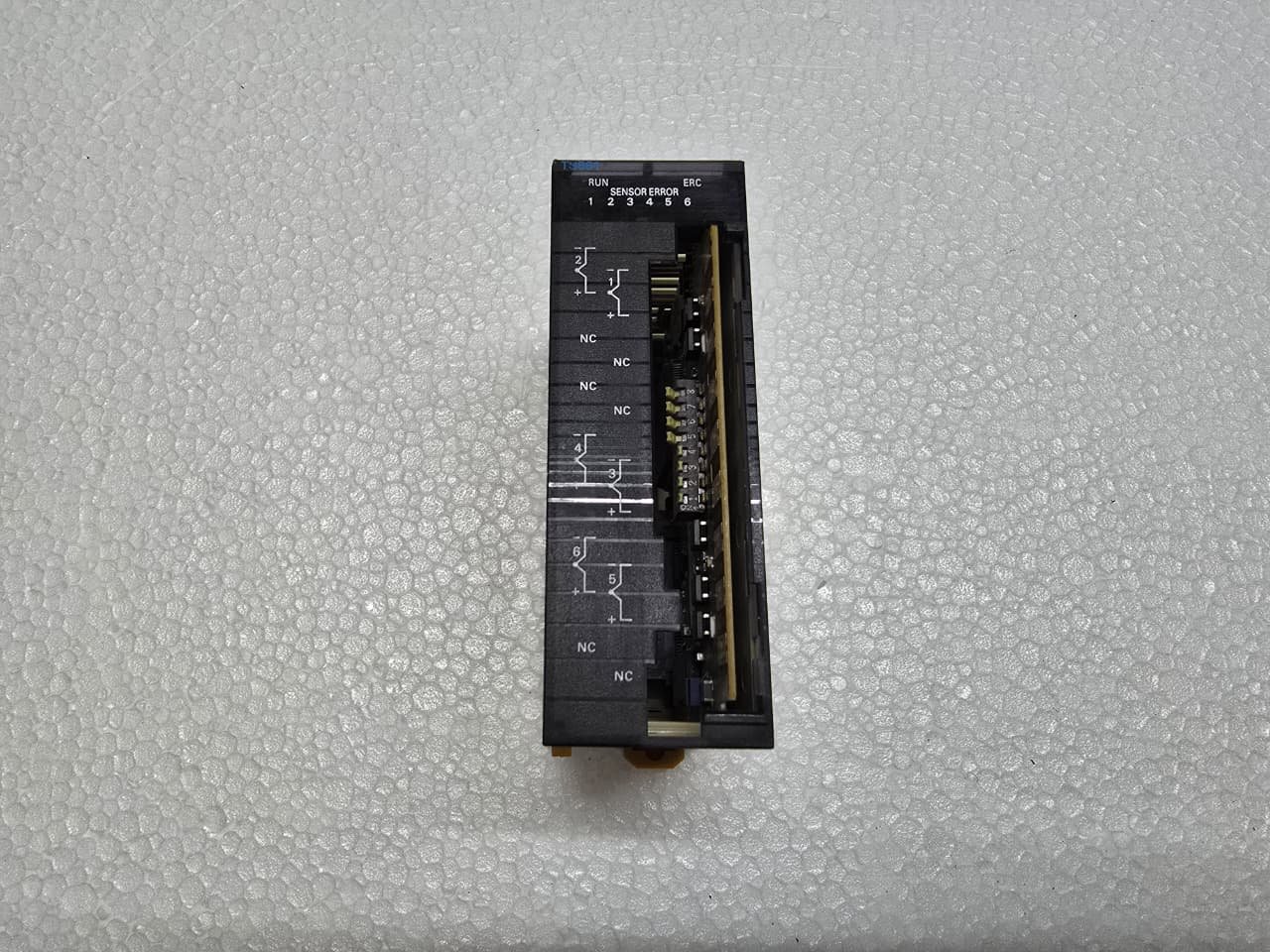
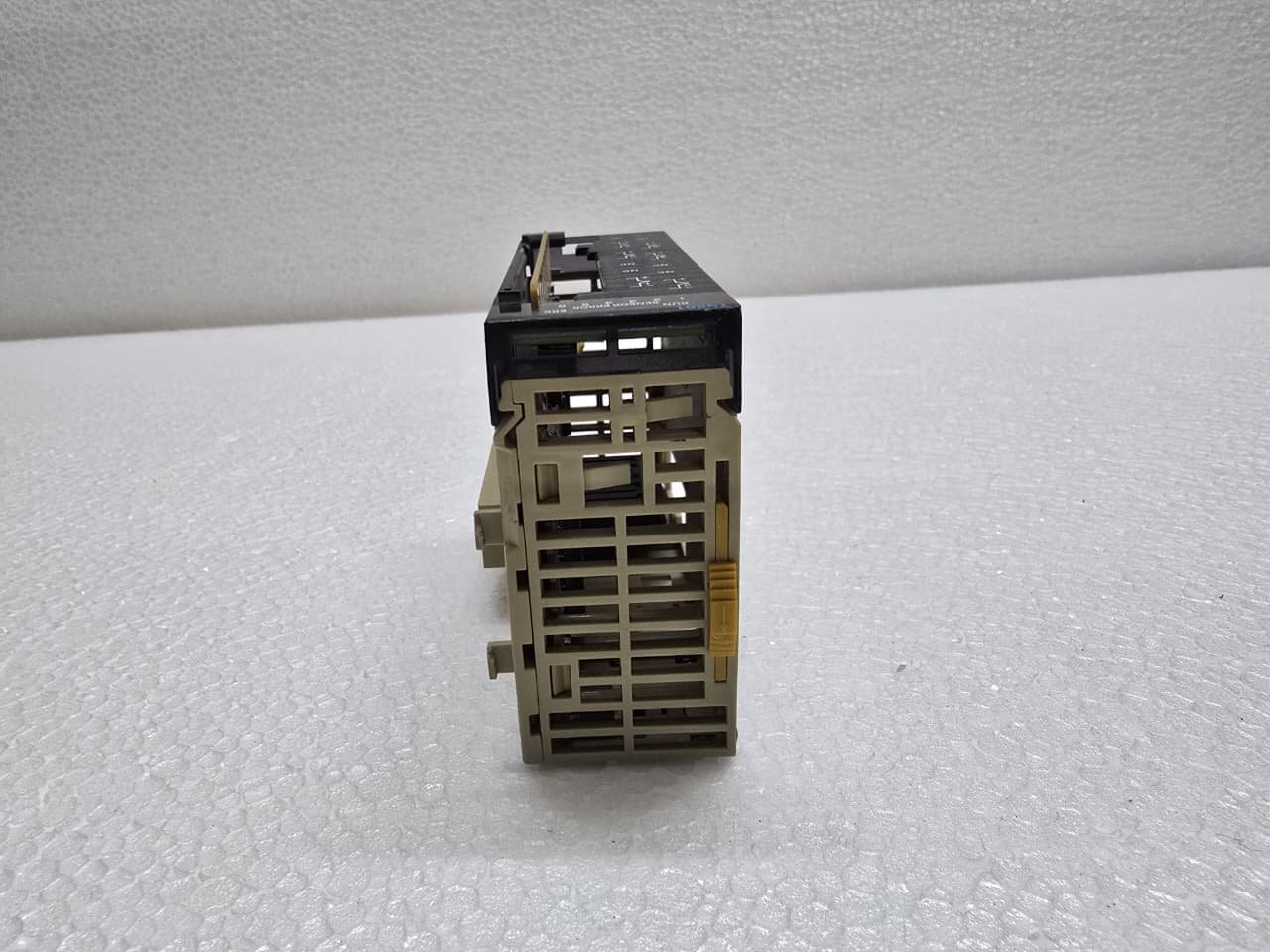
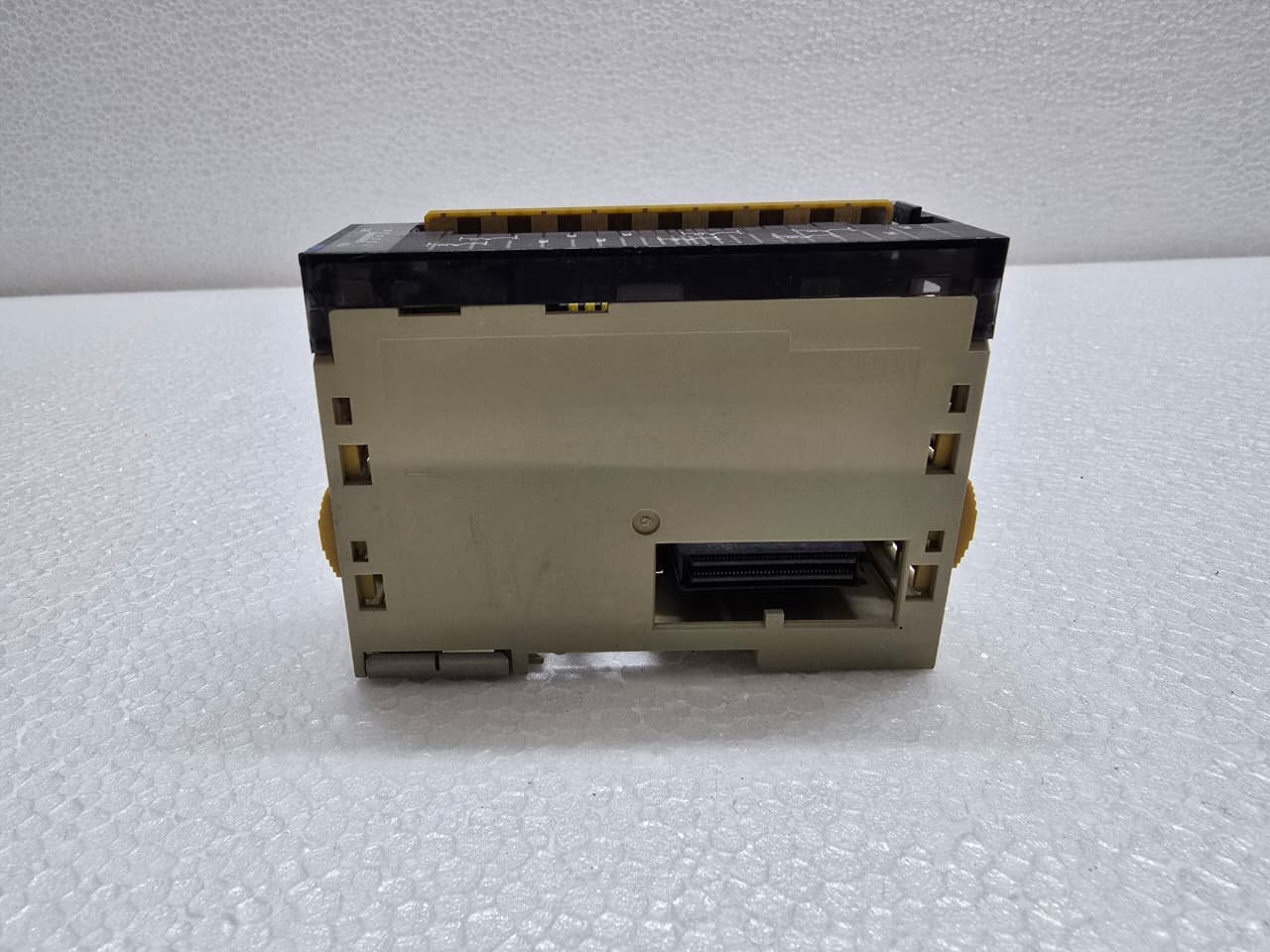
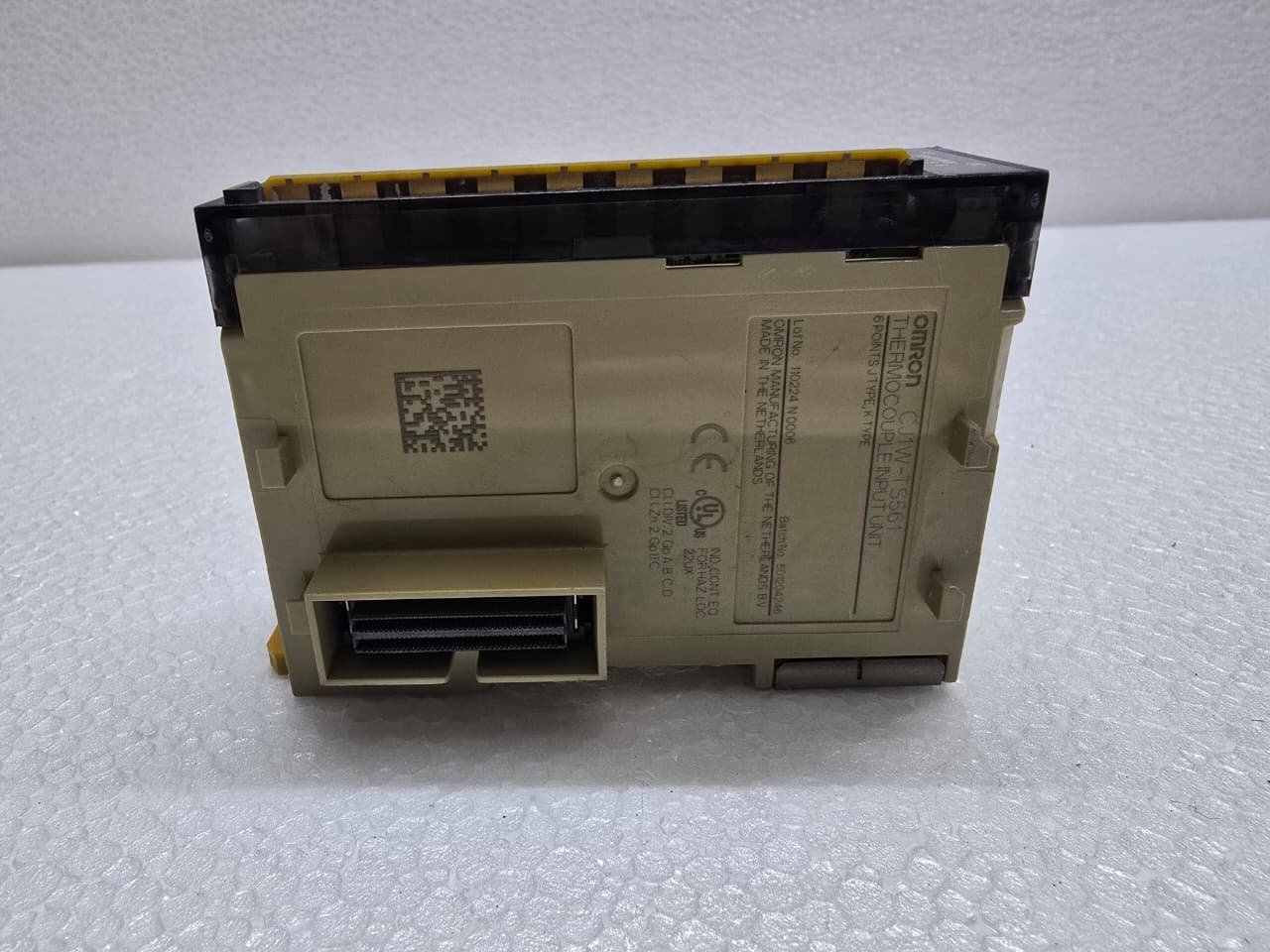
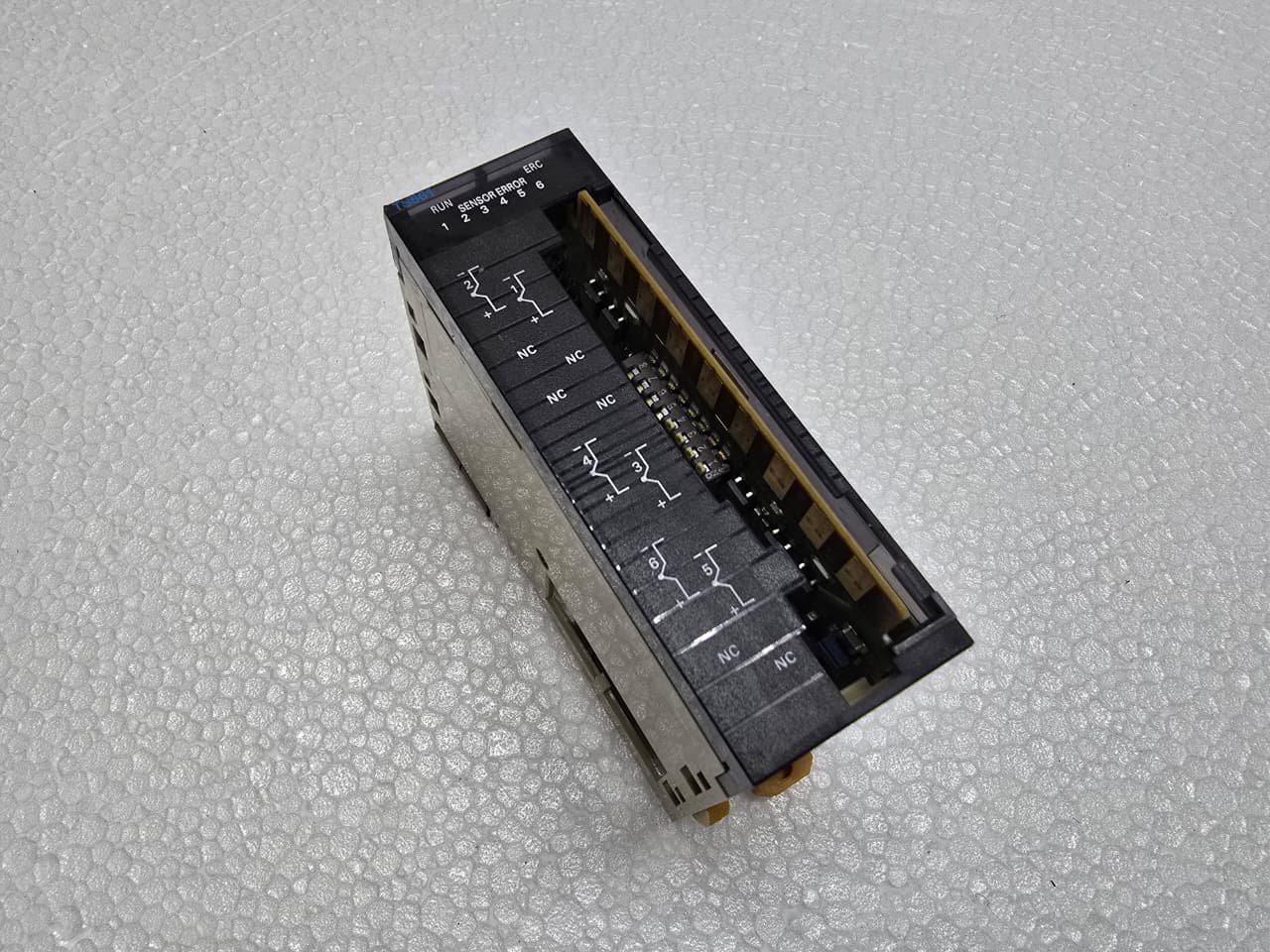
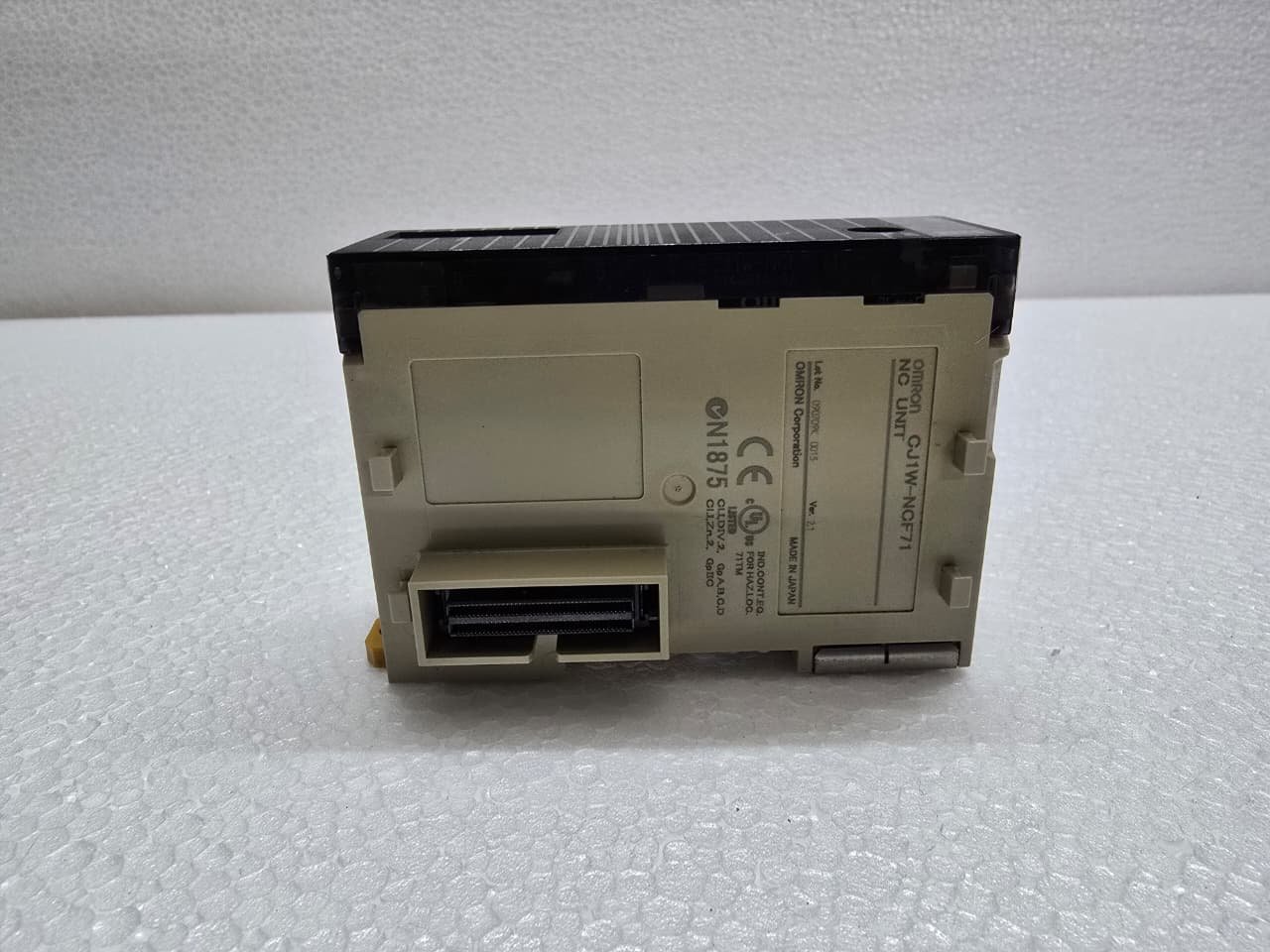
Omron CJ1W-TS561 Temperature Control/Input Unit
₹21,894.00 Original price was: ₹21,894.00.₹14,755.00Current price is: ₹14,755.00.
The Omron CJ1W-TS561 is a high-accuracy Temperature Control/Input Unit for the CJ1 and CJ2 series PLC systems. It is specifically designed to interface with Thermocouples, allowing the PLC to monitor temperature across multiple zones with high precision.
1. Key Technical Specifications
The “561” model is a 6-channel unit, providing a high density of inputs in a single CJ-series slice.
| Feature | Details |
| Number of Inputs | 6 Channels |
| Input Types | Thermocouples: J, K, L, B, R, S, T, U, N, WRe5-26, PLII |
| Resolution | 0.1°C or 1°C (selectable) |
| Conversion Time | 250 ms for all 6 channels |
| Isolation | Photocoupler isolation between inputs and PLC bus |
| Terminal Block | Removable screw terminals |
2. Wiring and Cold Junction Compensation
Temperature measurement accuracy depends heavily on the Cold Junction Compensation (CJC).
-
Built-in Sensor: The TS561 has a CJC sensor mounted directly on the terminal block.
-
Important: If you swap the terminal block with one from a different module, your temperature readings will become inaccurate because each block is calibrated to its specific module.
-
Shielding: Use compensated thermocouple wire for the entire run and ground the shield at the PLC side to prevent electrical noise from causing “jitter” in your data.
3. I/O Allocation and Memory Map
The CJ1W-TS561 does not use standard I/O bits; it uses the Special I/O Unit (CIO) and DM (Data Memory) areas.
-
Unit Number: You must set the rotary switches on the front of the module (0–95). This determines the memory address.
-
CIO Area: The measured temperature values are written directly into the CIO area based on the unit number ($n = CIO 2000 + Unit No. \times 10$).
-
Channel 1: $n+1$
-
Channel 2: $n+2$ … and so on.
-
-
DM Area: Used for configuration (selecting thermocouple type, Celsius vs. Fahrenheit, and filtering).
4. Configuration via CX-Programmer
To set up the module, you don’t necessarily need to write complex code. You can use the I/O Table and Unit Setup tool:
-
Open the I/O Table in CX-Programmer.
-
Right-click the TS561 and select Unit Setup.
-
Choose the thermocouple type (e.g., “K”) for each channel.
-
Transfer the settings to the PLC and restart the unit.
Share:
 Omron CJ1W-TS561 Temperature C...
₹21,894.00 Original price was: ₹21,894.00.₹14,755.00Current price is: ₹14,755.00.
The Omron CJ1W-TS561 is a high-accuracy Temperature Control/Input Unit for the CJ1 and CJ2 series PLC systems. It is specifically designed to interface with Thermocouples, allowing the PLC to monitor temperature across multiple zones with high precision.
1. Key Technical Specifications
The “561” model is a 6-channel unit, providing a high density of inputs in a single CJ-series slice.
| Feature | Details |
| Number of Inputs | 6 Channels |
| Input Types | Thermocouples: J, K, L, B, R, S, T, U, N, WRe5-26, PLII |
| Resolution | 0.1°C or 1°C (selectable) |
| Conversion Time | 250 ms for all 6 channels |
| Isolation | Photocoupler isolation between inputs and PLC bus |
| Terminal Block | Removable screw terminals |
2. Wiring and Cold Junction Compensation
Temperature measurement accuracy depends heavily on the Cold Junction Compensation (CJC).
-
Built-in Sensor: The TS561 has a CJC sensor mounted directly on the terminal block.
-
Important: If you swap the terminal block with one from a different module, your temperature readings will become inaccurate because each block is calibrated to its specific module.
-
Shielding: Use compensated thermocouple wire for the entire run and ground the shield at the PLC side to prevent electrical noise from causing “jitter” in your data.
3. I/O Allocation and Memory Map
The CJ1W-TS561 does not use standard I/O bits; it uses the Special I/O Unit (CIO) and DM (Data Memory) areas.
-
Unit Number: You must set the rotary switches on the front of the module (0–95). This determines the memory address.
-
CIO Area: The measured temperature values are written directly into the CIO area based on the unit number ($n = CIO 2000 + Unit No. \times 10$).
-
Channel 1: $n+1$
-
Channel 2: $n+2$ … and so on.
-
-
DM Area: Used for configuration (selecting thermocouple type, Celsius vs. Fahrenheit, and filtering).
4. Configuration via CX-Programmer
To set up the module, you don’t necessarily need to write complex code. You can use the I/O Table and Unit Setup tool:
-
Open the I/O Table in CX-Programmer.
-
Right-click the TS561 and select Unit Setup.
-
Choose the thermocouple type (e.g., “K”) for each channel.
-
Transfer the settings to the PLC and restart the unit.


Reviews
There are no reviews yet.